Your script says Mira hands the letter to Kai. The page shows Kai handing it to a stranger. That is not a style choice; the page did not follow the script. Script Match is the fix for exactly that.
What Script Match fixes
- Wrong face: someone does not look like their character sheet.
- Someone missing, or someone extra who should not be there.
- Wrong speaker: a bubble points at the wrong person.
- Wrong action, wrong place or props, garbled words, or panels mixed up.
How to use it
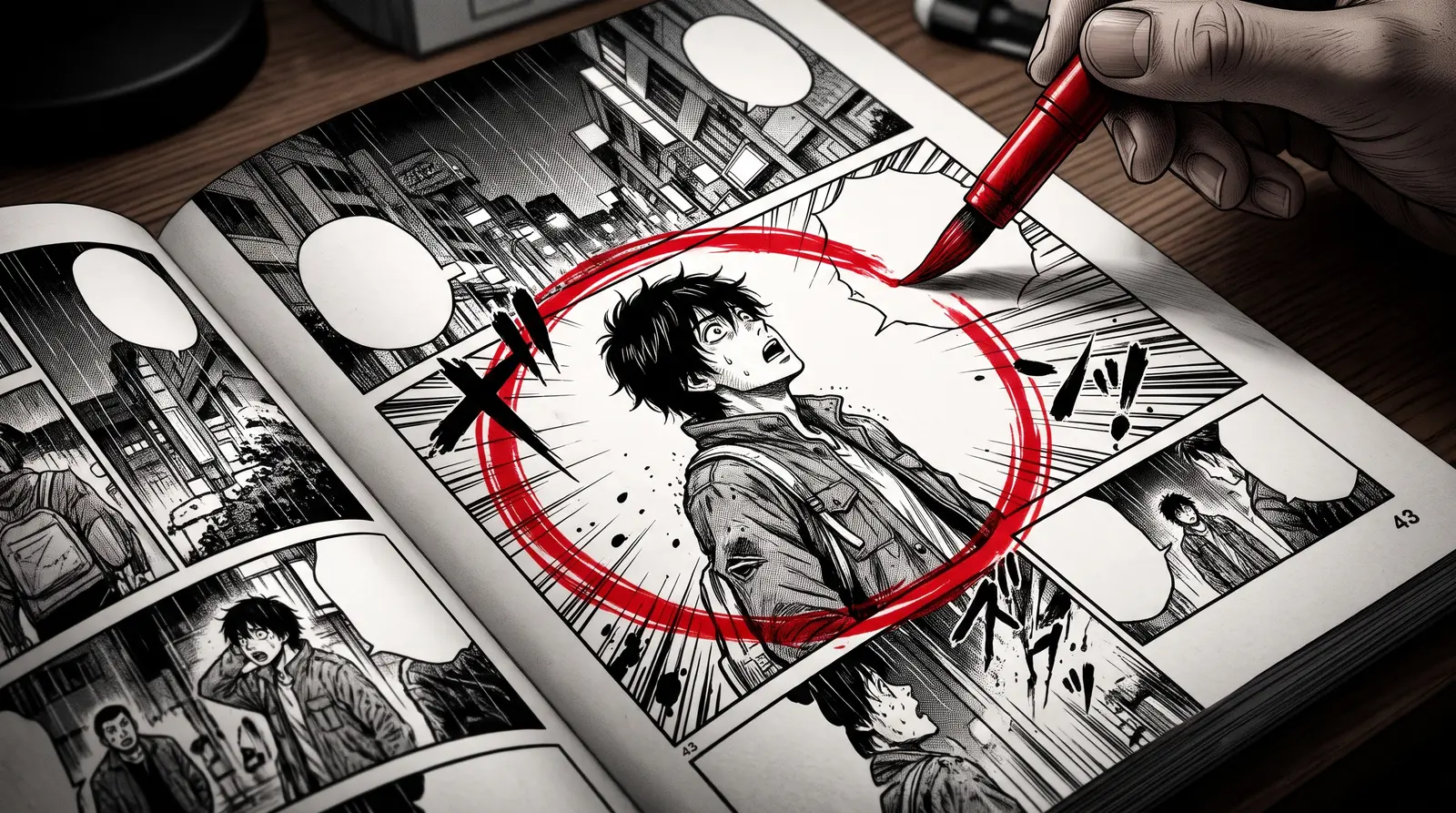
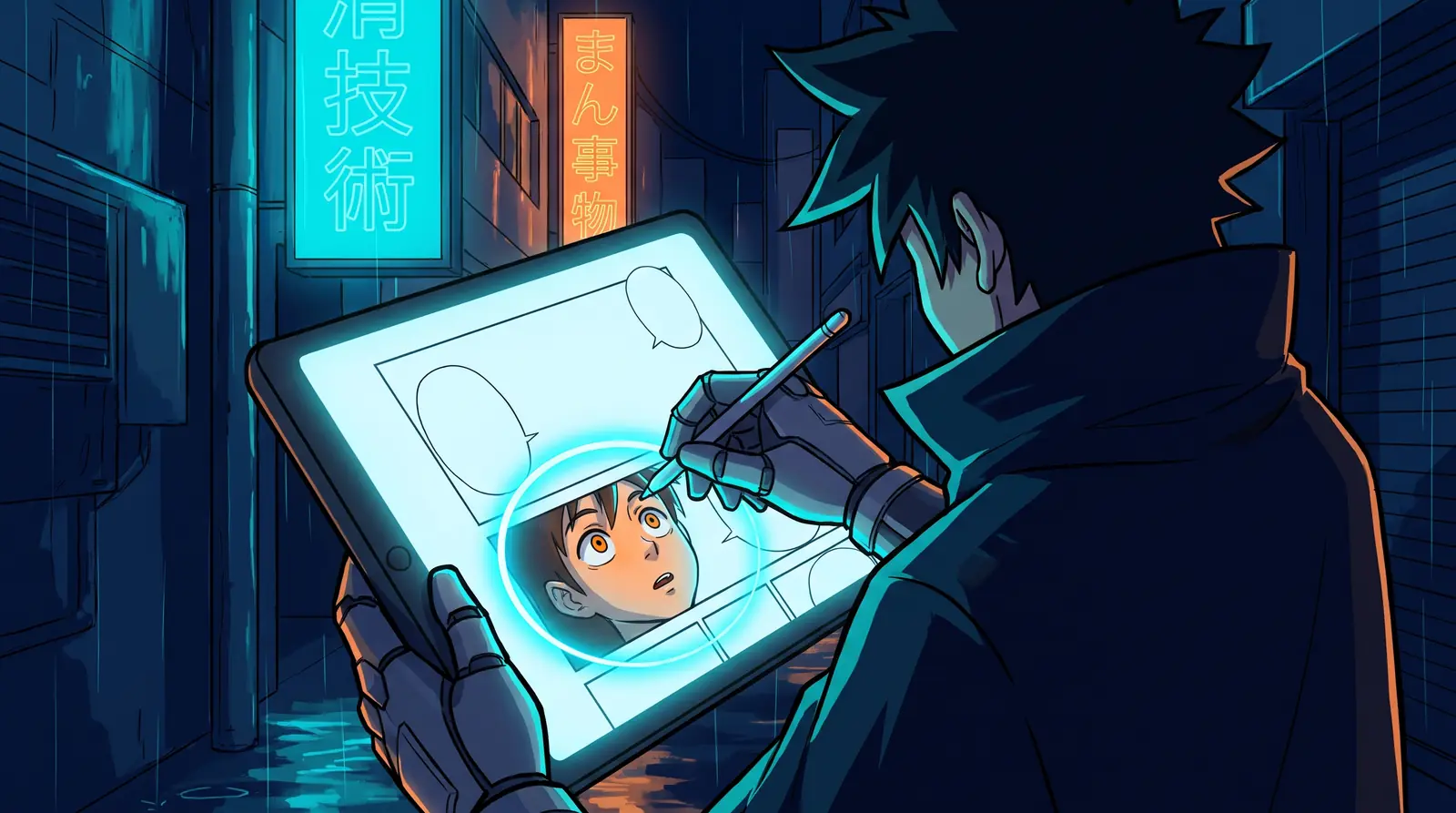
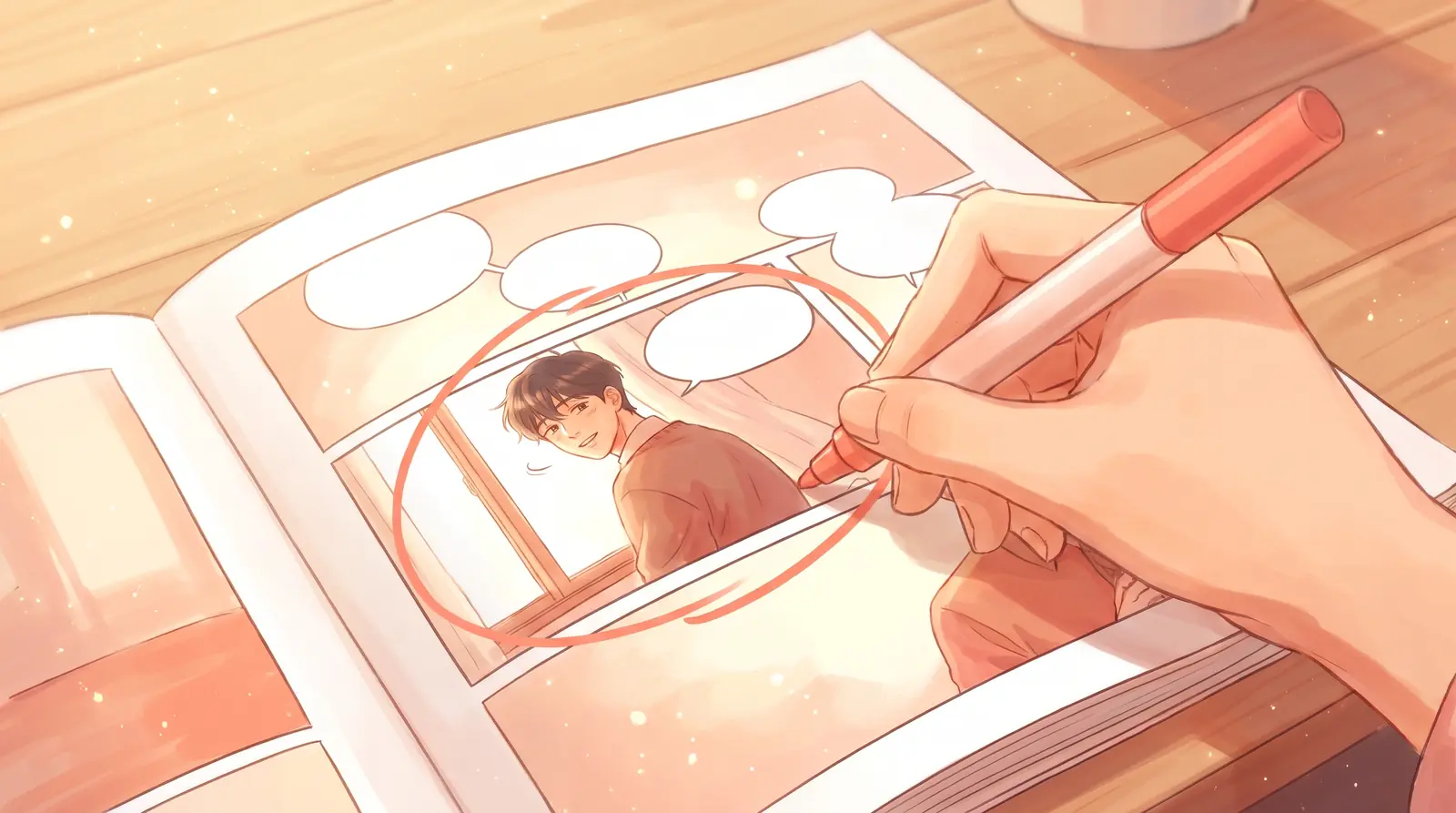
Tap the page and circle the problem with Mark and fix, saying what is wrong (for example "this should be Mira, not Kai"). Marks like this become a Script Match by themselves.
Add more marks on other panels if needed. Each one becomes a rule the redraw must follow.
Press redraw. The whole page is drawn again from your script, with your marks as hard corrections.
Compare, then keep the new page or go back.
Included with paid plans
Script Match redraws are part of every paid plan: 6 a month on Creator, 15 on Professional and 40 on Studio, up to 2 for any one page. On Free, a Script Match costs 1 credit. The button tells you which before you press it.
Questions people ask
How is Script Match different from Redraw page?
Redraw page draws the page again as written. Script Match redraws it with your marks as rules the new drawing must follow, and is included with paid plans.
What if the script itself is wrong?
Edit the panel in Script + pages first (free), then redraw the page.