
Understanding Your AI Panel Usage and Upgrades
How MangaOra usage works: free tier limits, AI panels and transformations, when you see upgrade prompts, and what you get when you upgrade.
What counts toward usage
MangaOra tracks two main types of AI usage each month: AI panel generation (every time you generate a new panel or page image) and drawing transformations (when you use "Transform a drawing" to turn a sketch into manga, comic, or webtoon style). Your dashboard and Studio show how many you've used and how many you have left. Exports may also have a limit on the free tier; paid plans typically include more or unlimited exports.
Free tier limits
On the free tier, you get a limited number of image credits each month—enough to try Studio with one book, one chapter, and up to eight illustrated pages. Free PDF and ZIP downloads include a watermark. When you're ready to build longer books, upgrading removes those caps and gives you clean exports.
When you see "almost out" or upgrade prompts
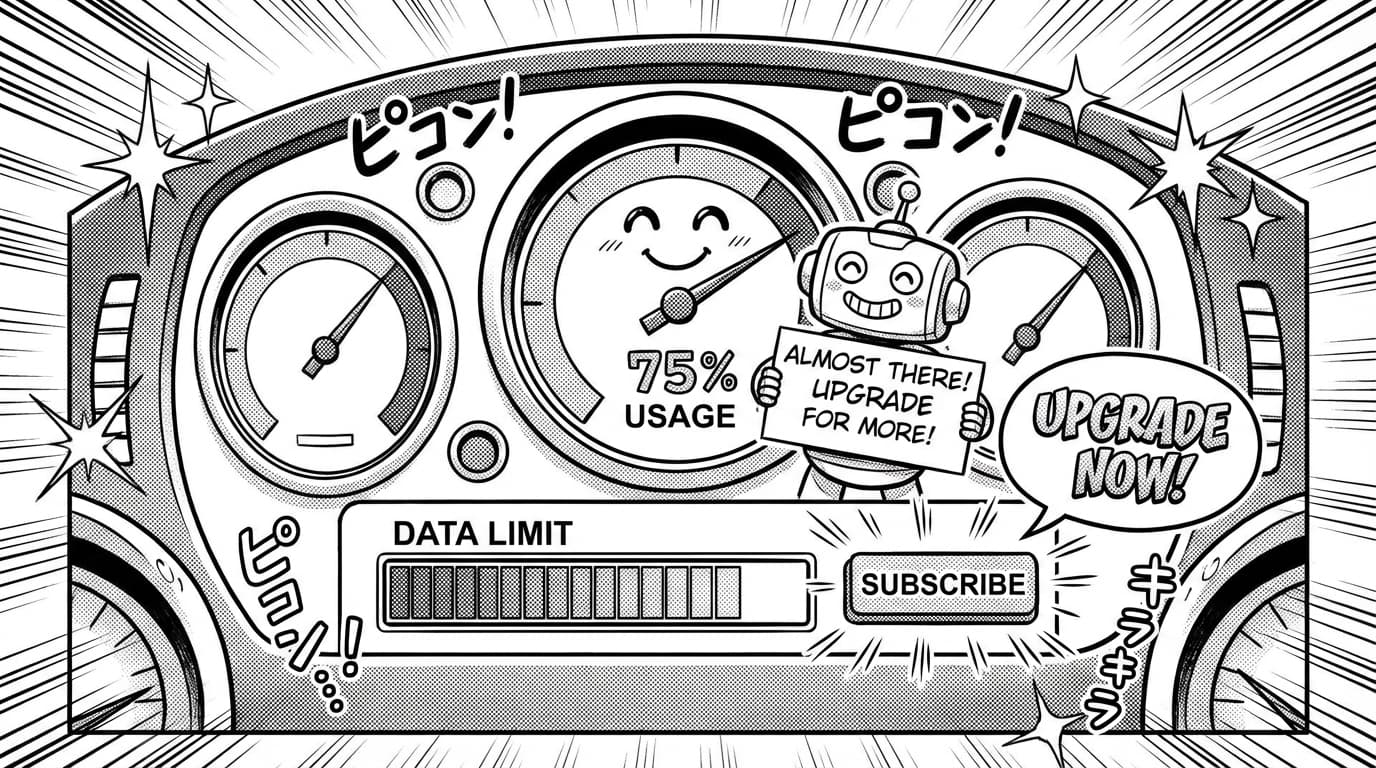
When you're on the free tier and close to your panel limit (for example, one or two panels left), MangaOra may show a short message suggesting you upgrade—with a link to plans and benefits. You can keep using your remaining panels; the prompt is there so you don't run out mid-book without warning. The same idea applies in Studio: if you're near the limit, you might see a reminder there too.
What upgrading gives you
Paid plans (e.g. Creator, Professional, Studio) give you more image credits per month, unlimited Studio books and chapters, clean exports with no watermark, and Showcase. Liora (story and panel advice) is included with higher monthly question limits on paid tiers. Check the pricing or billing page for current limits and features so you can pick the plan that fits how much you create.
Add-on credits
Depending on your plan, you may be able to buy add-on credit packages for extra AI panels or transformations in a given month. That way you can handle a busy month or a big chapter without changing your subscription. Your dashboard or billing area will show whether add-ons are available and how they apply to your usage.