
Manga, comic, and webtoon maker
BRING YOUR IDEAS TO
MANGA, COMICS & WEBTOONS
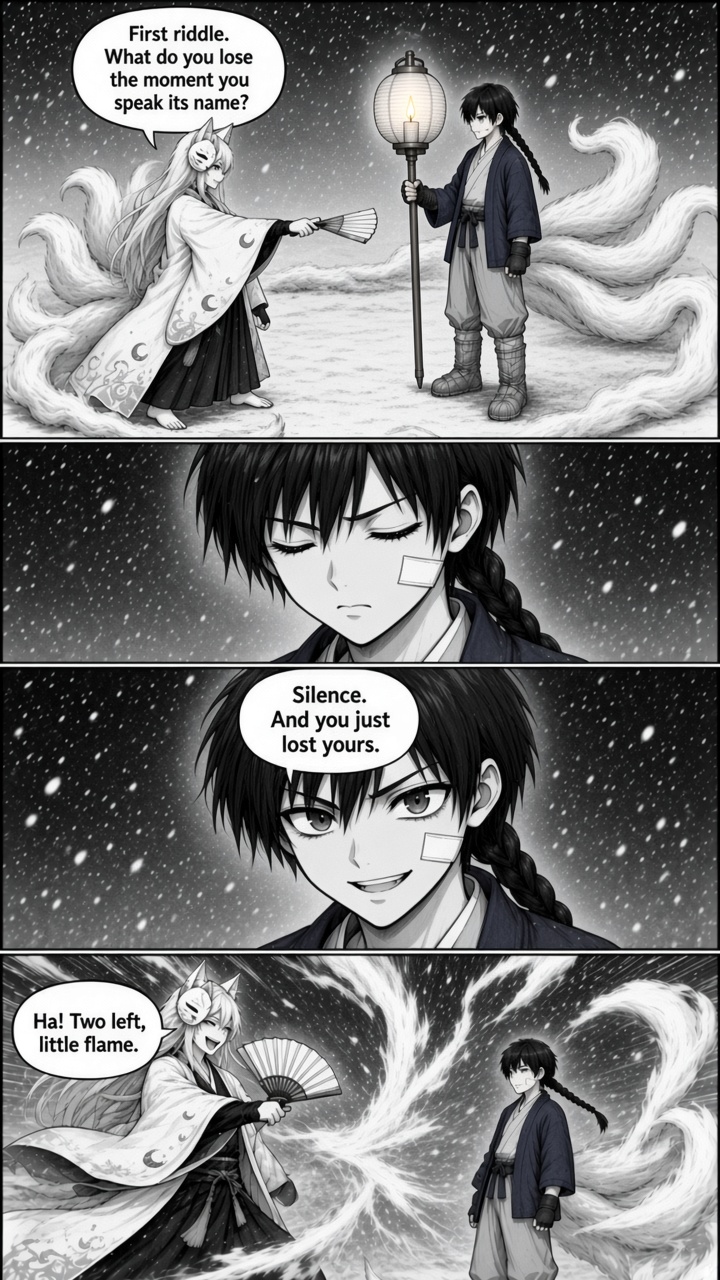
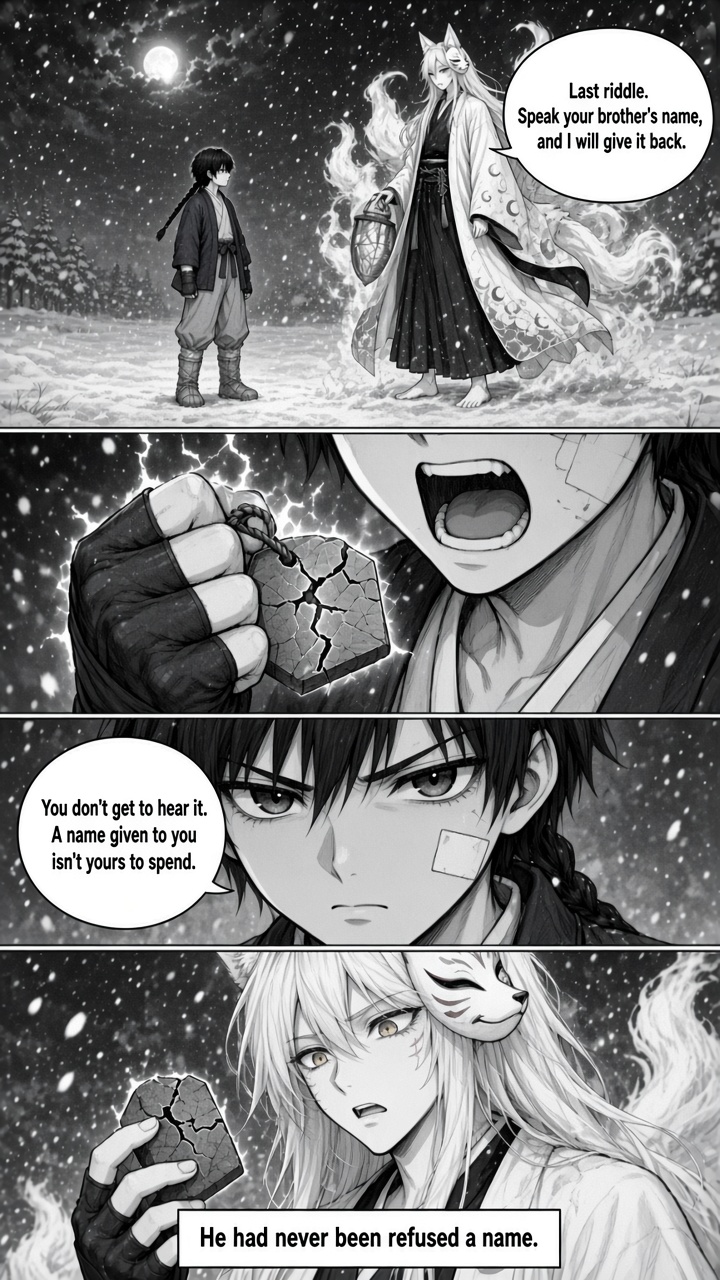
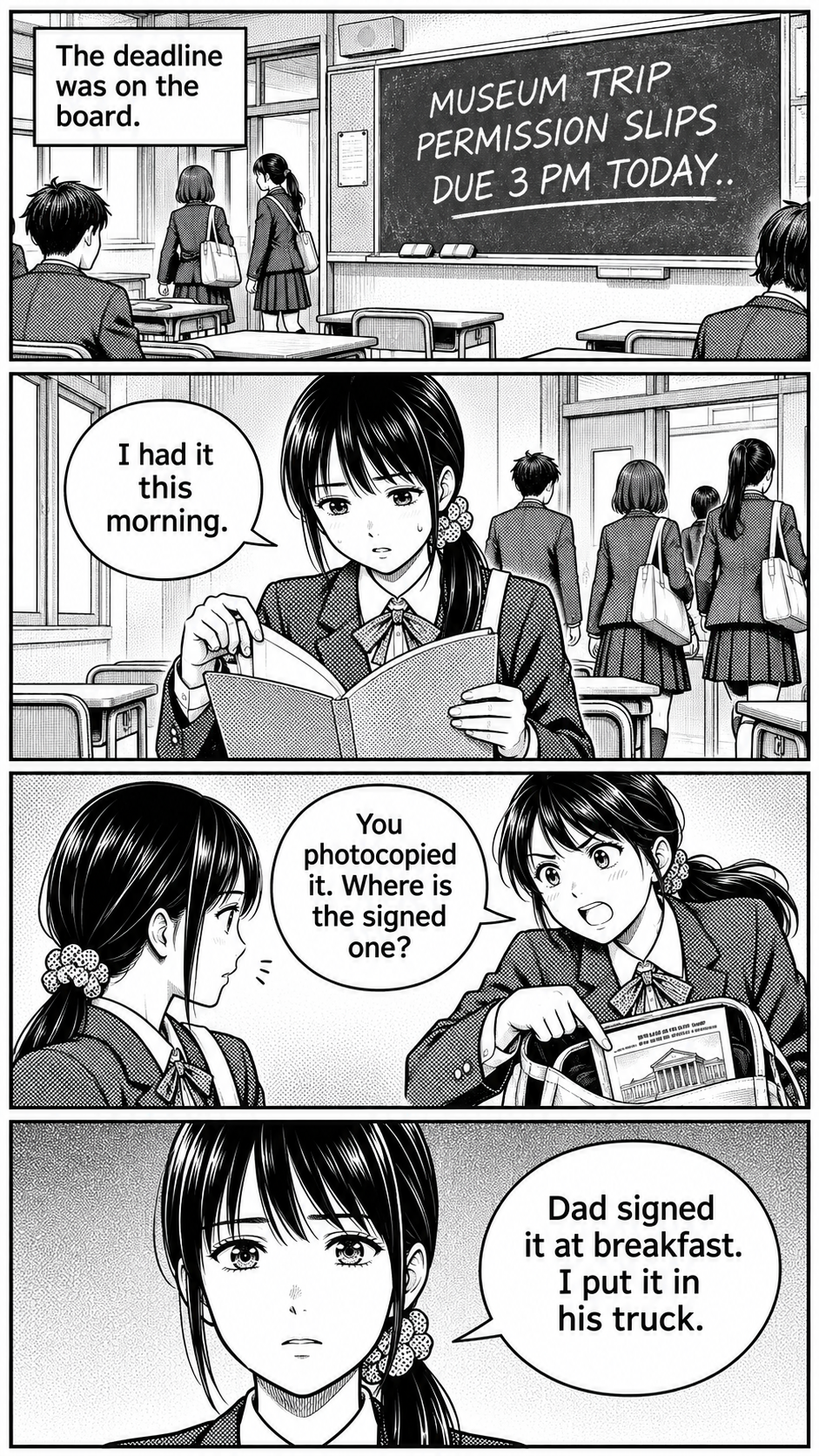
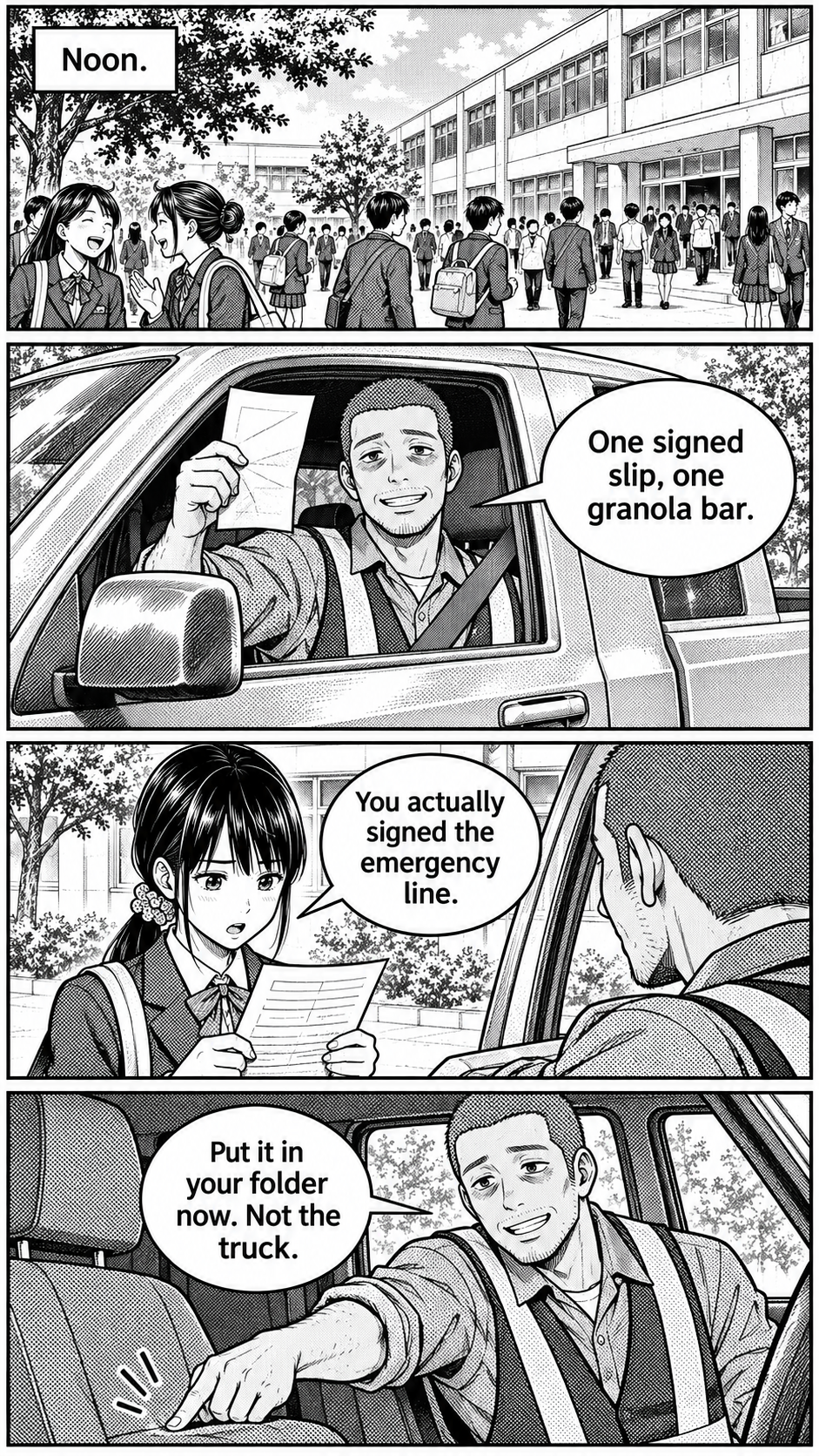
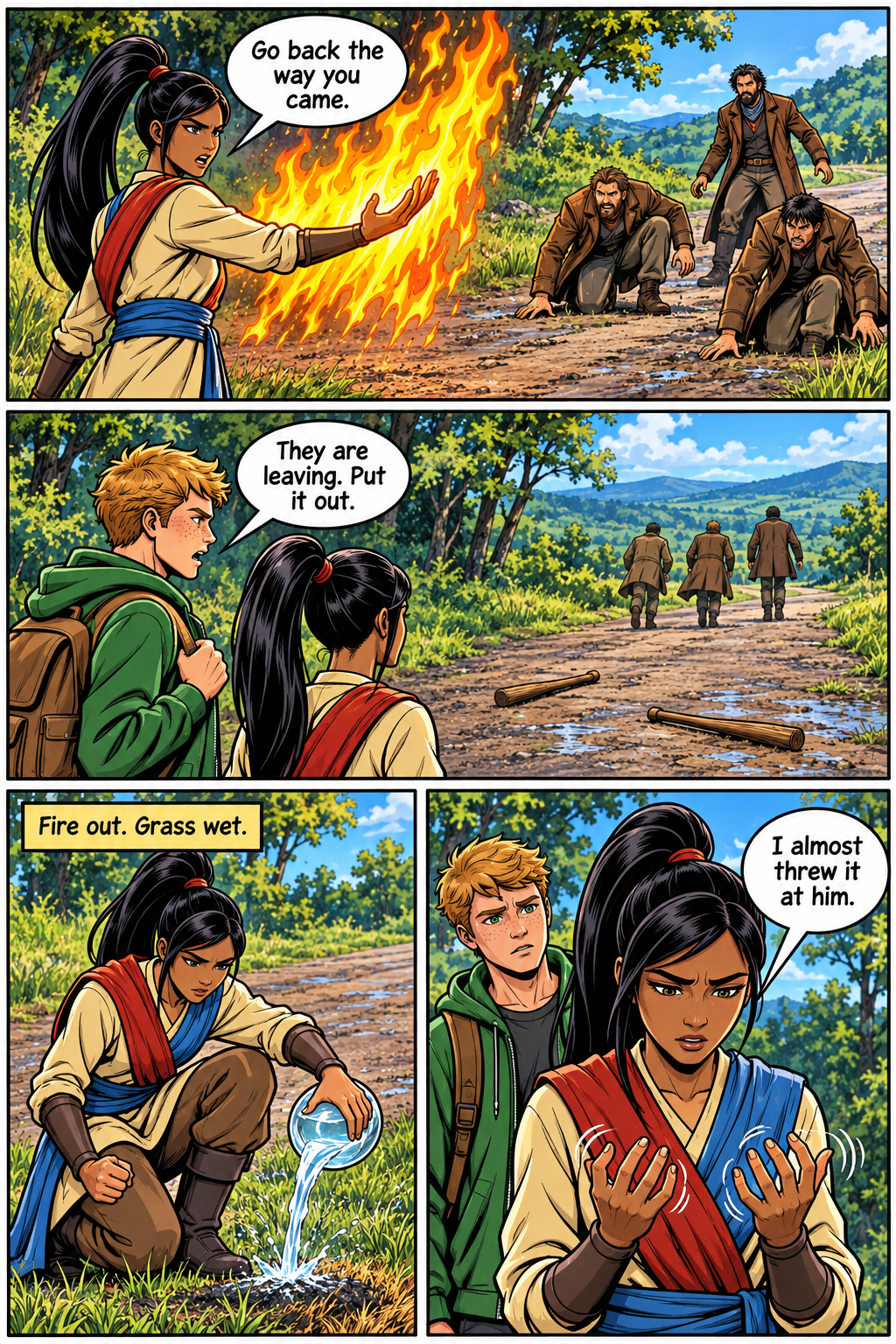
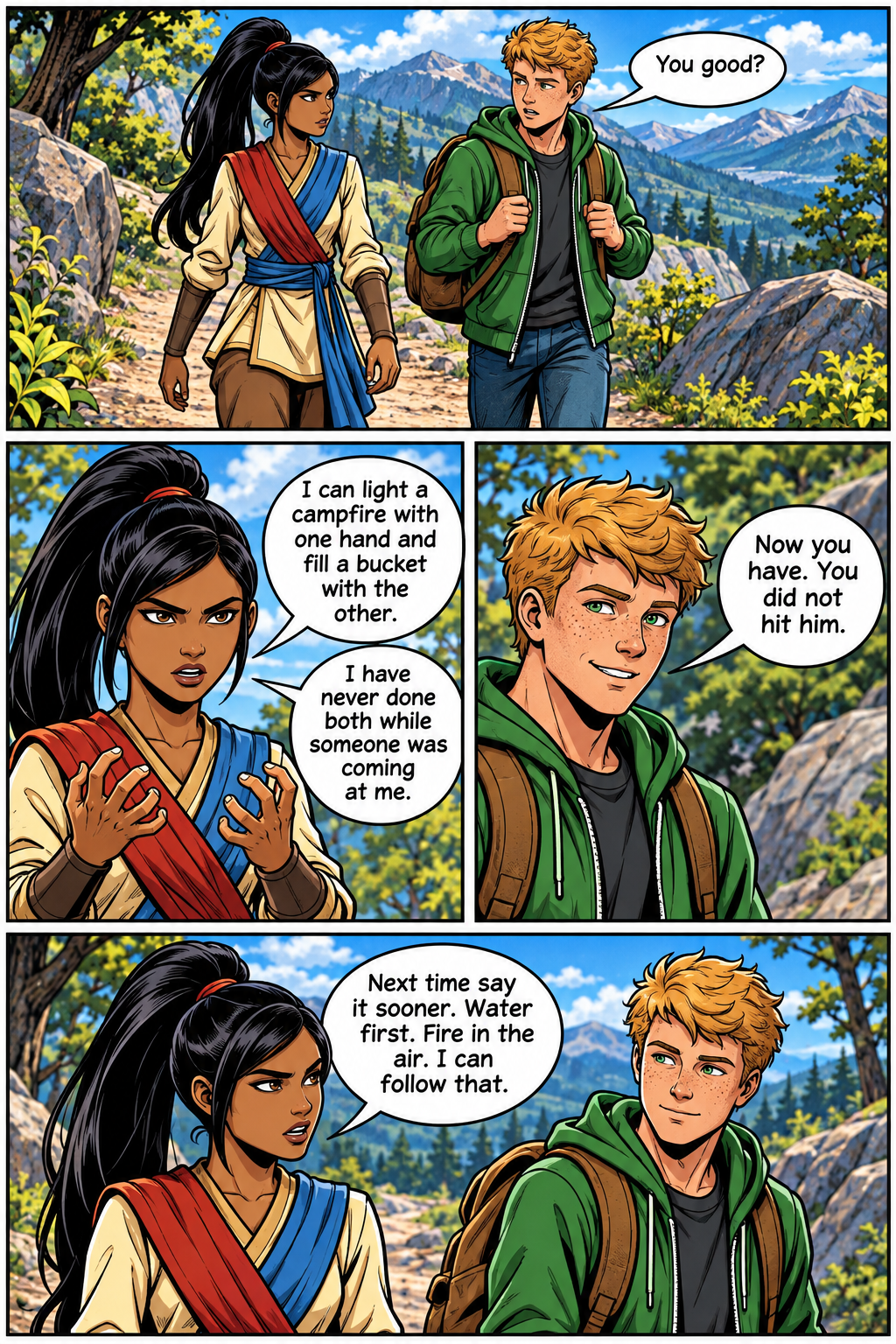
No huge budget. No art degree. A mystery, a fight, a fantasy, or a love story, drawn as real pages. Watch a chapter draw itself, then make your own.
Manga · Comic · Webtoon
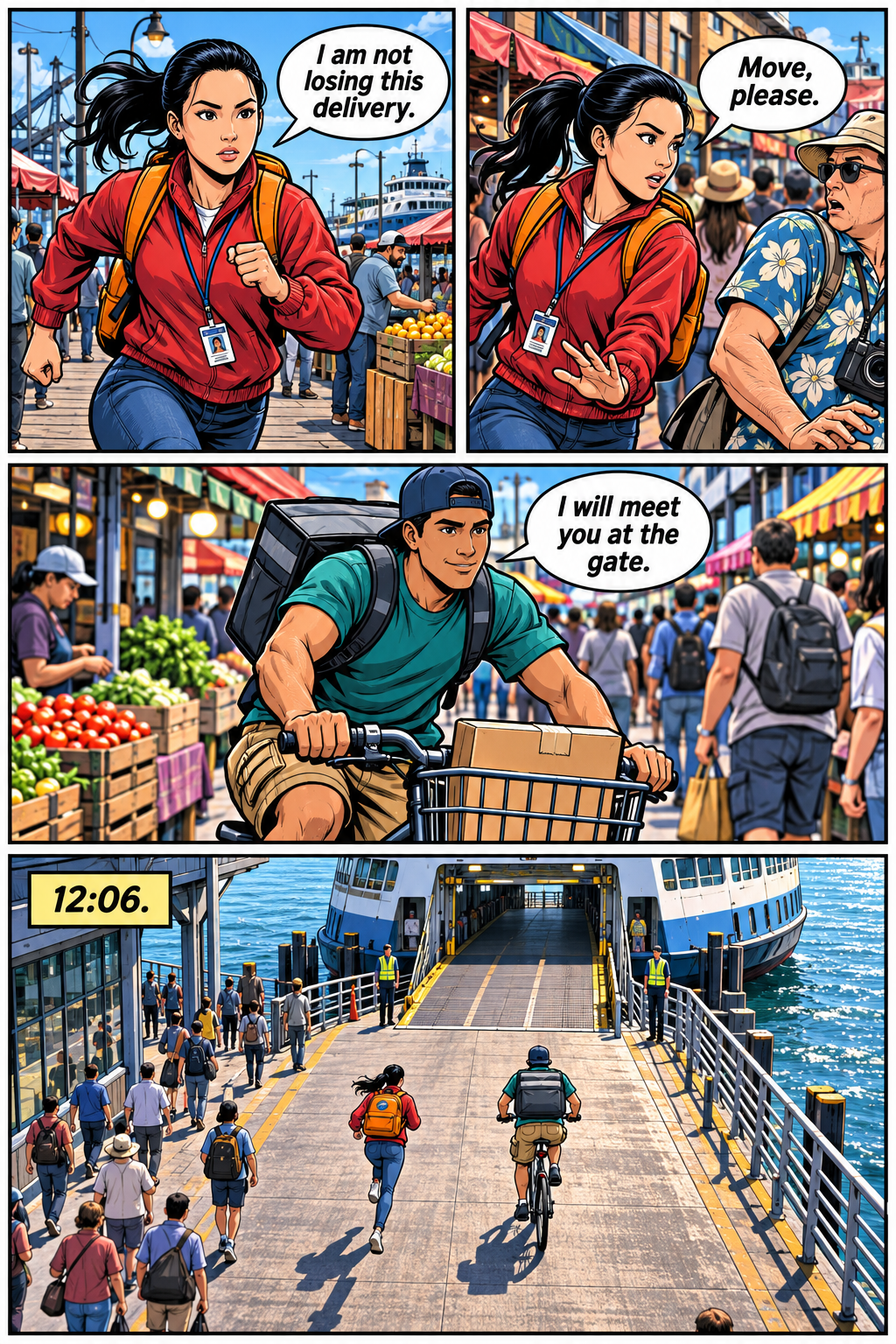
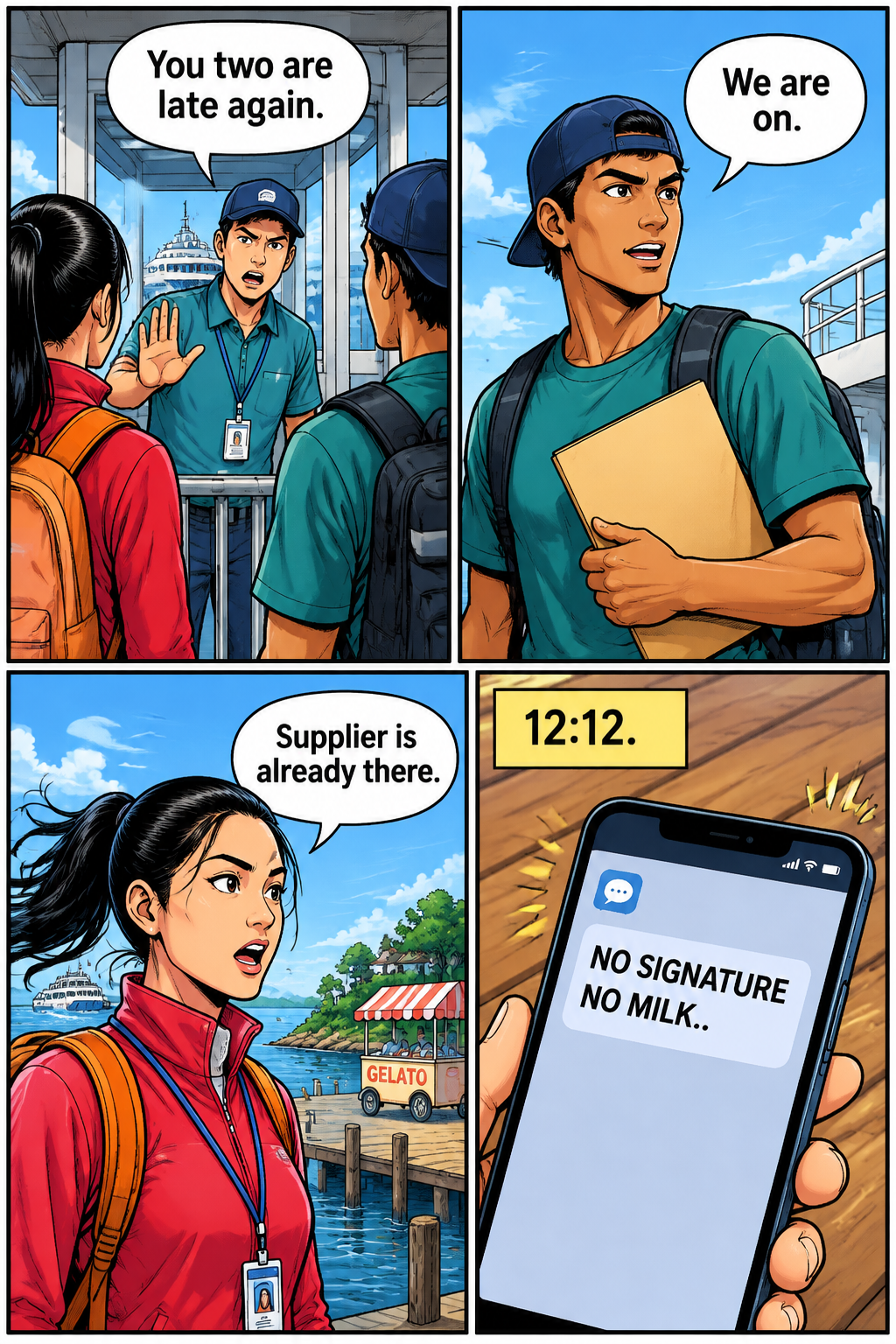
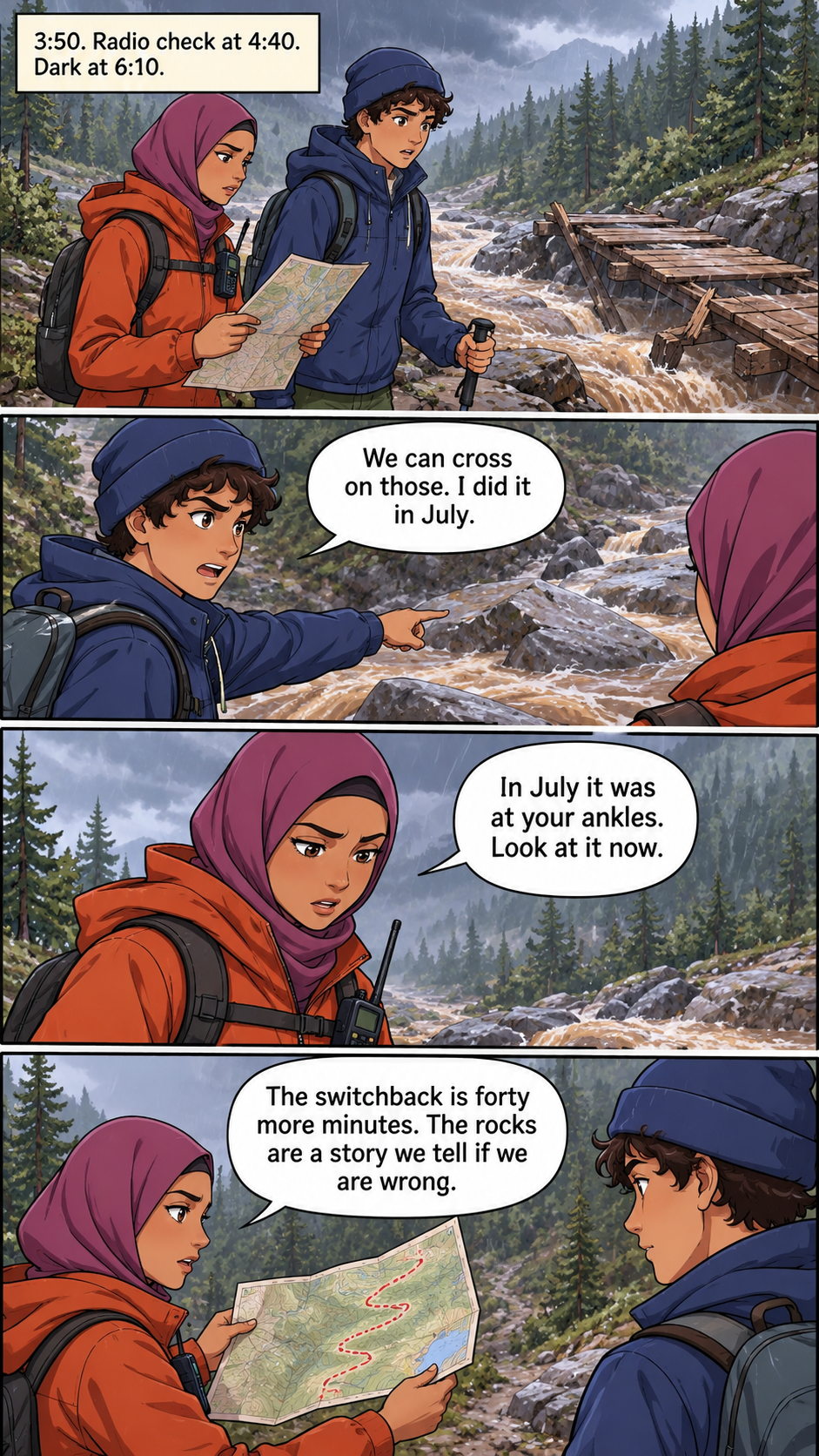
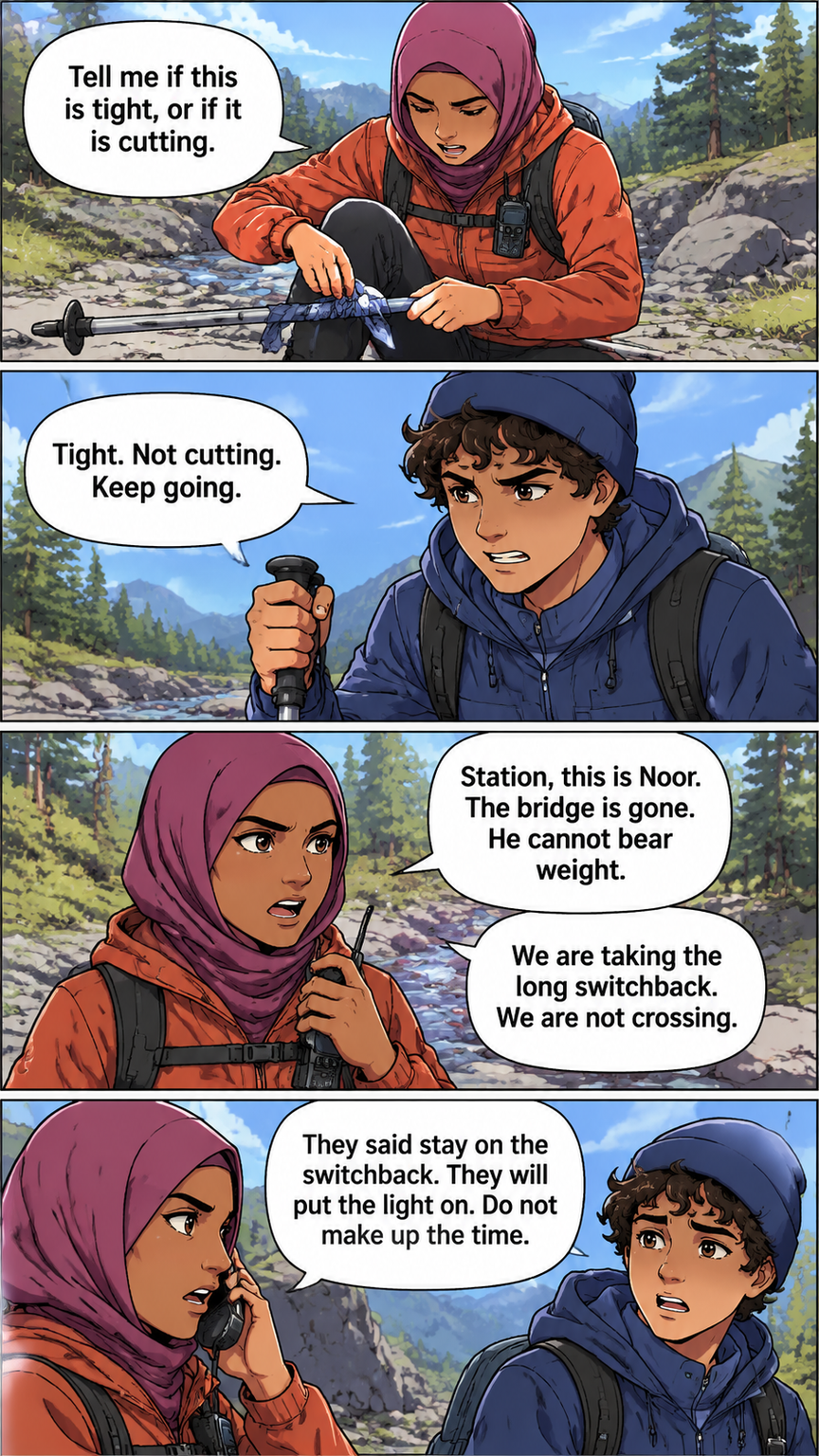
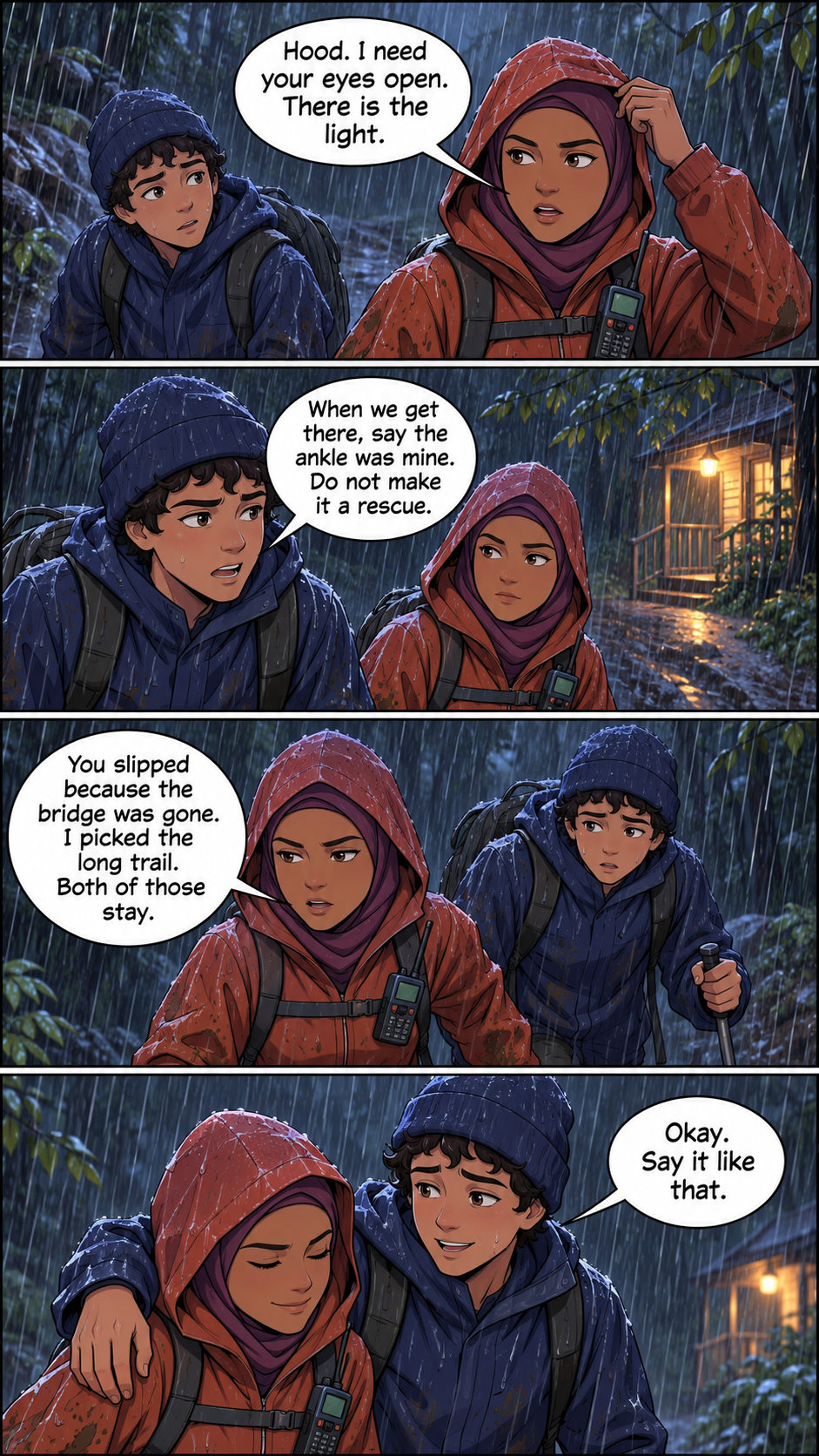
Same faces. Every page.
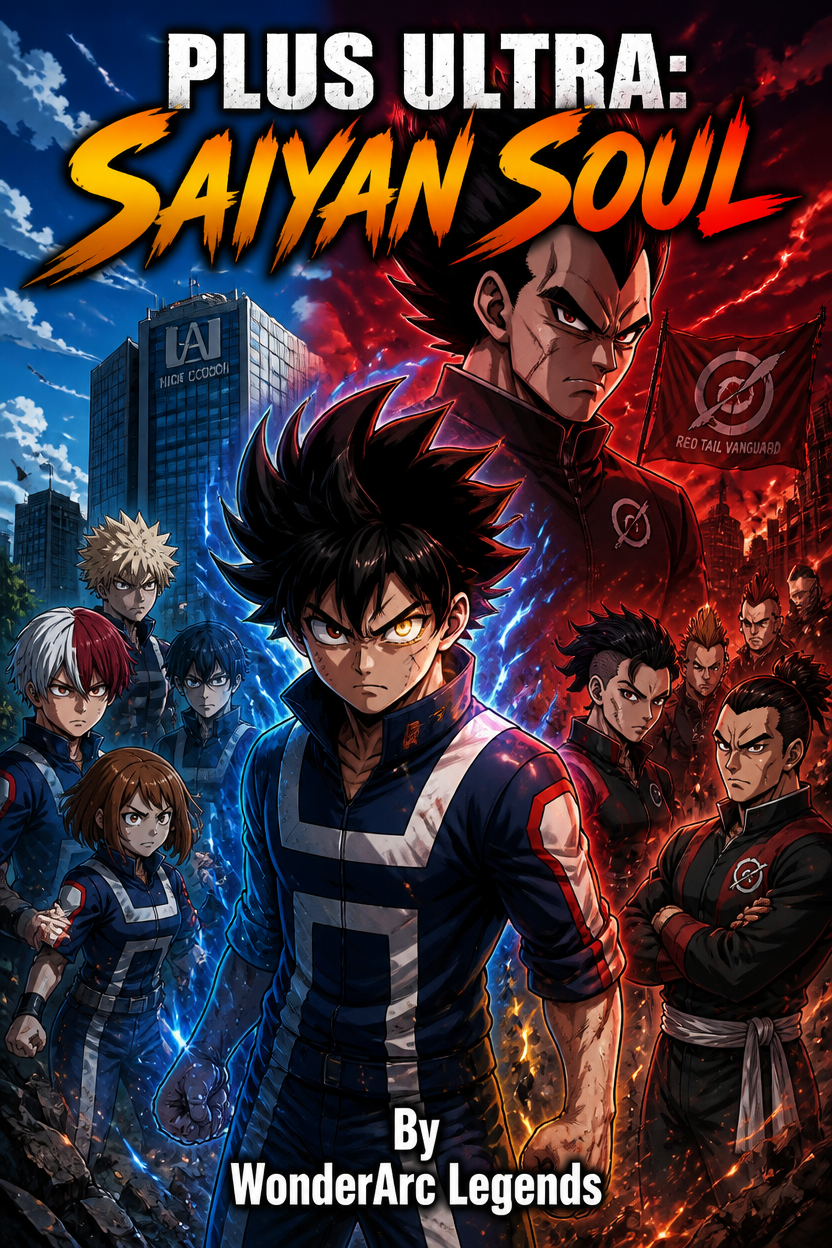
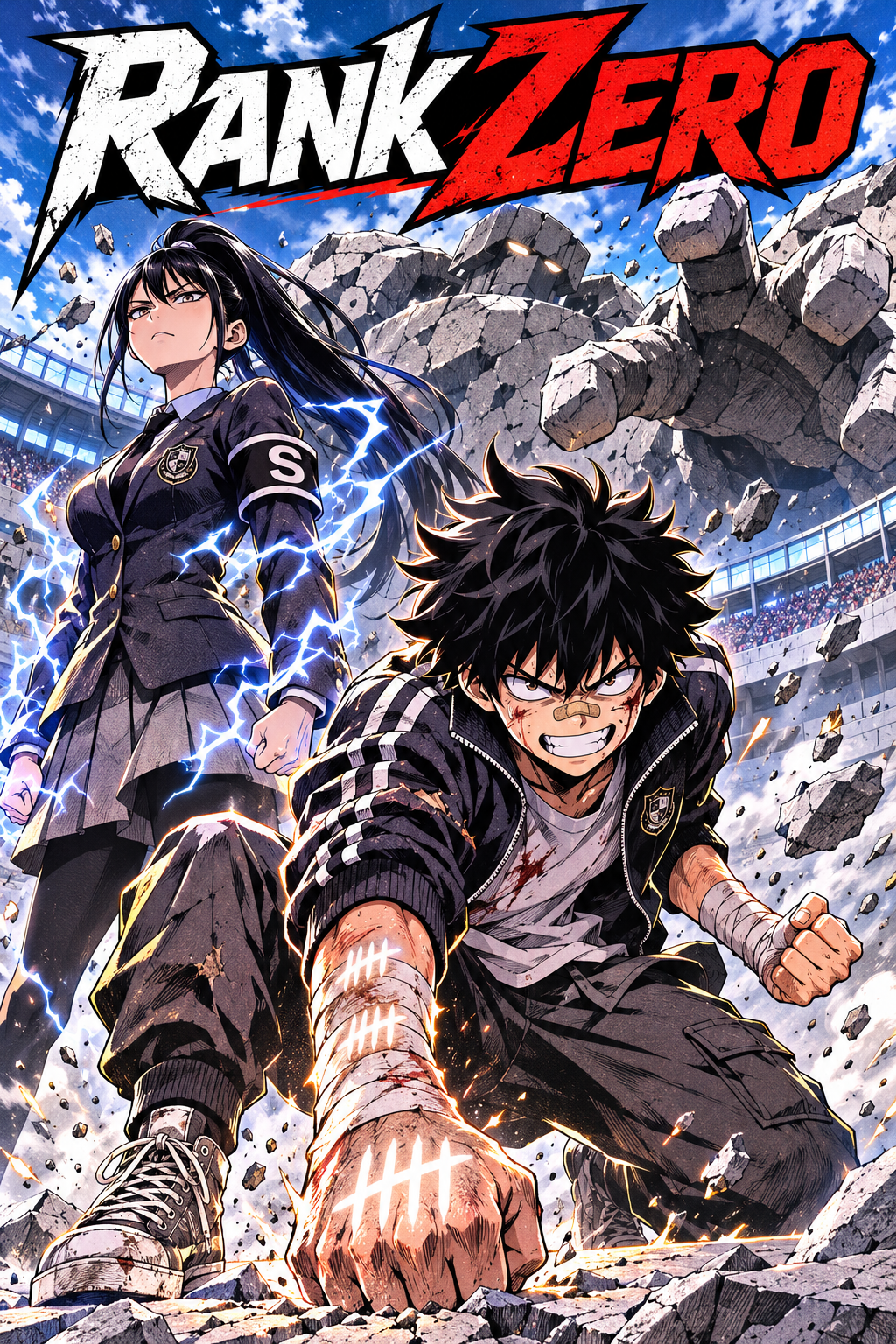
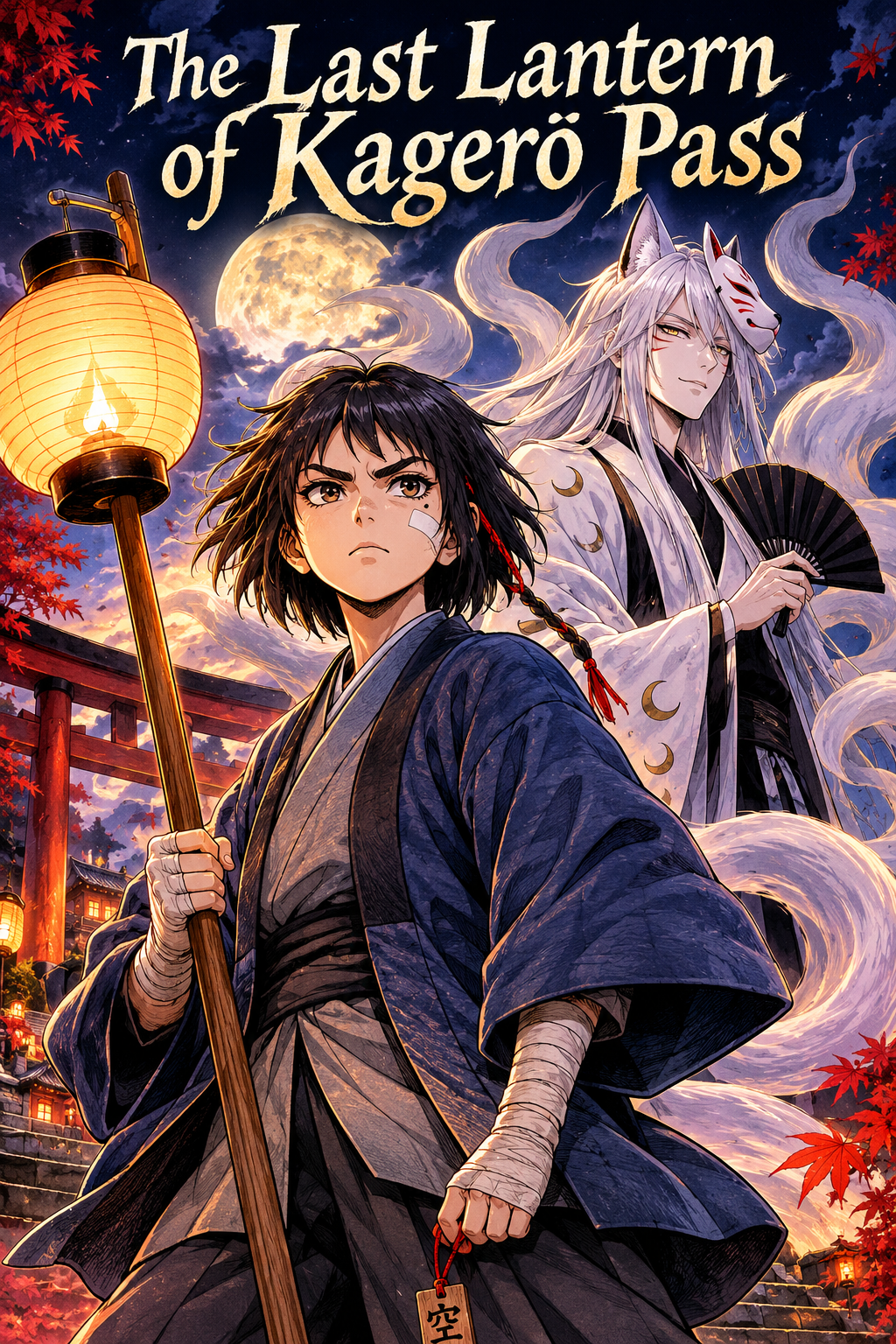
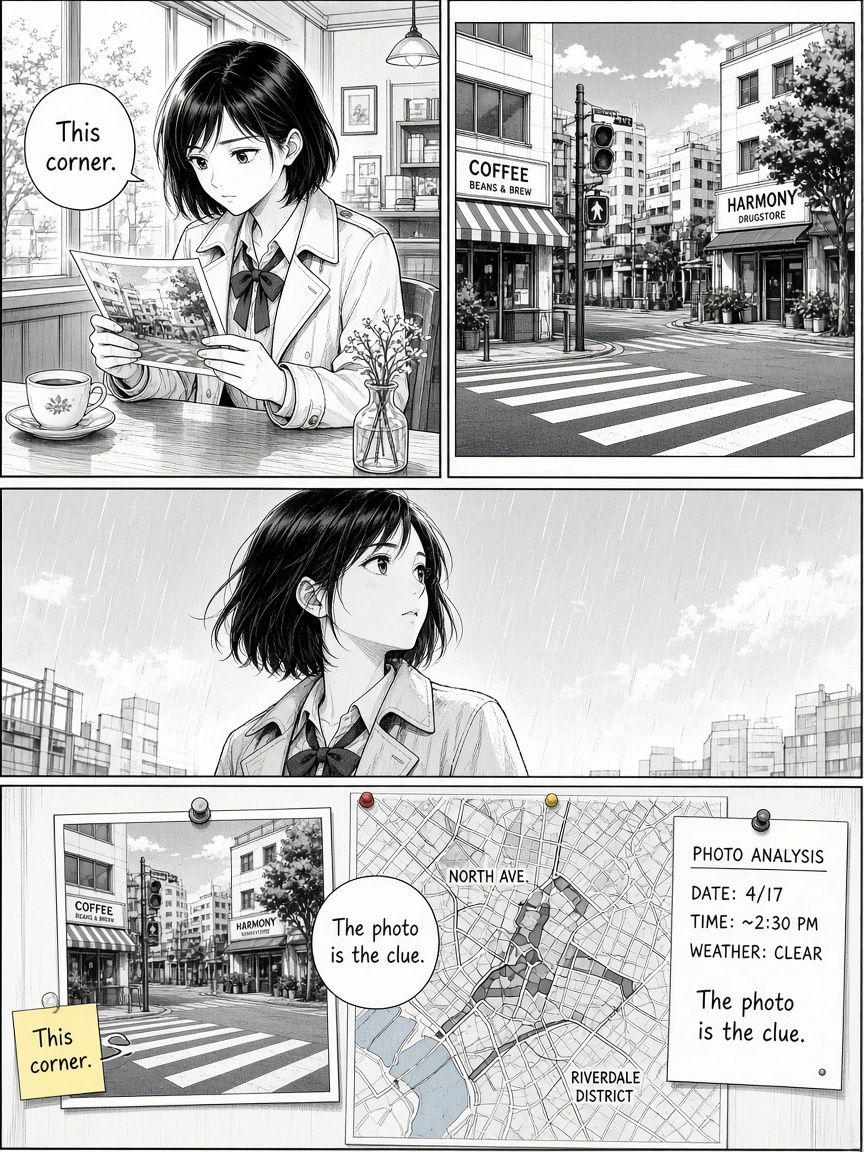
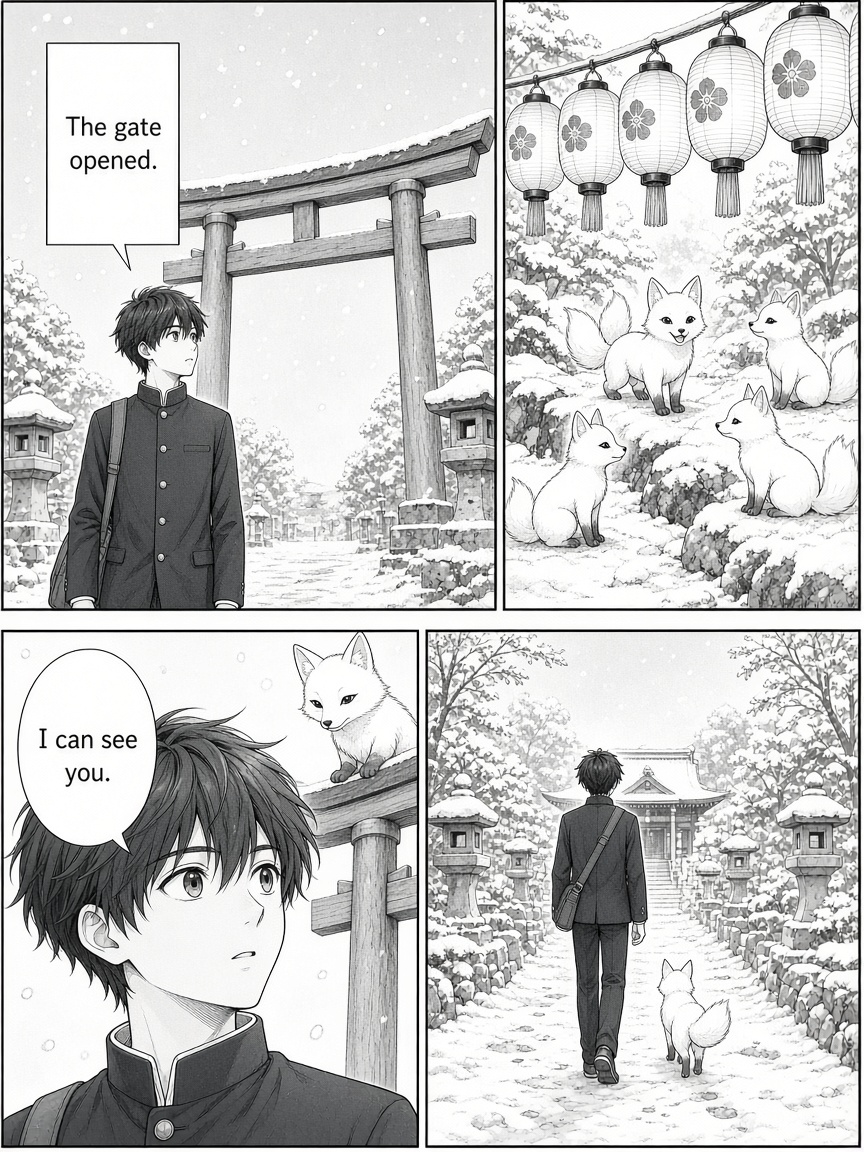
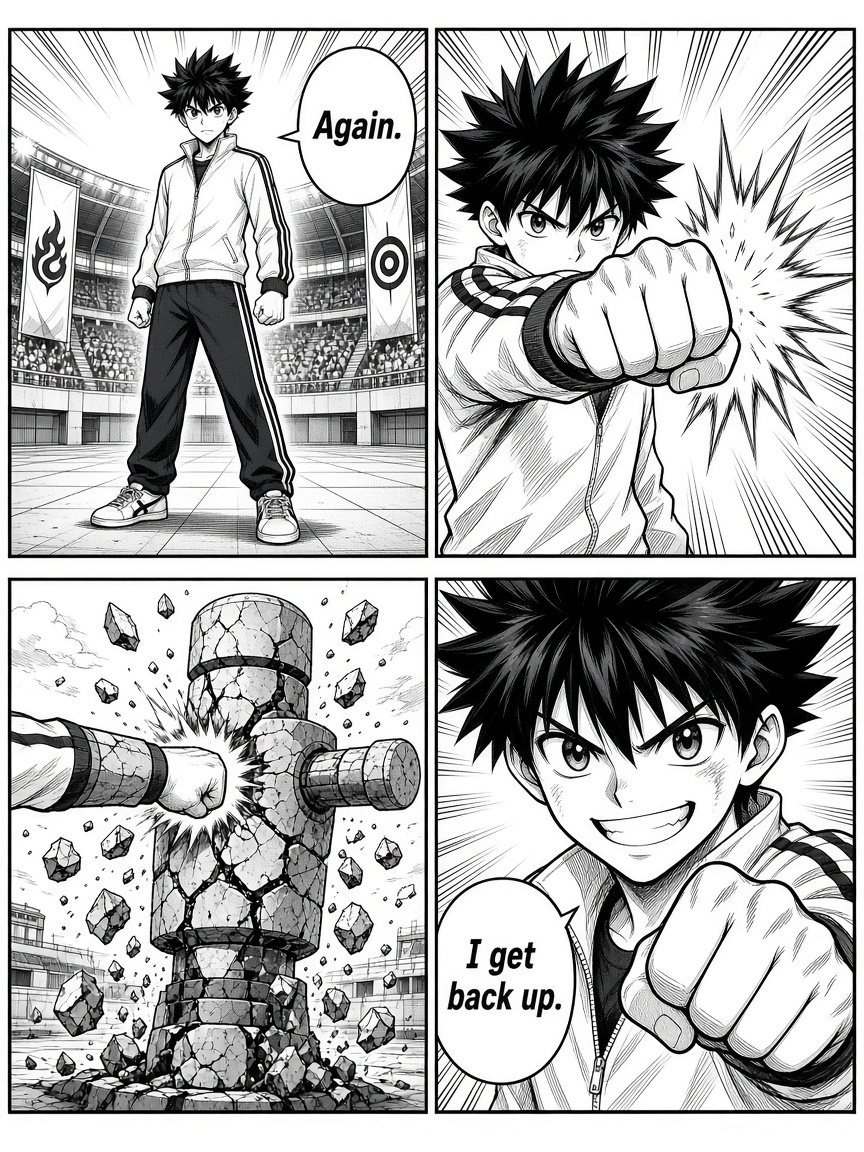
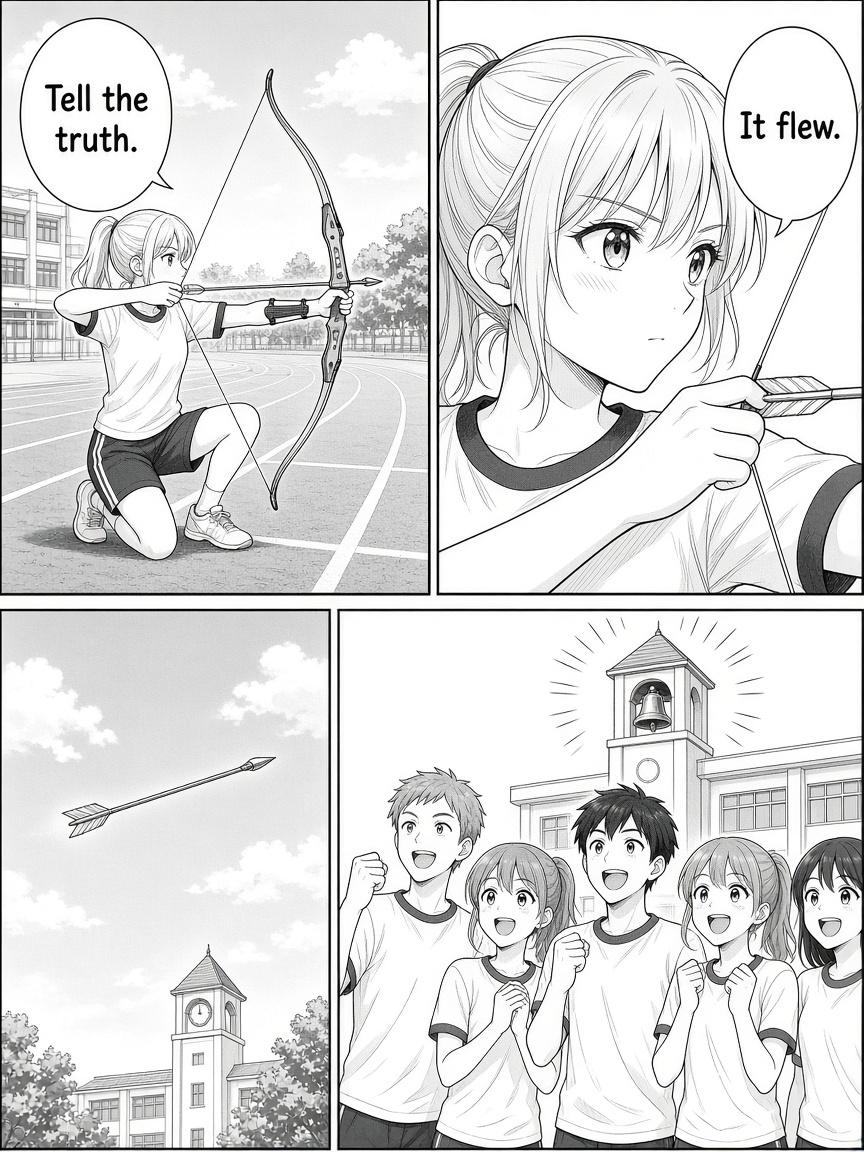
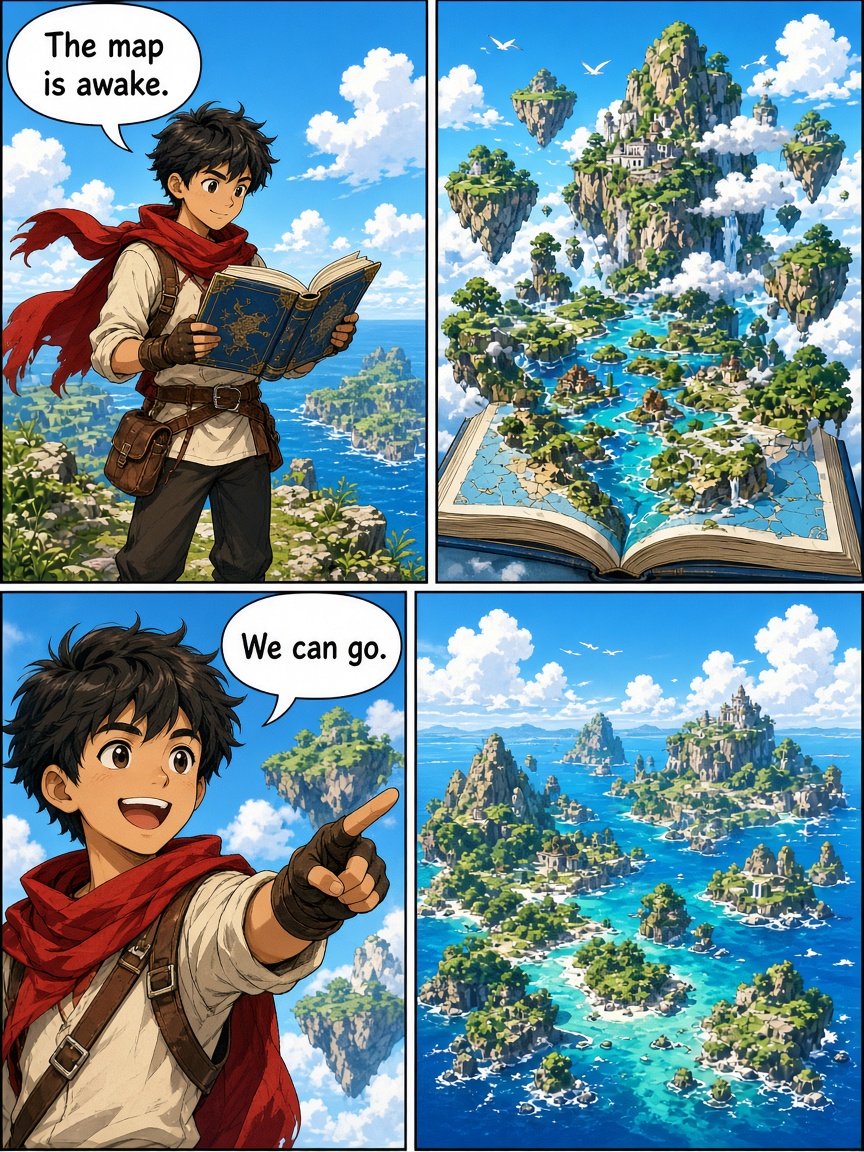
ANY GENRE. ONE STUDIO.
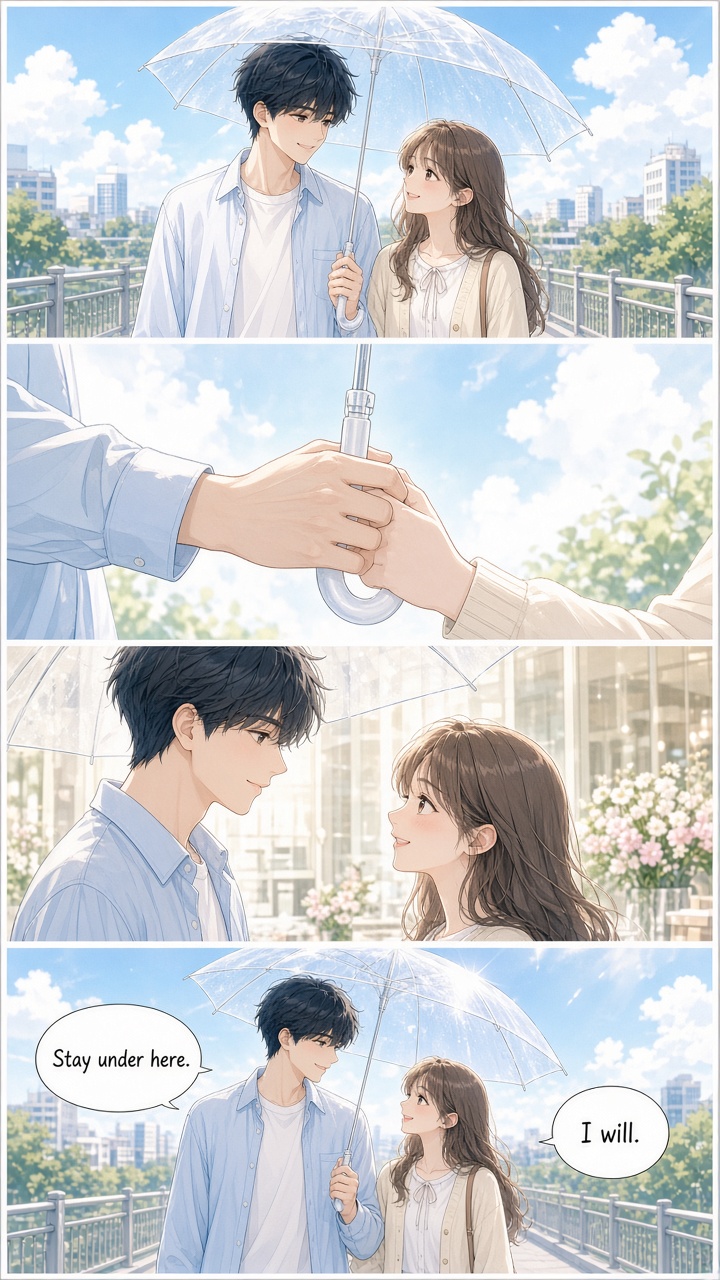
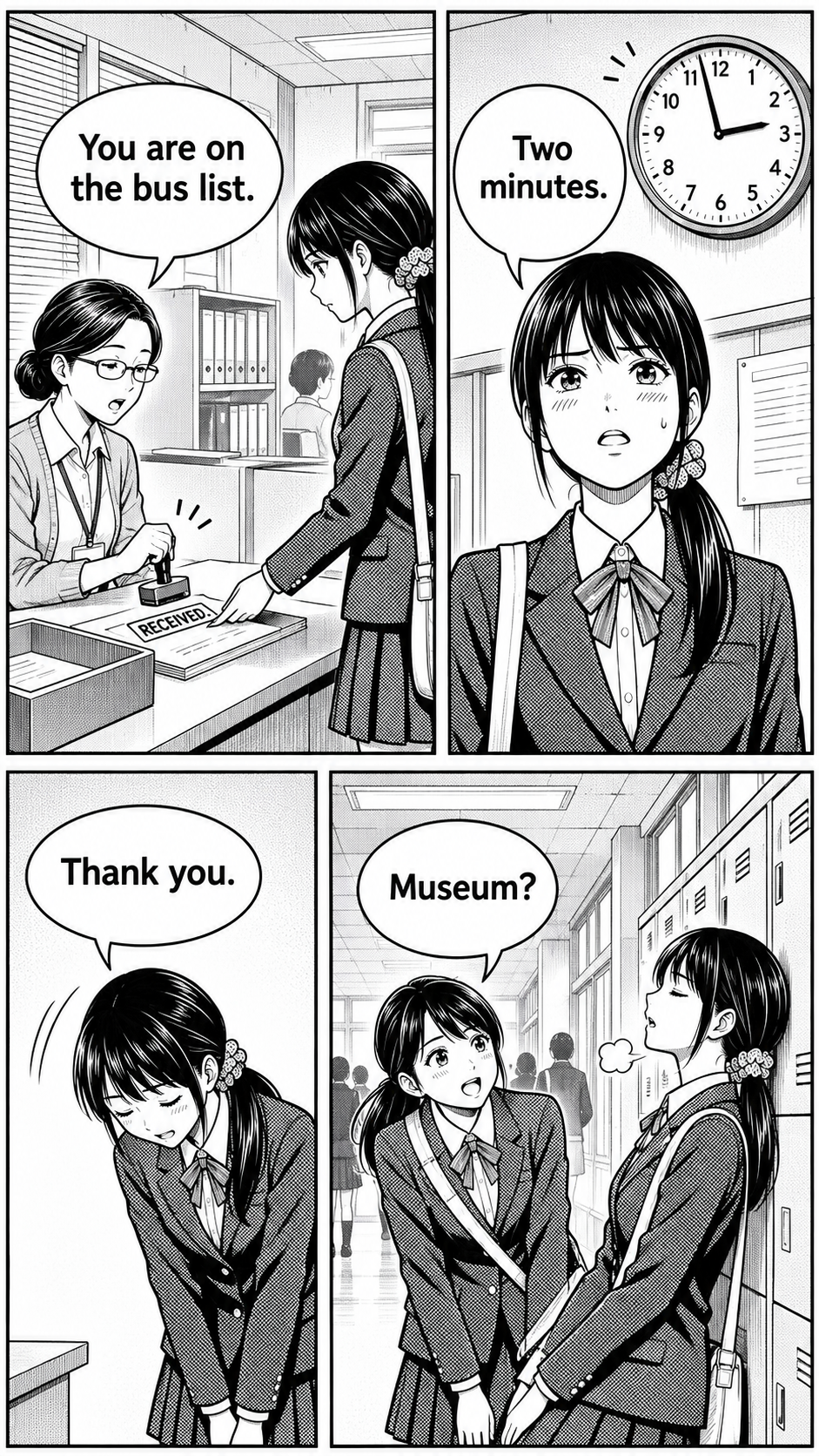
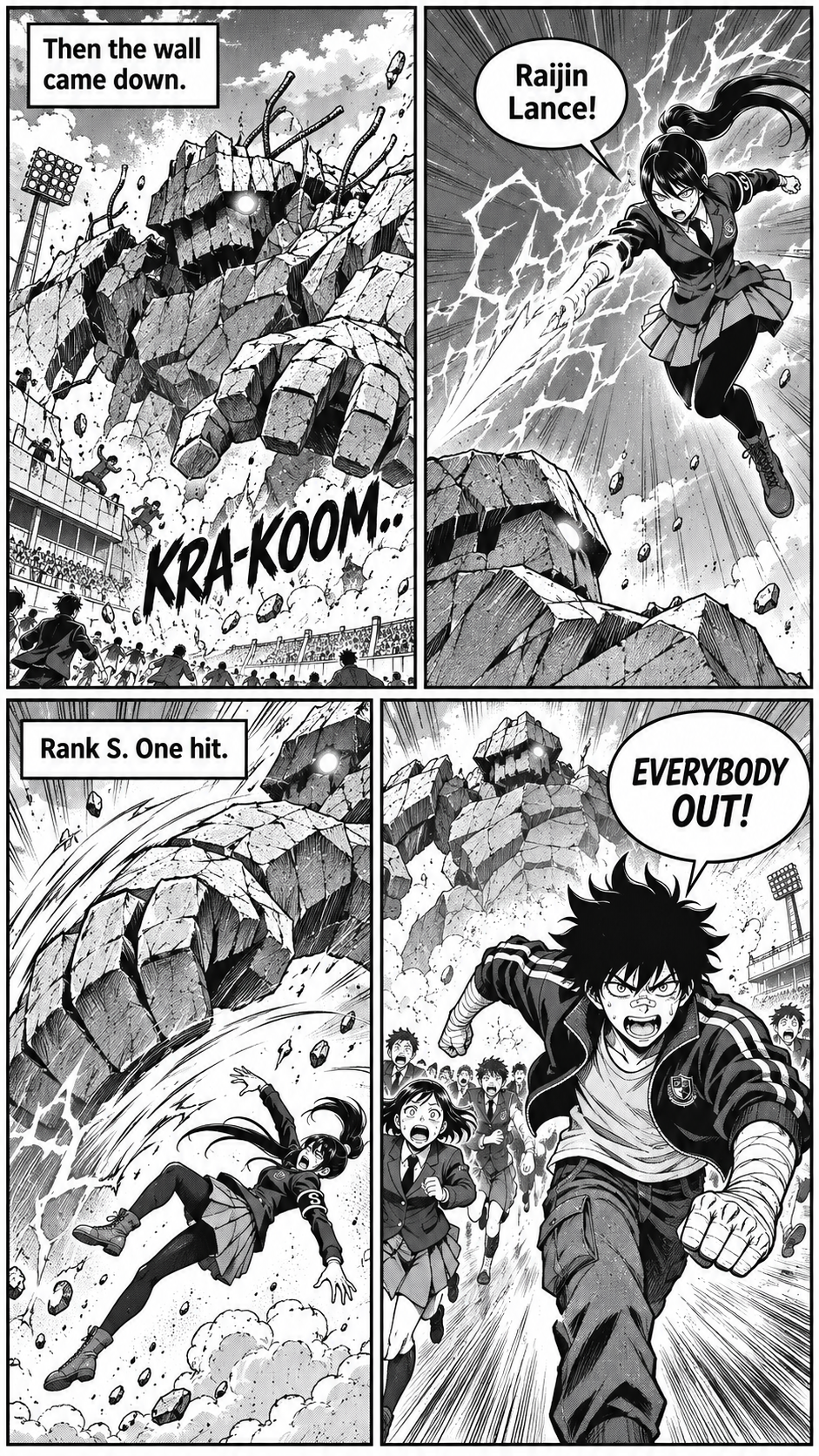
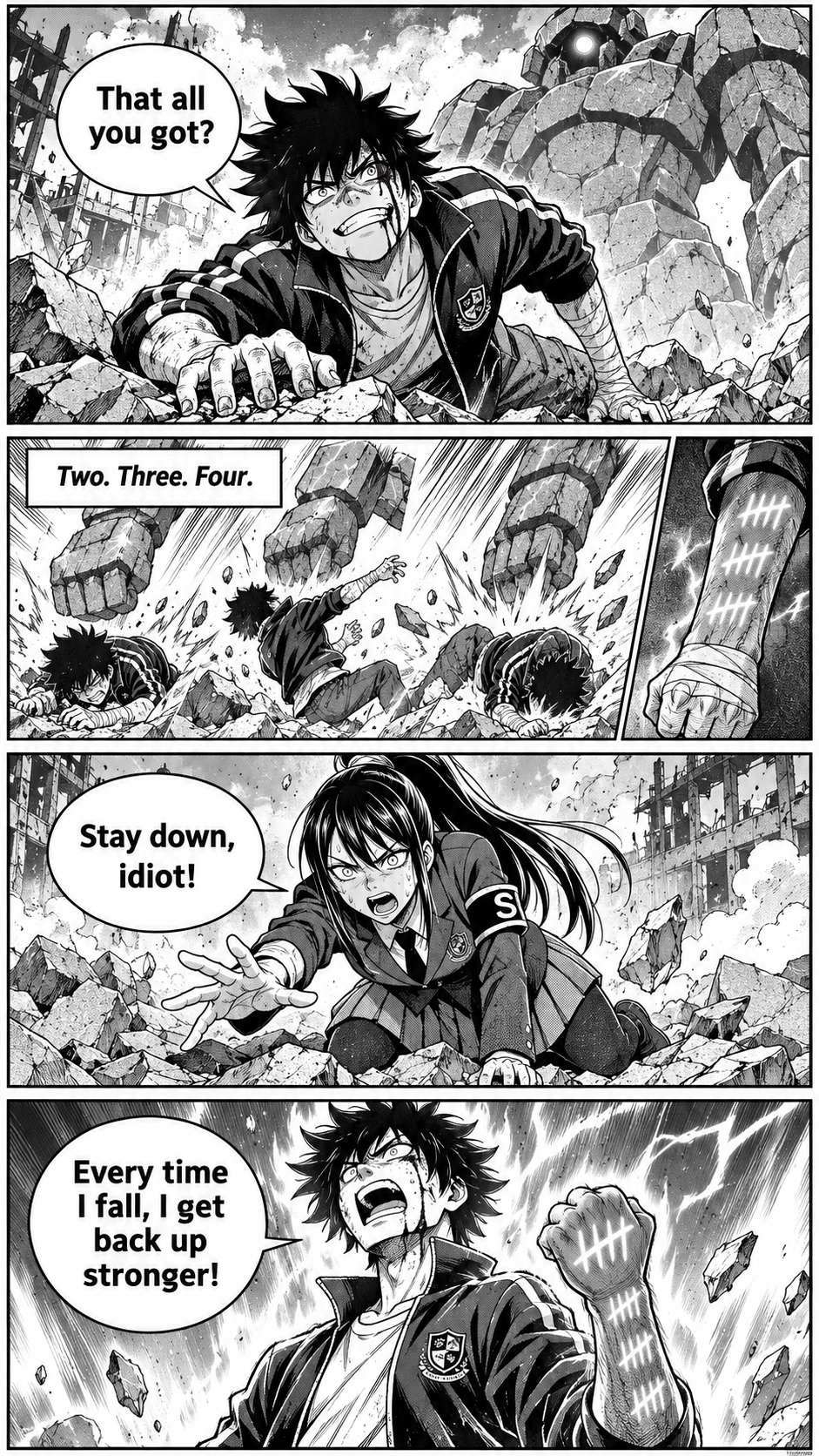
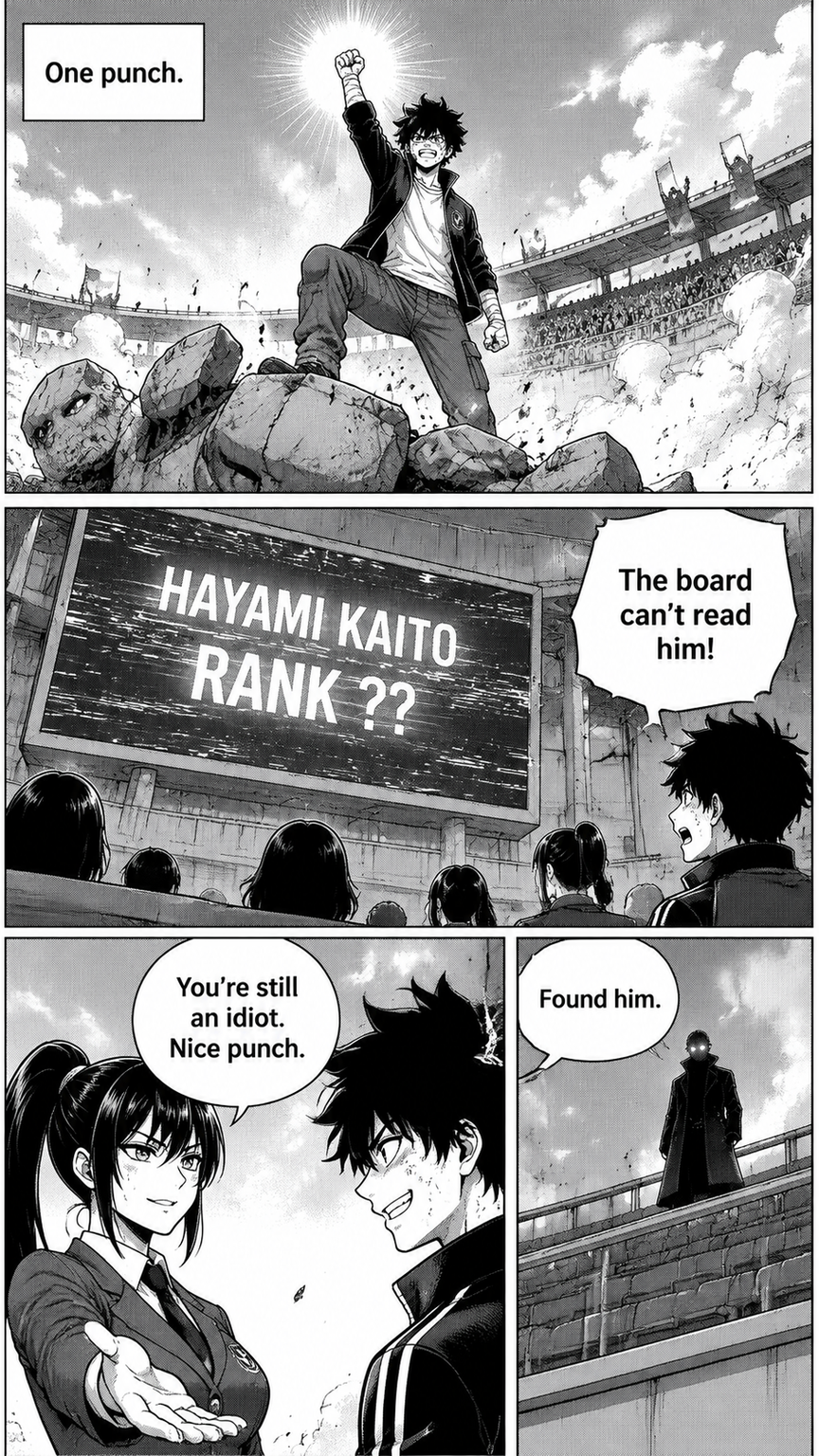
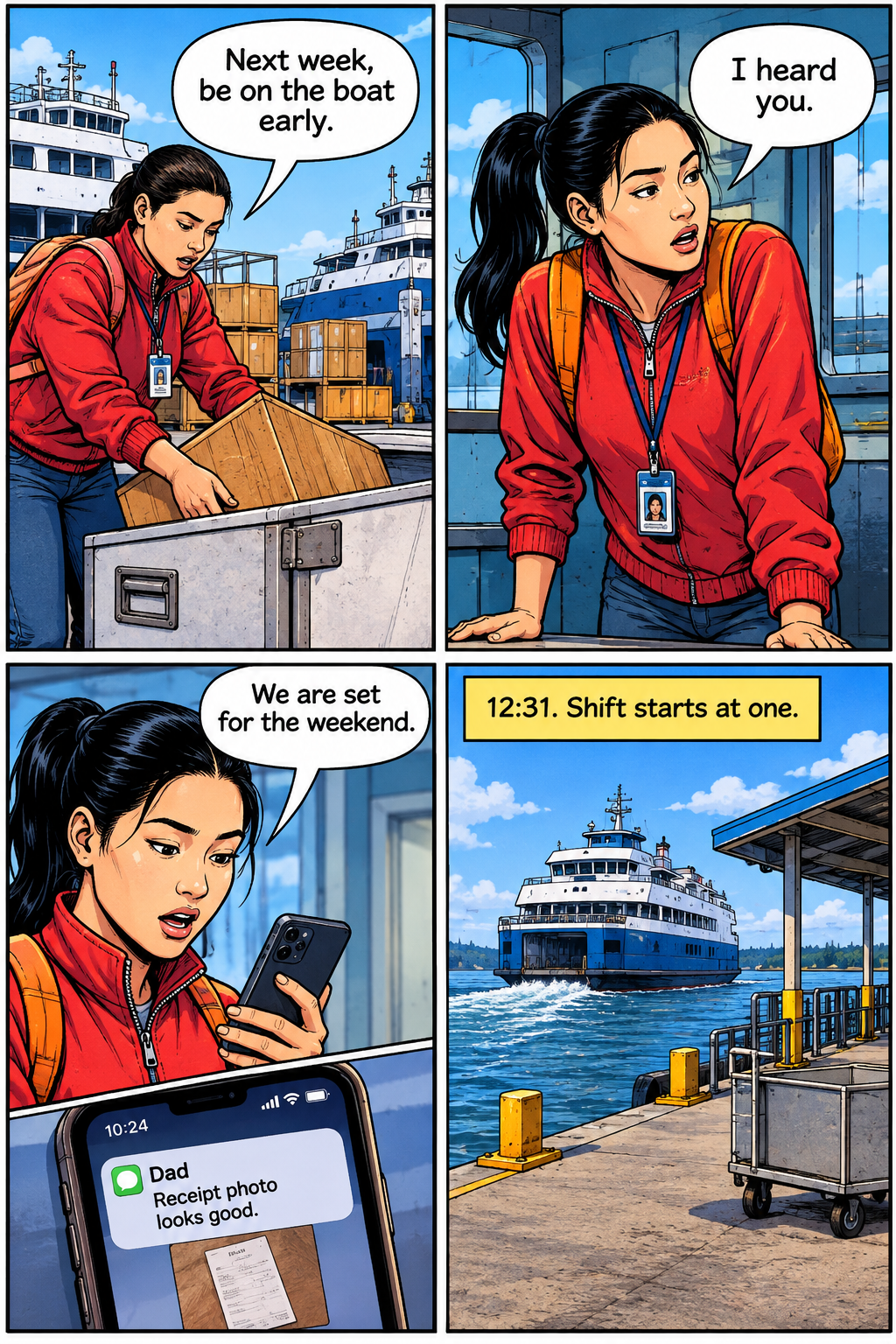
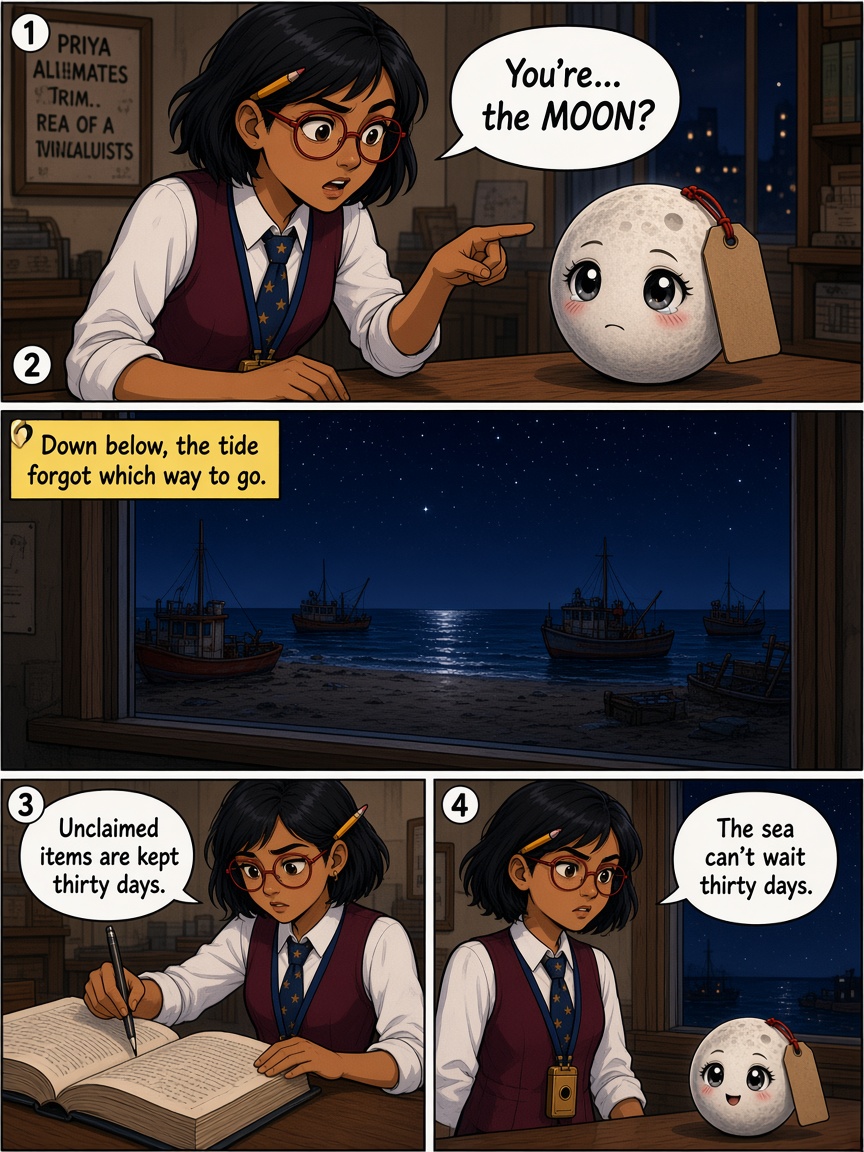
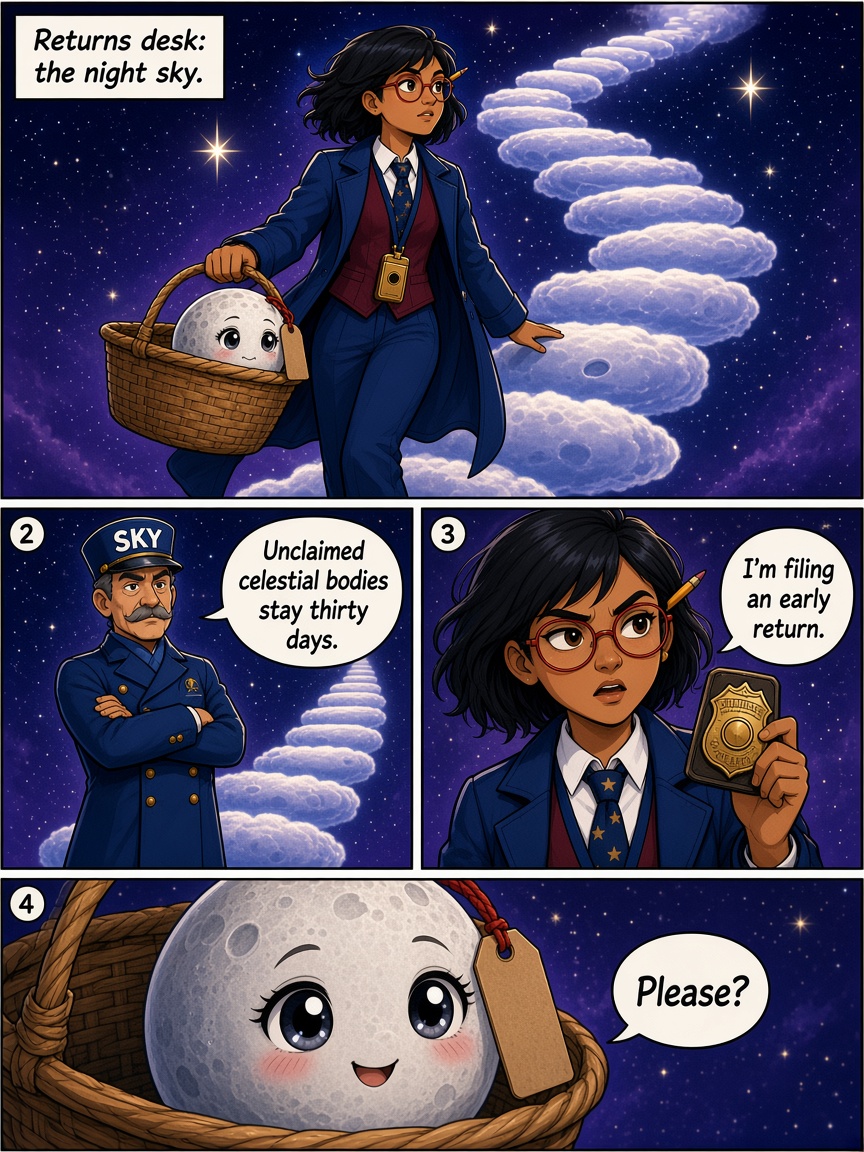
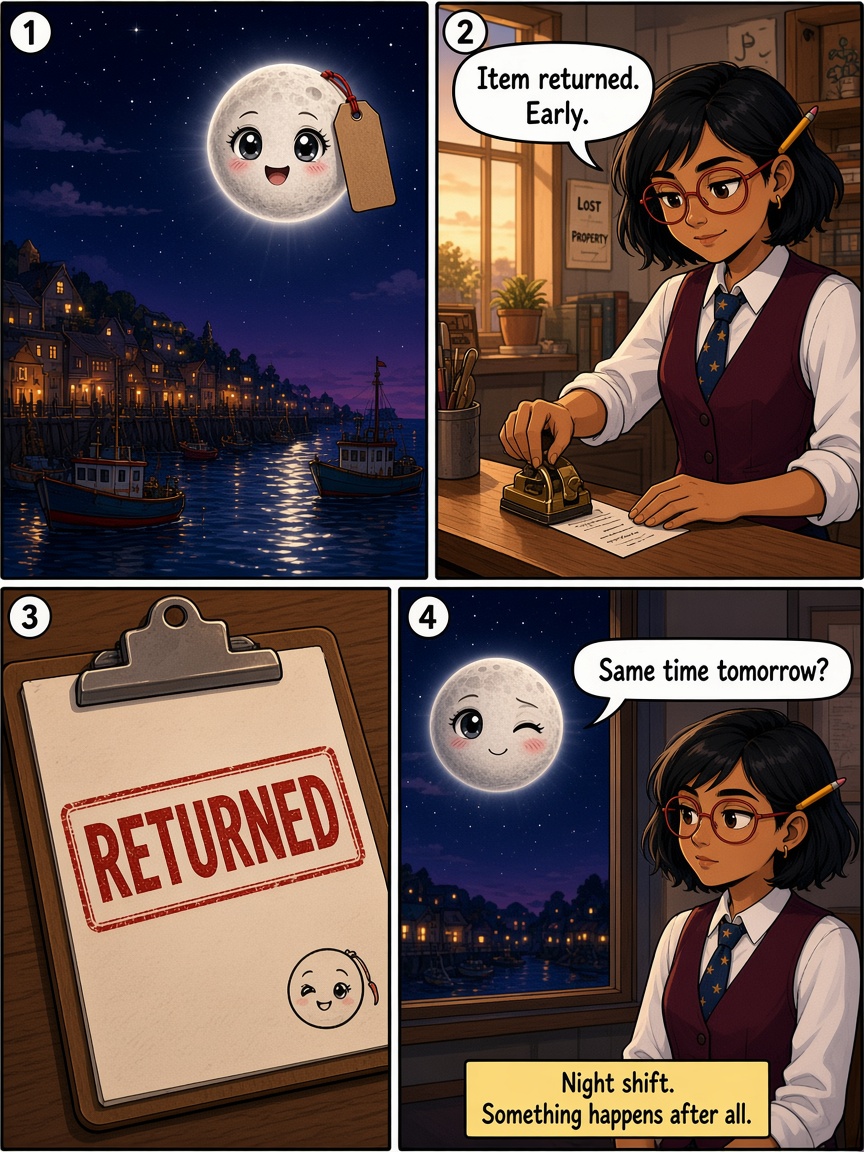
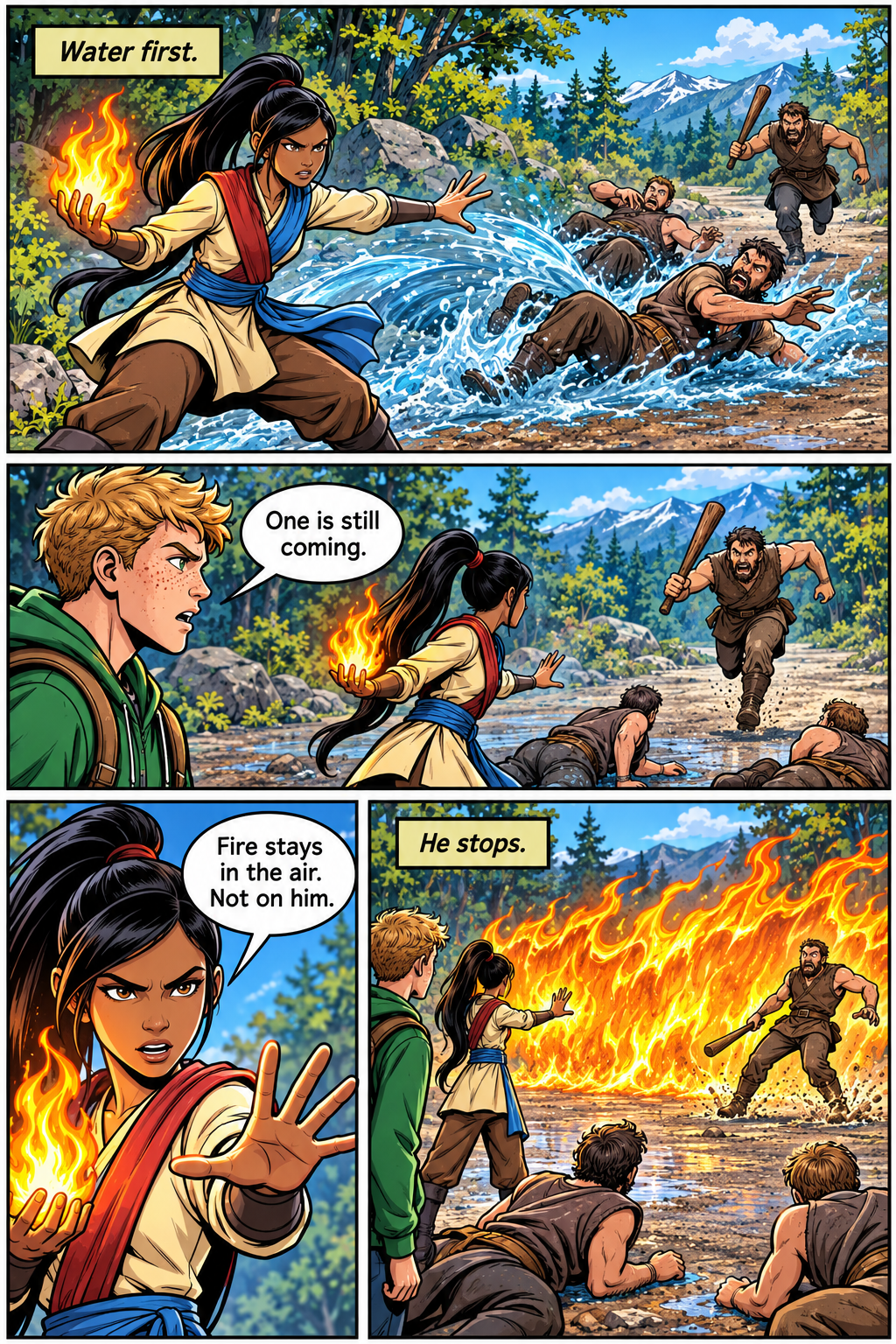
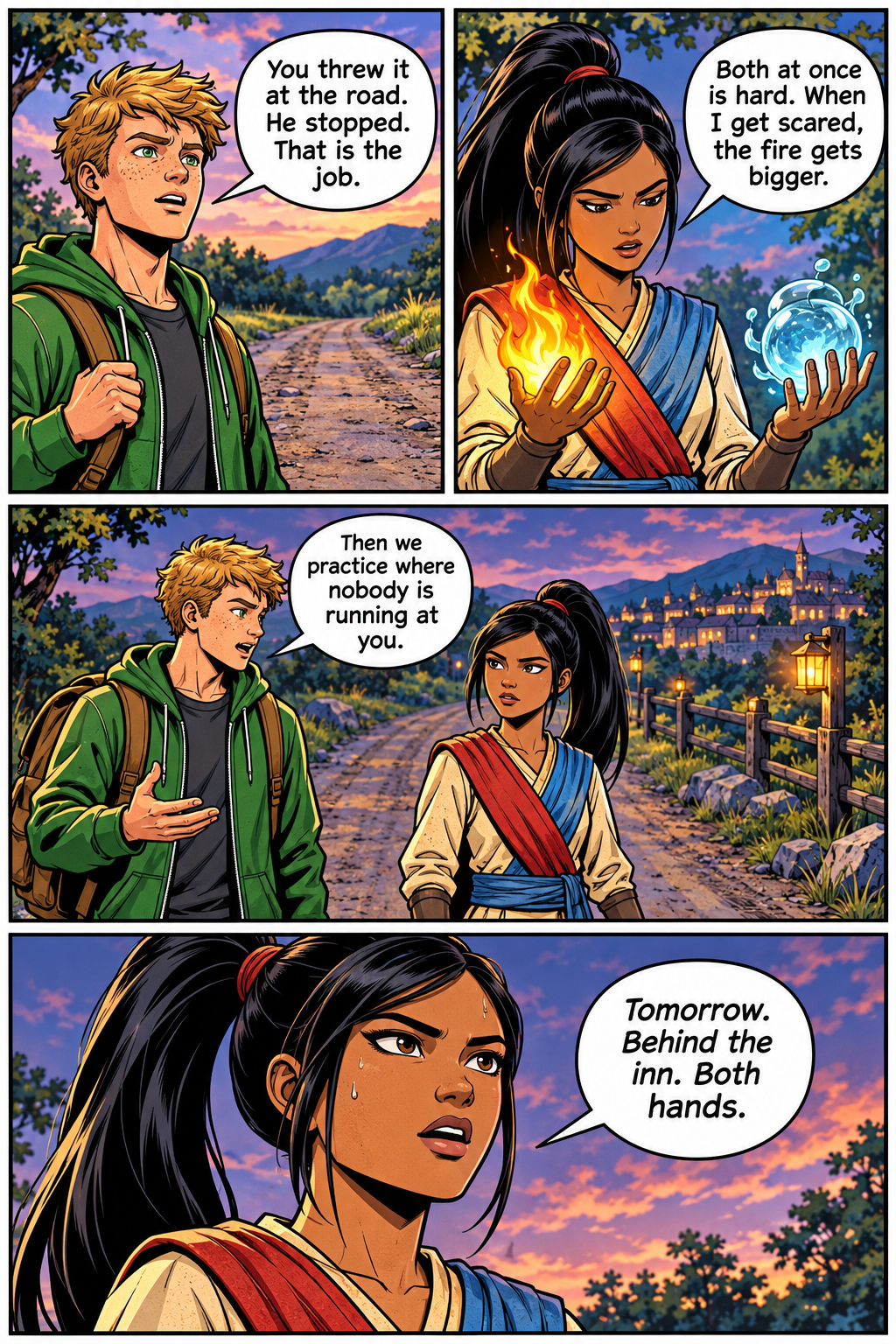
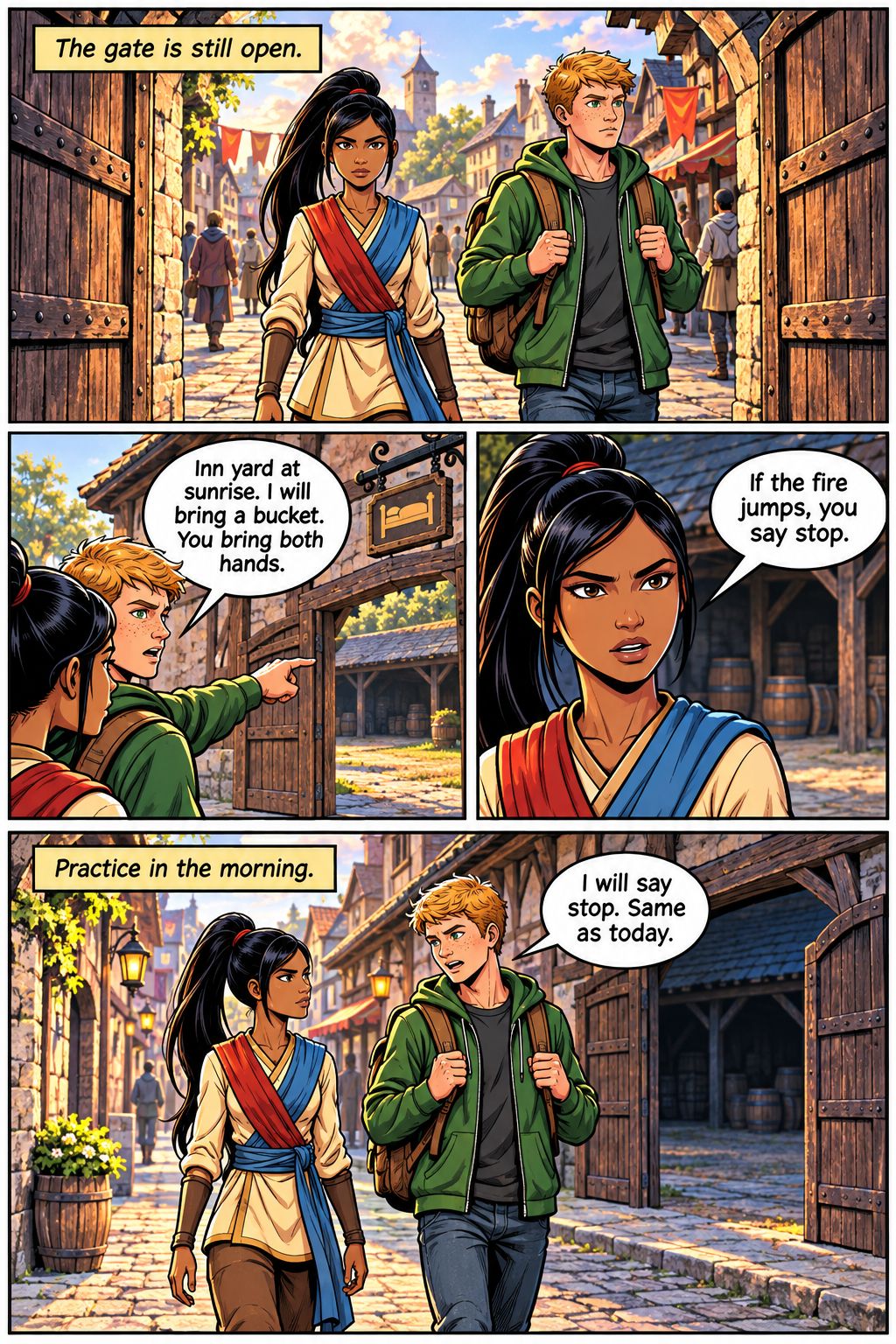
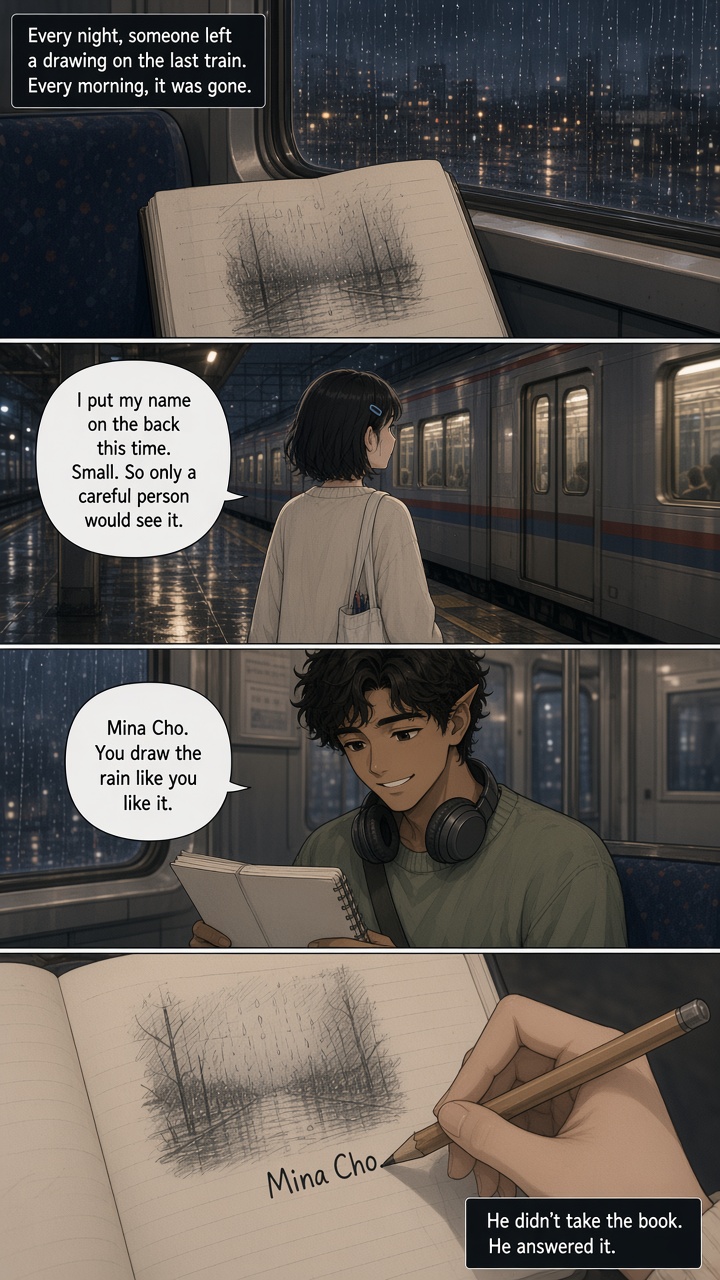
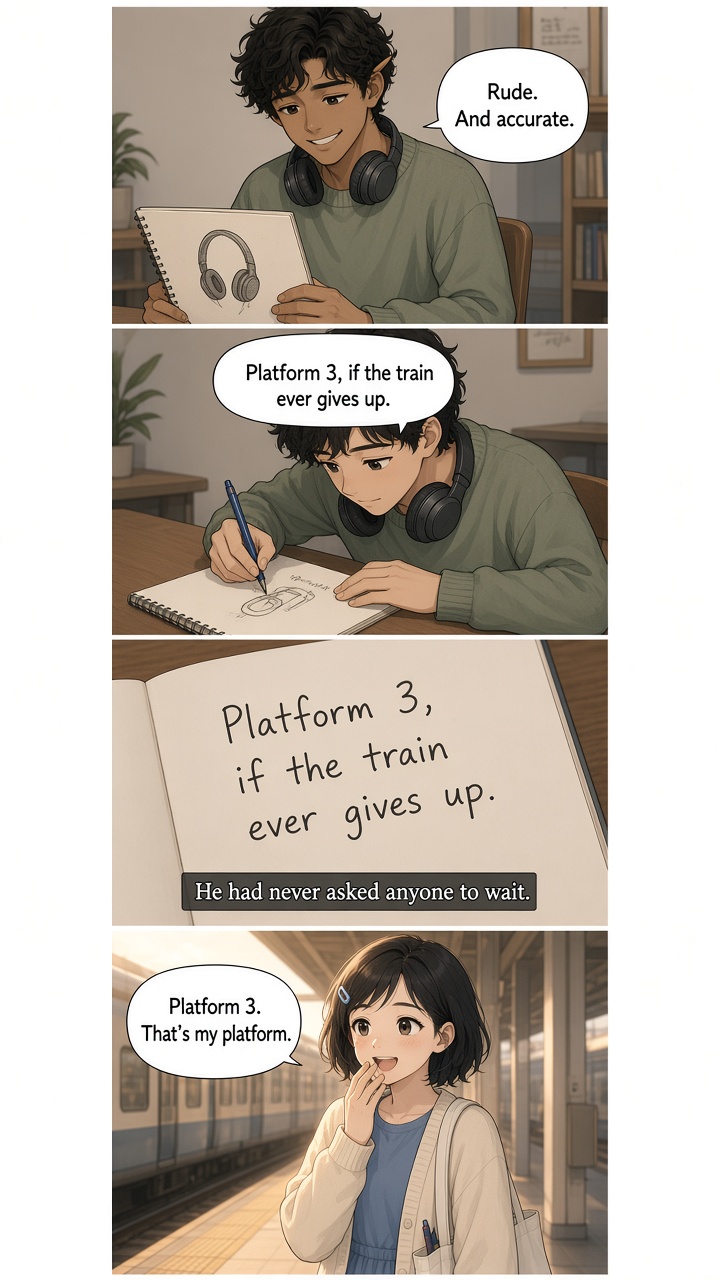
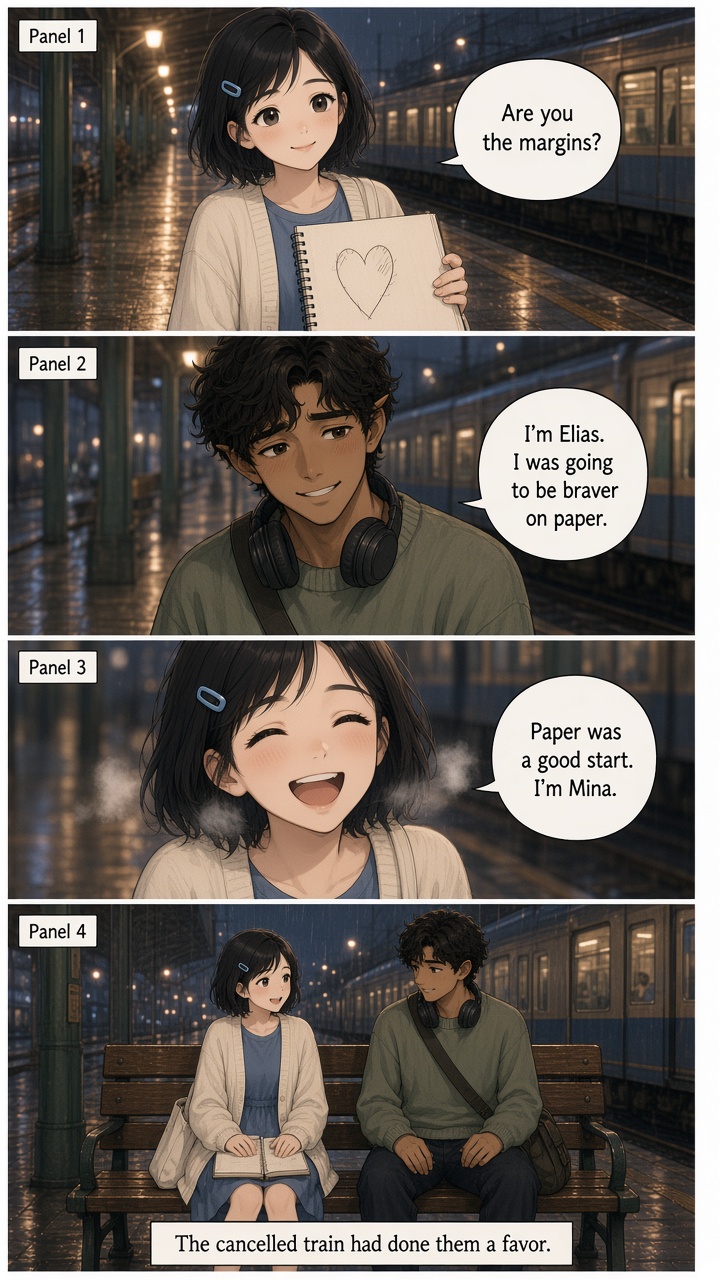
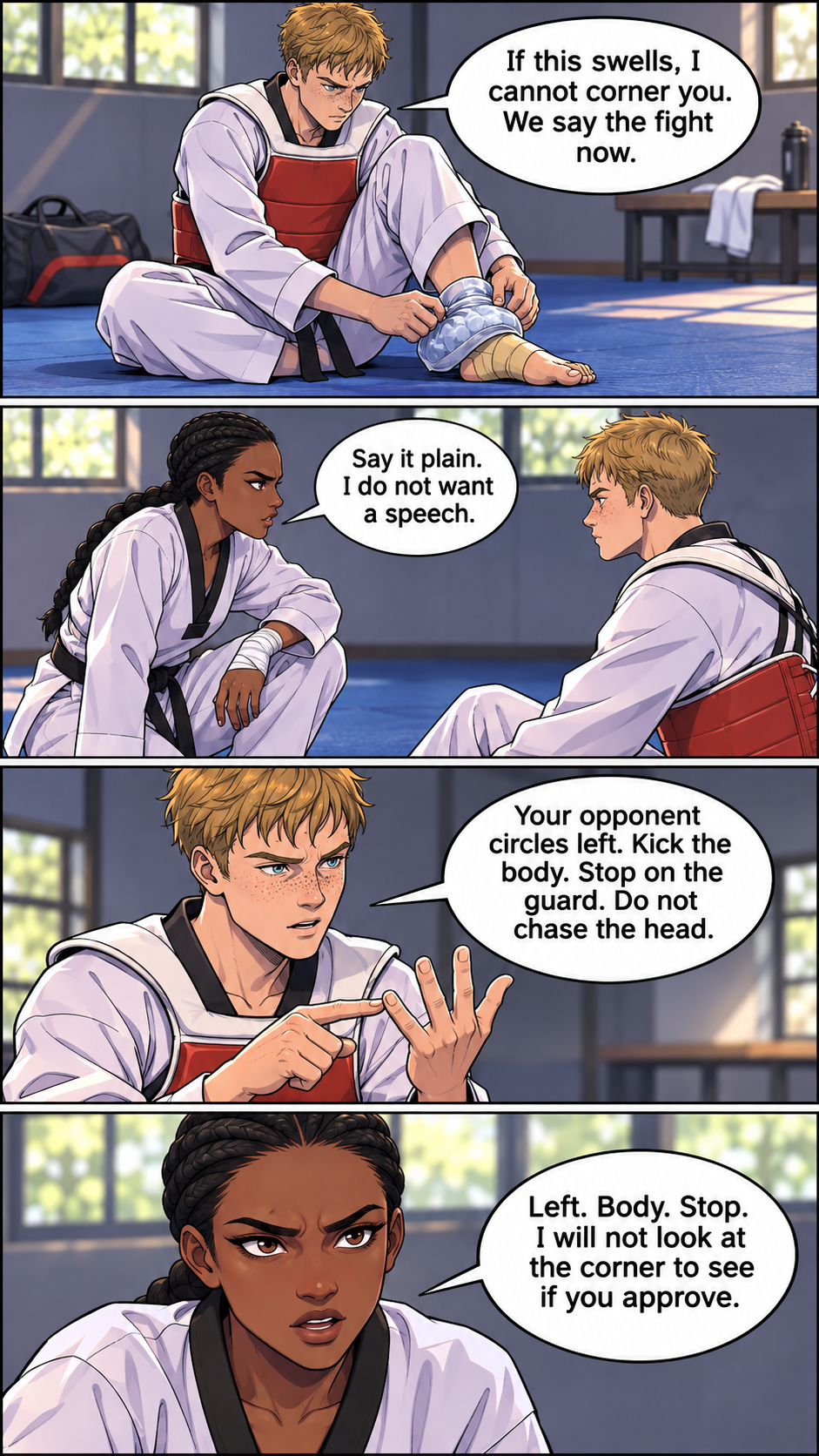
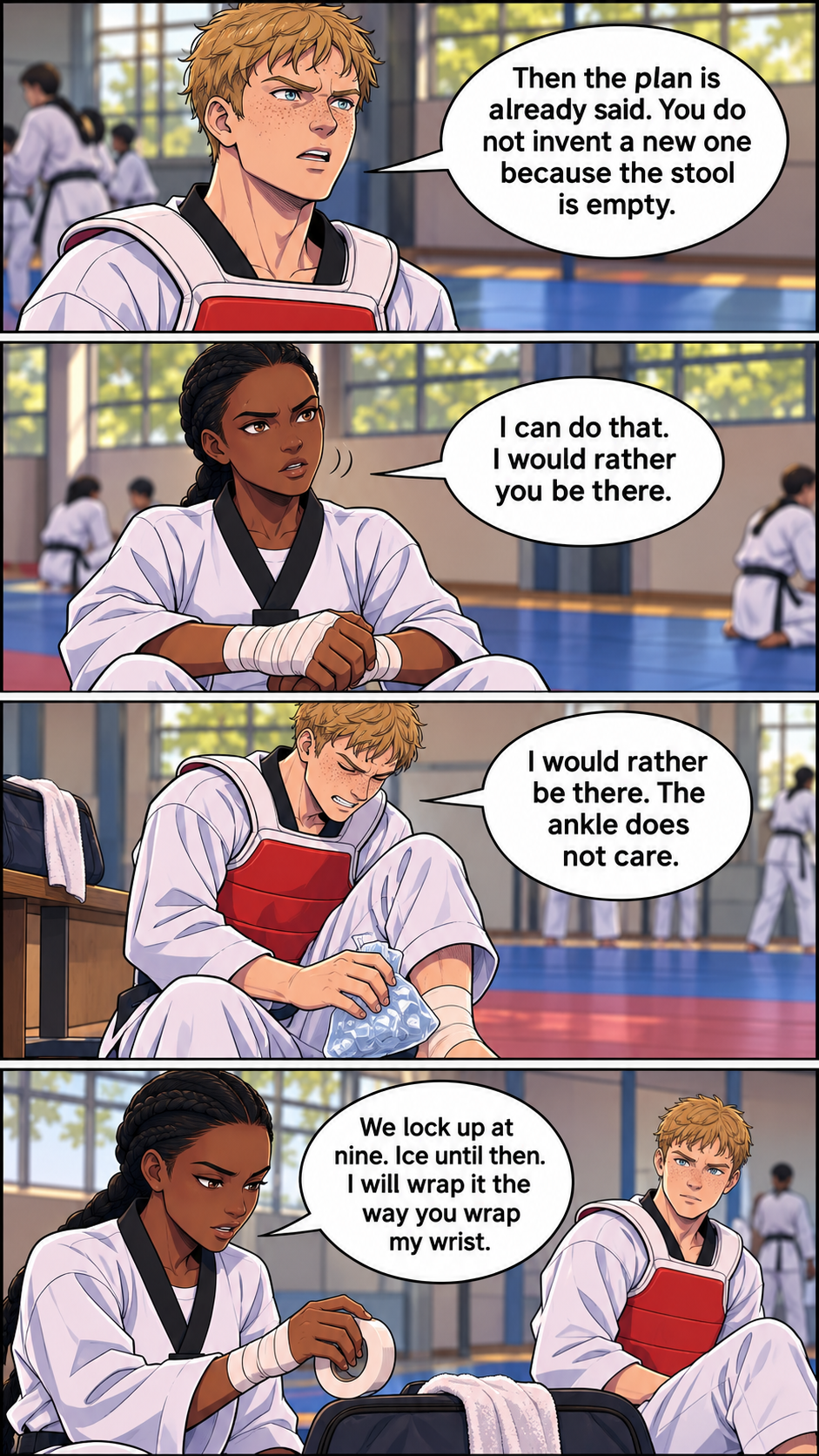
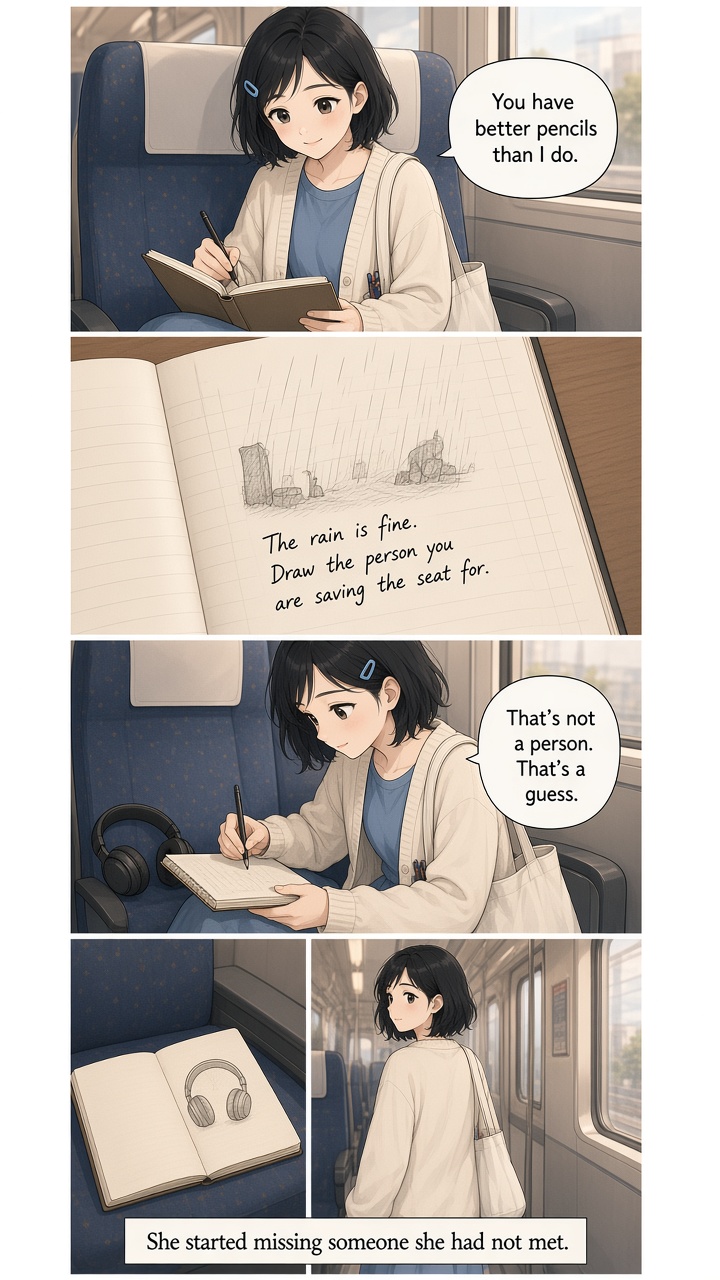
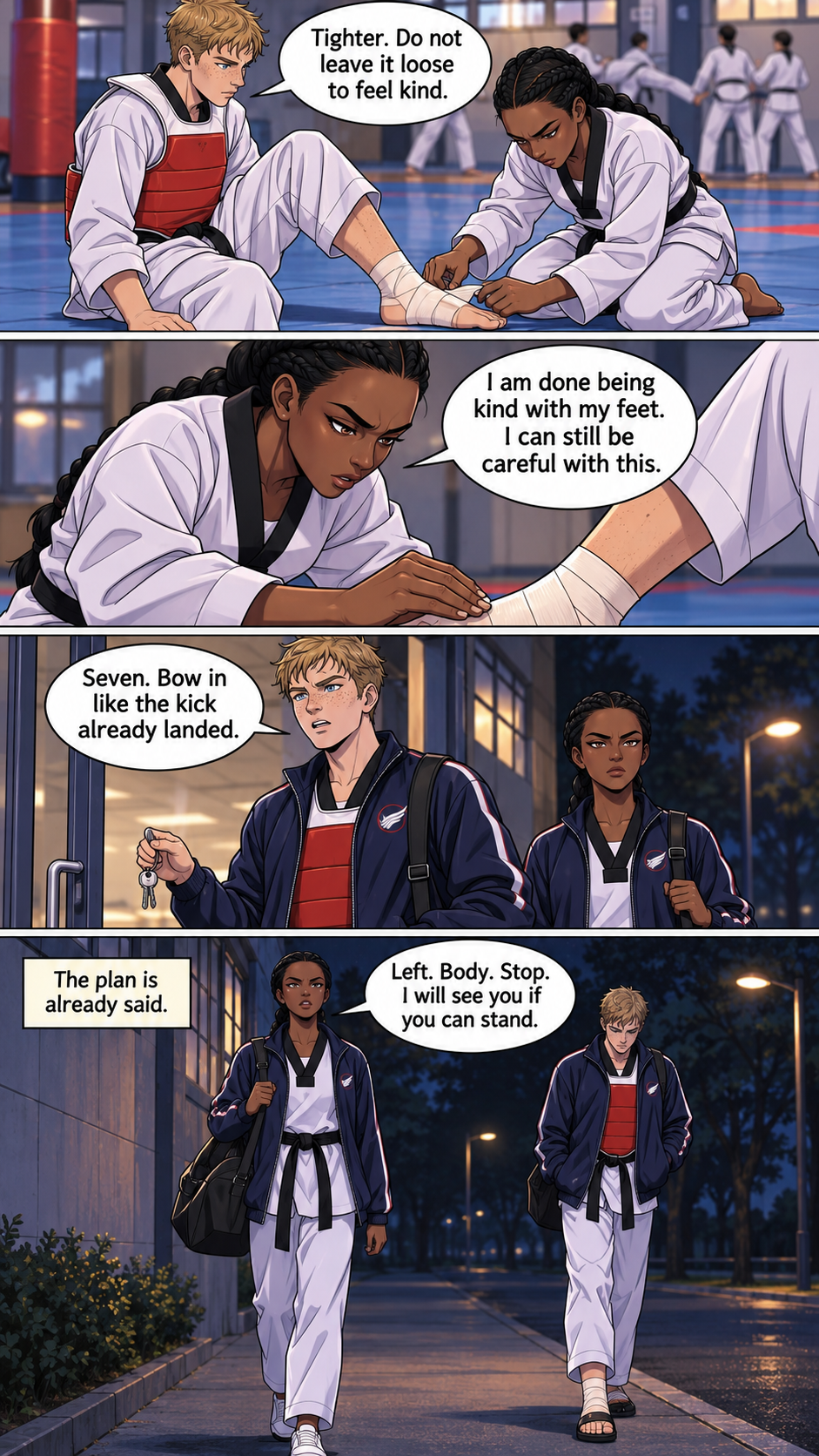
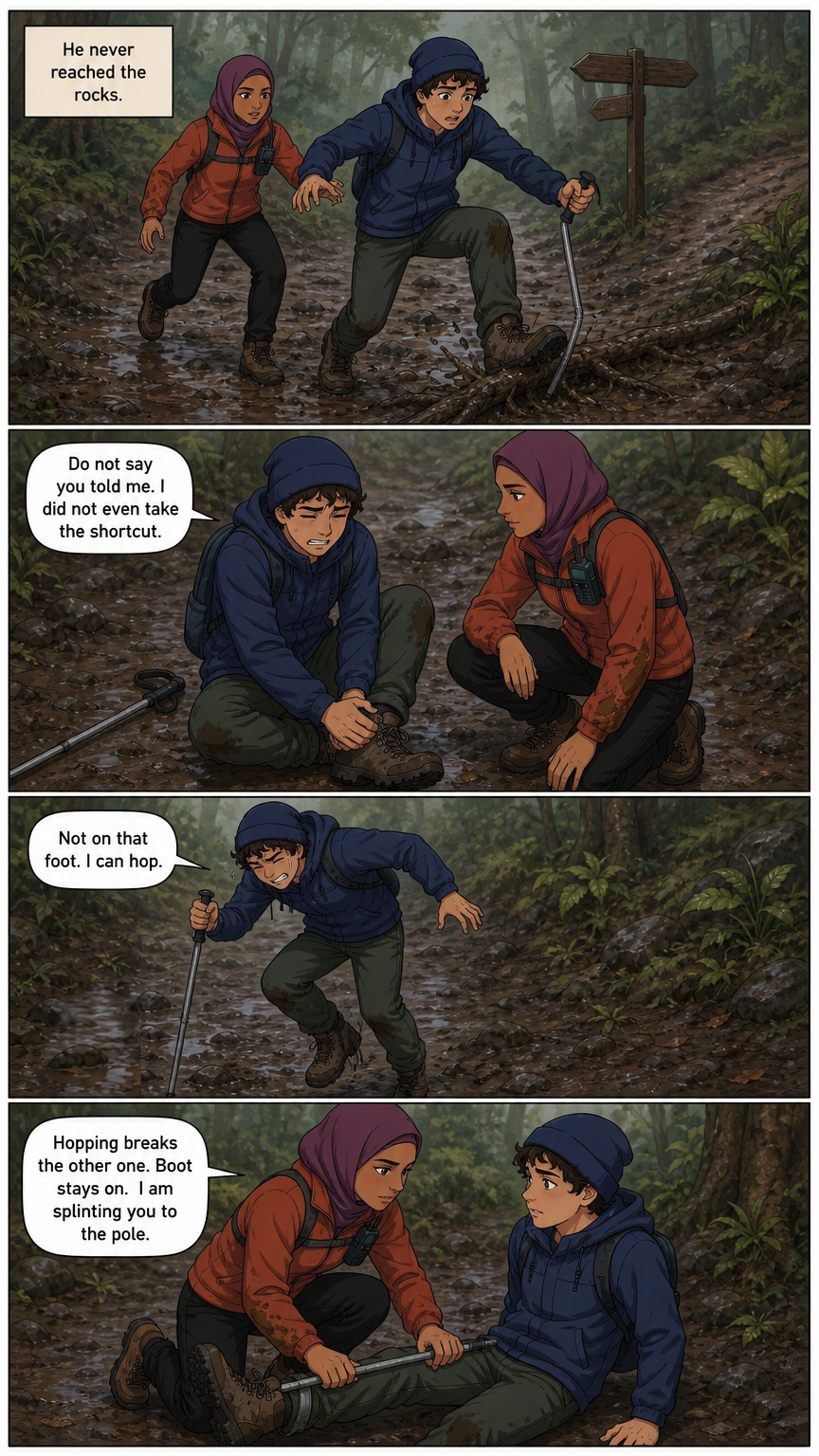
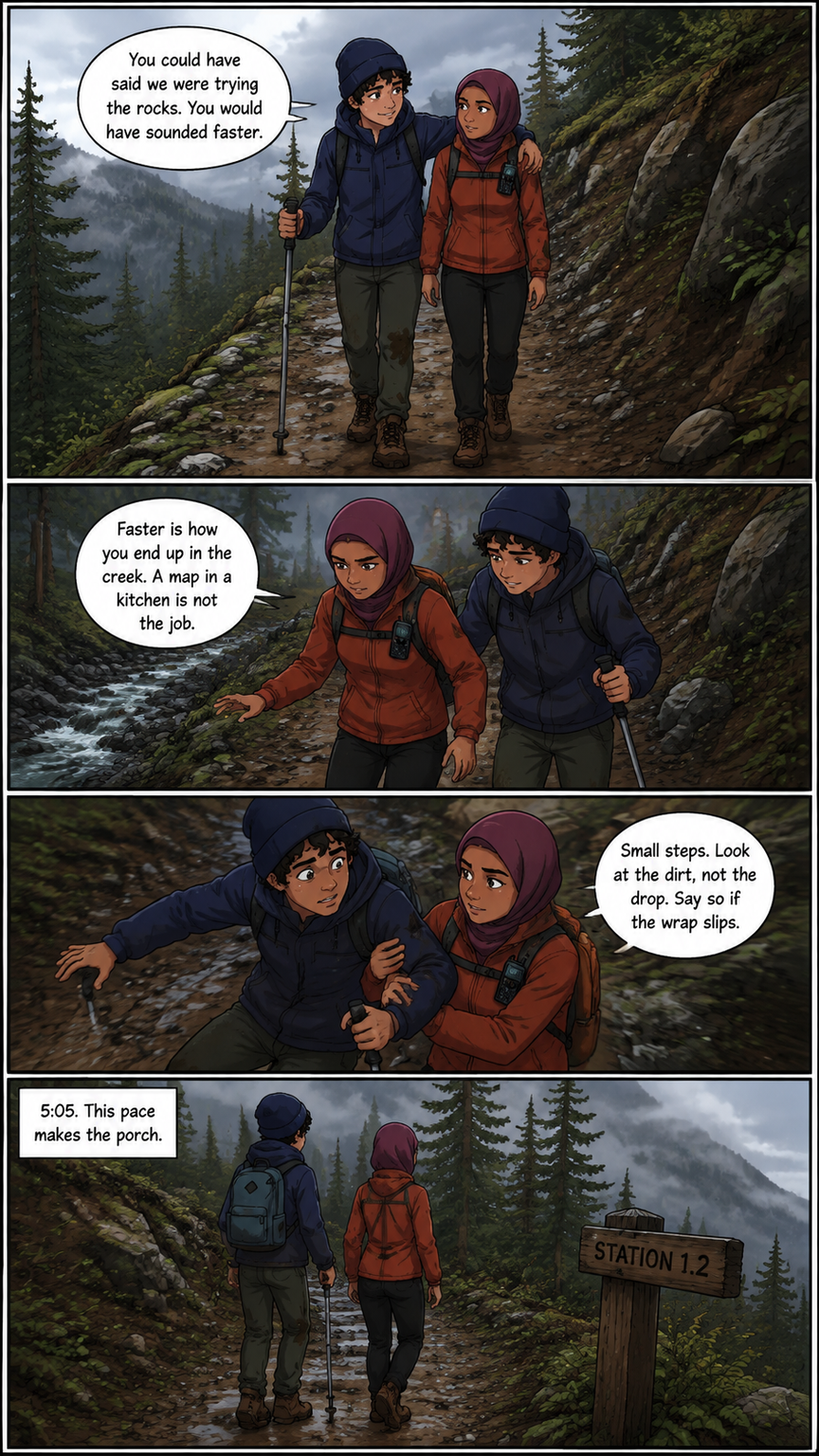
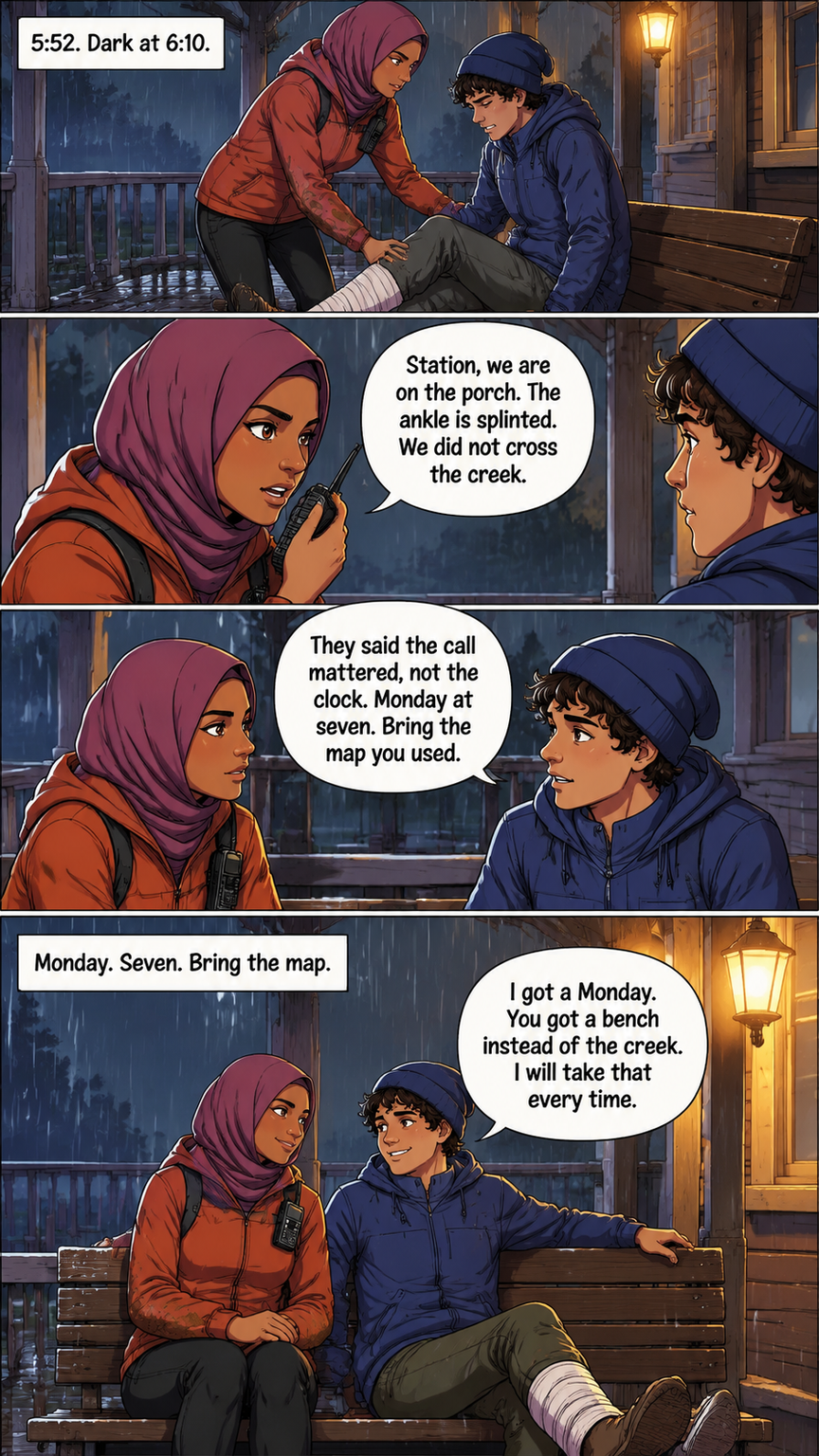
Pick manga, comic, or webtoon when you start a book. The same studio draws a mystery, a love story, a fantasy, or a fight, as pages you can read. Character sheets travel with every page.
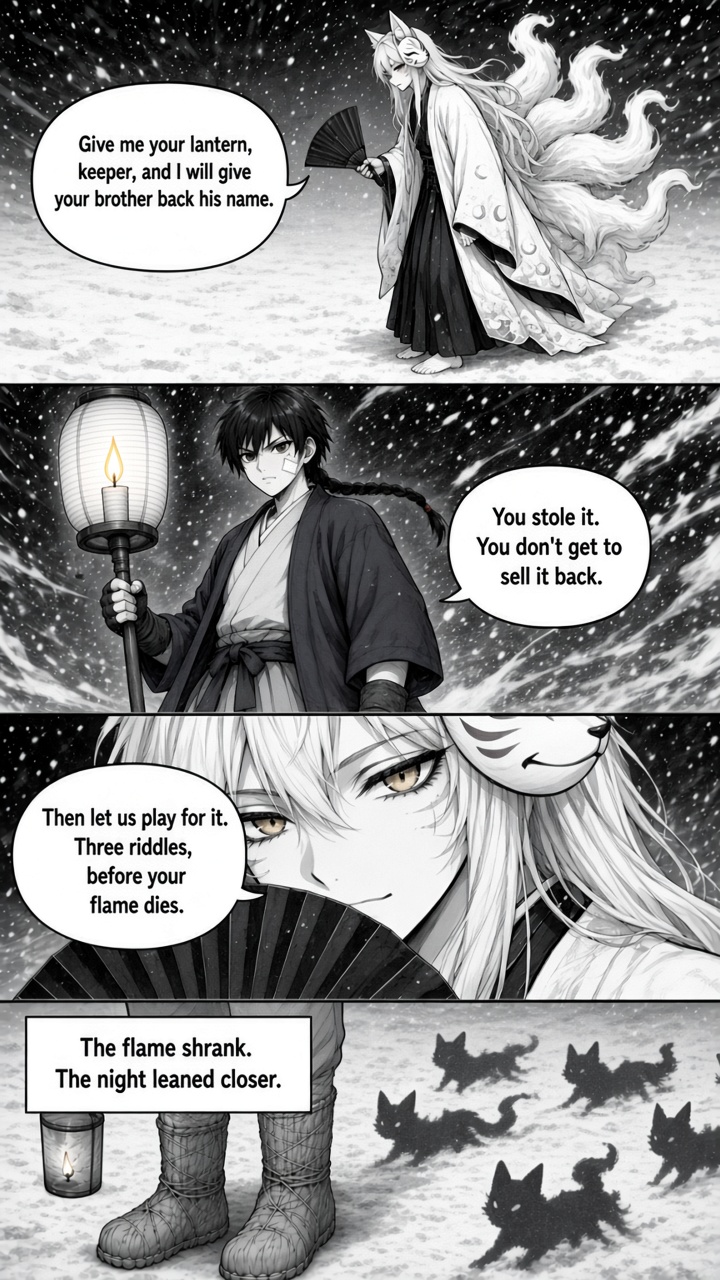
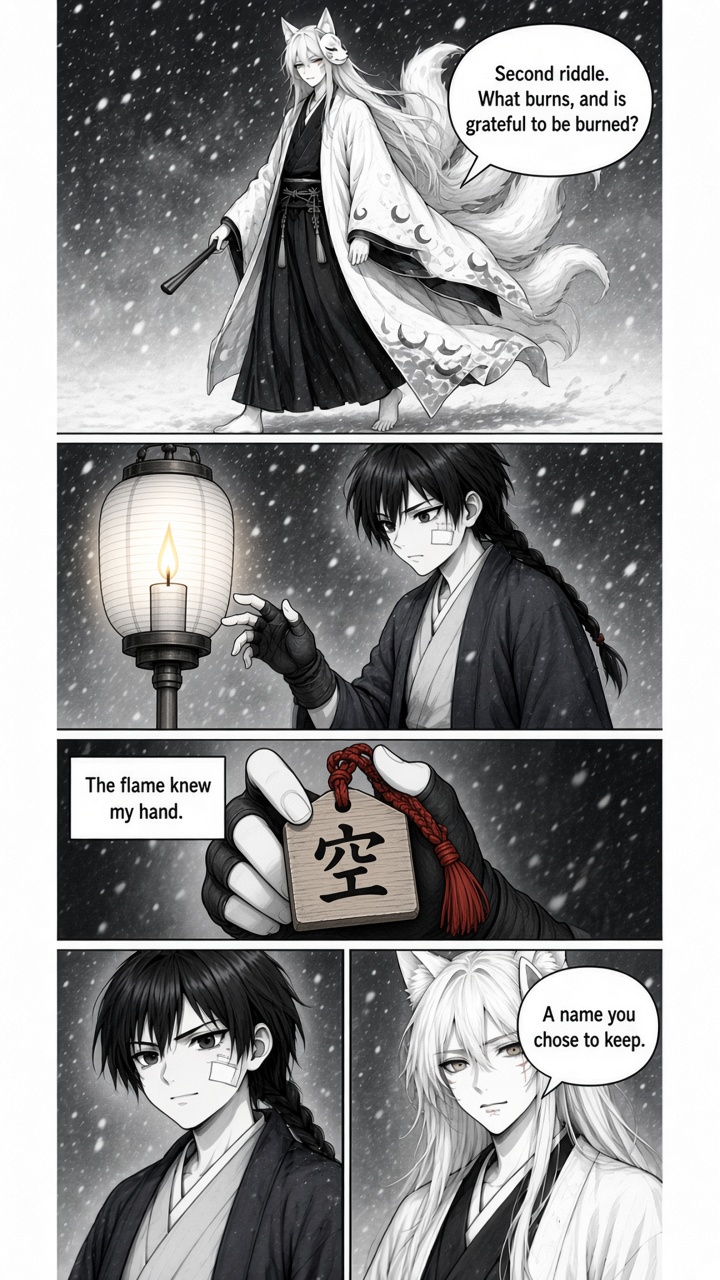
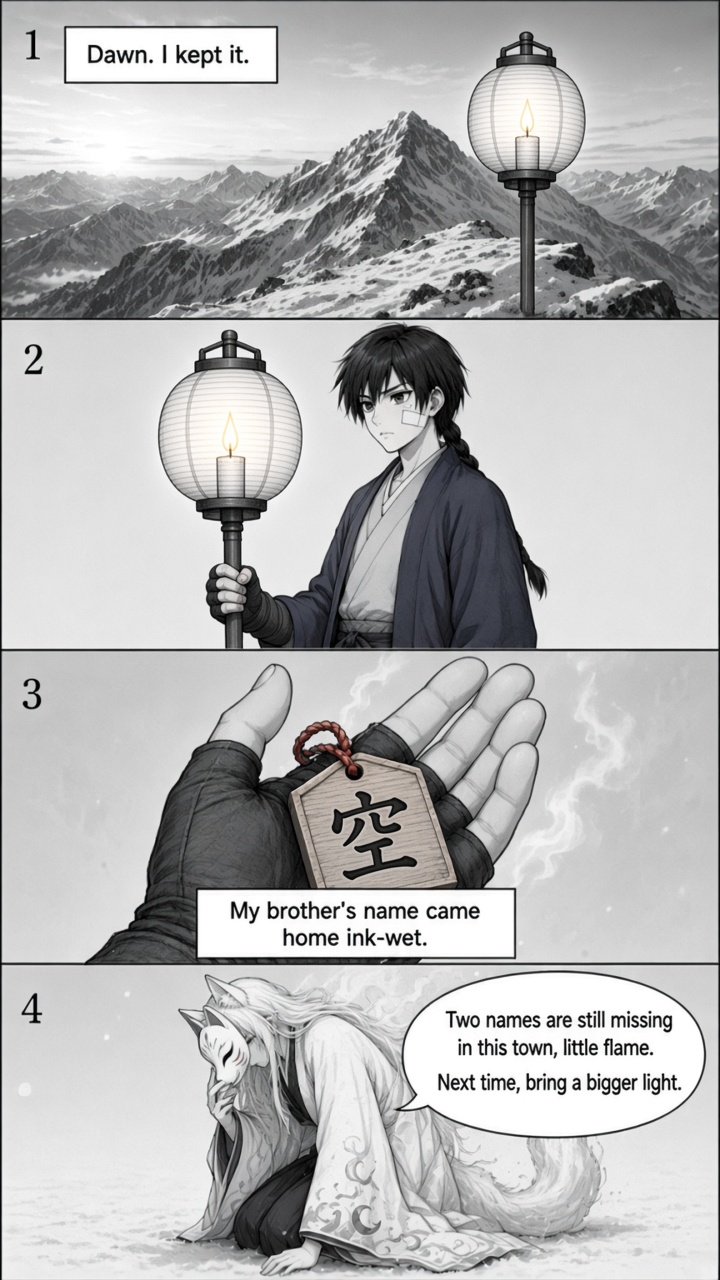
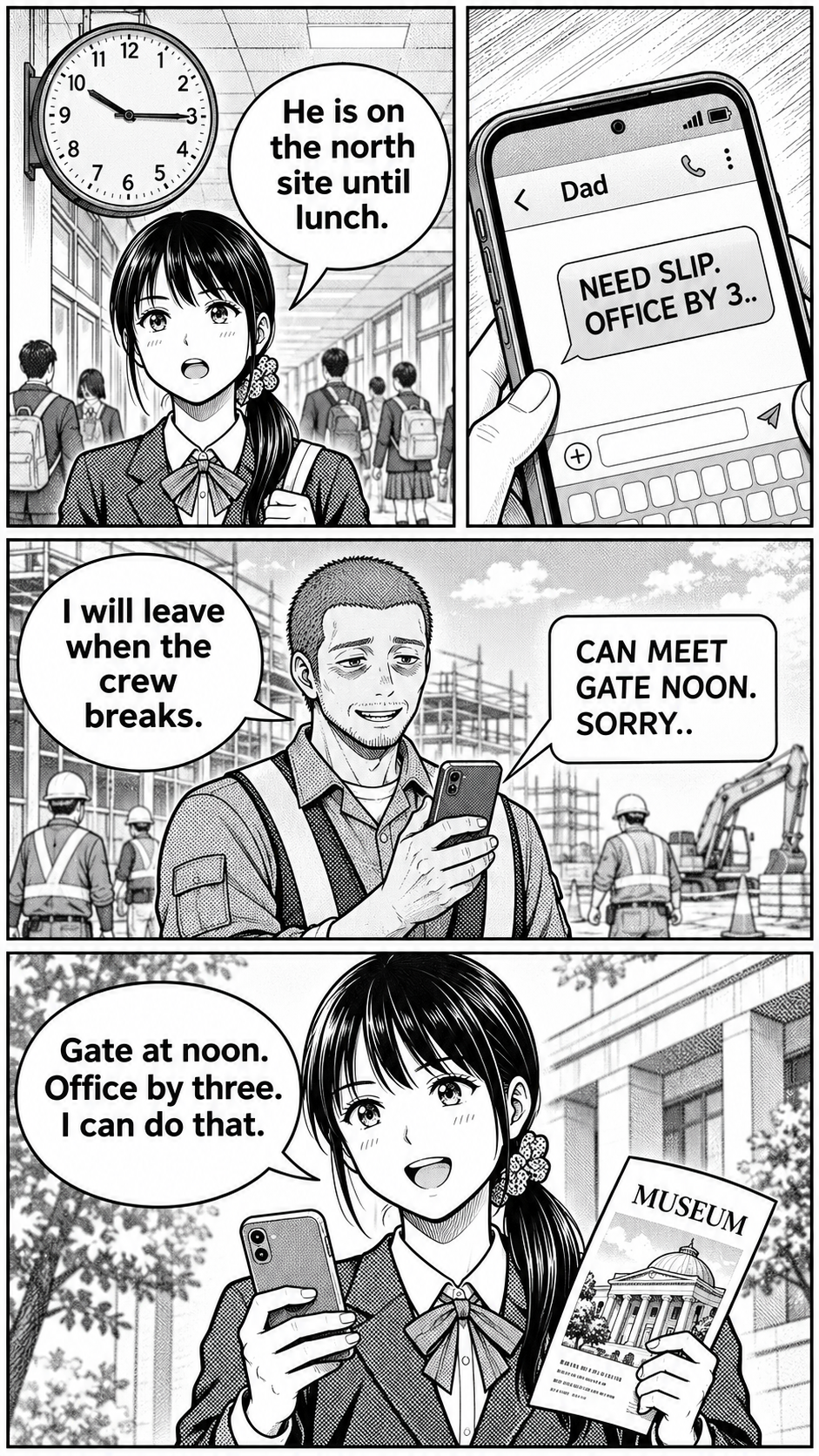
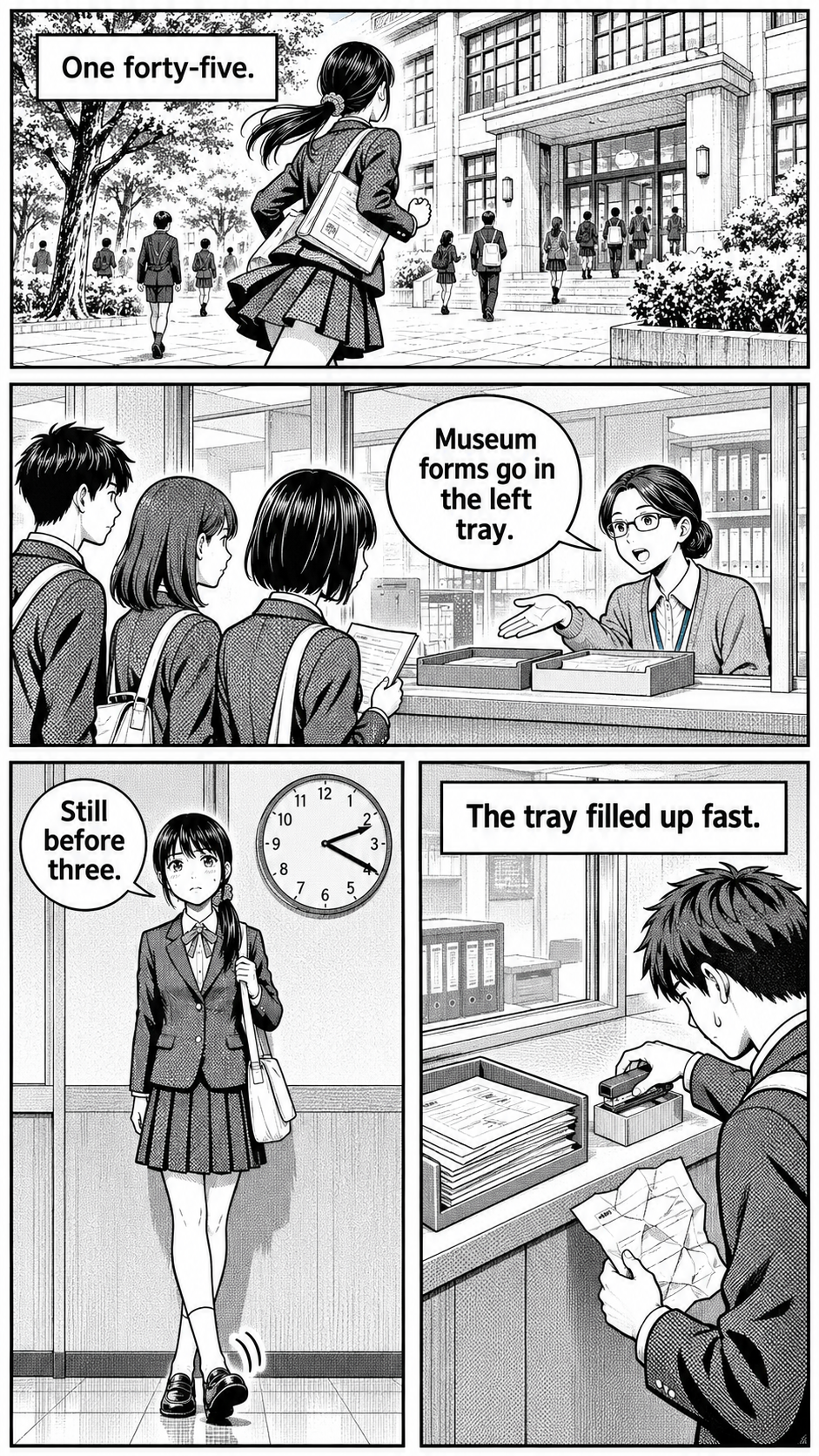
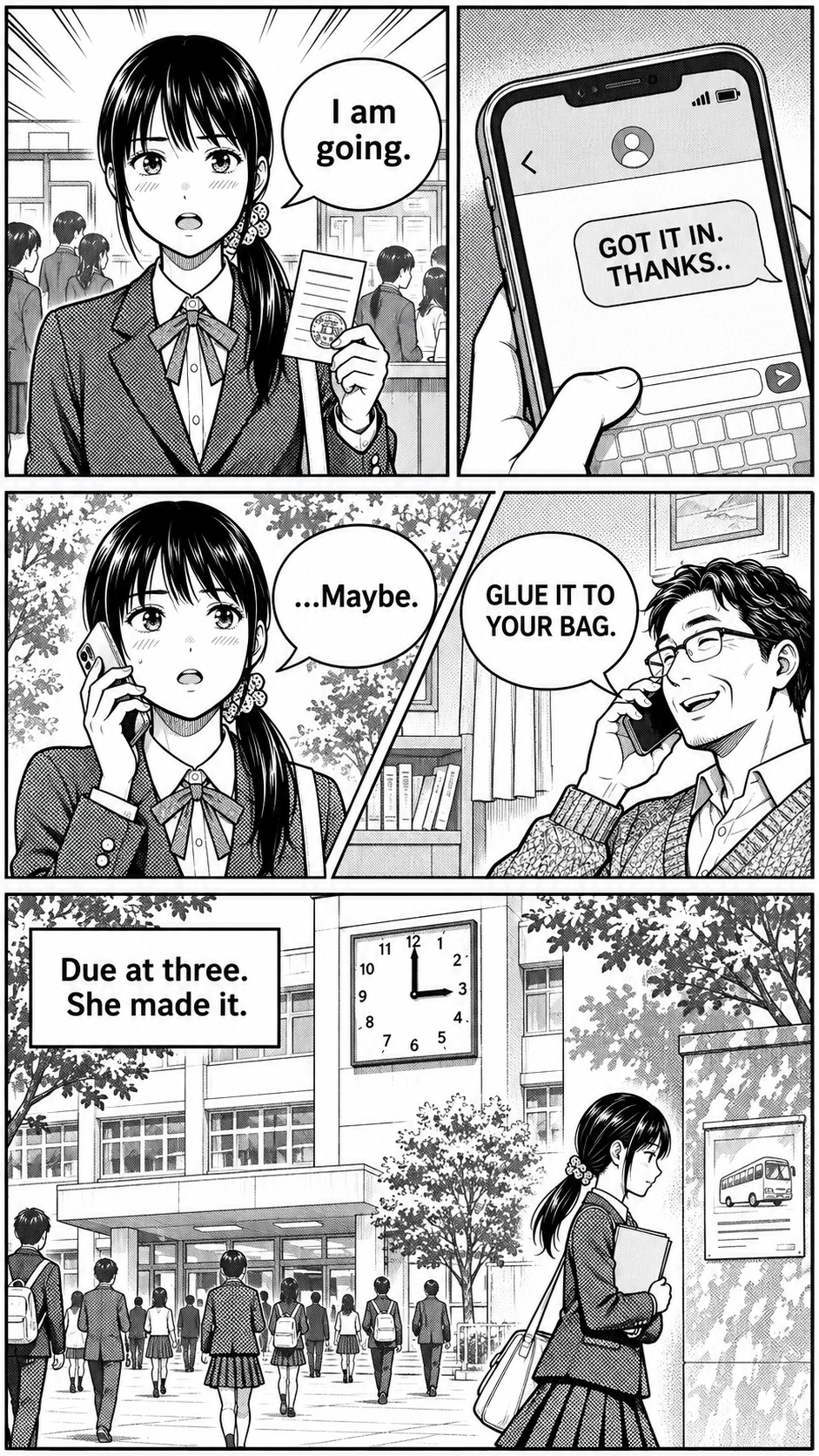
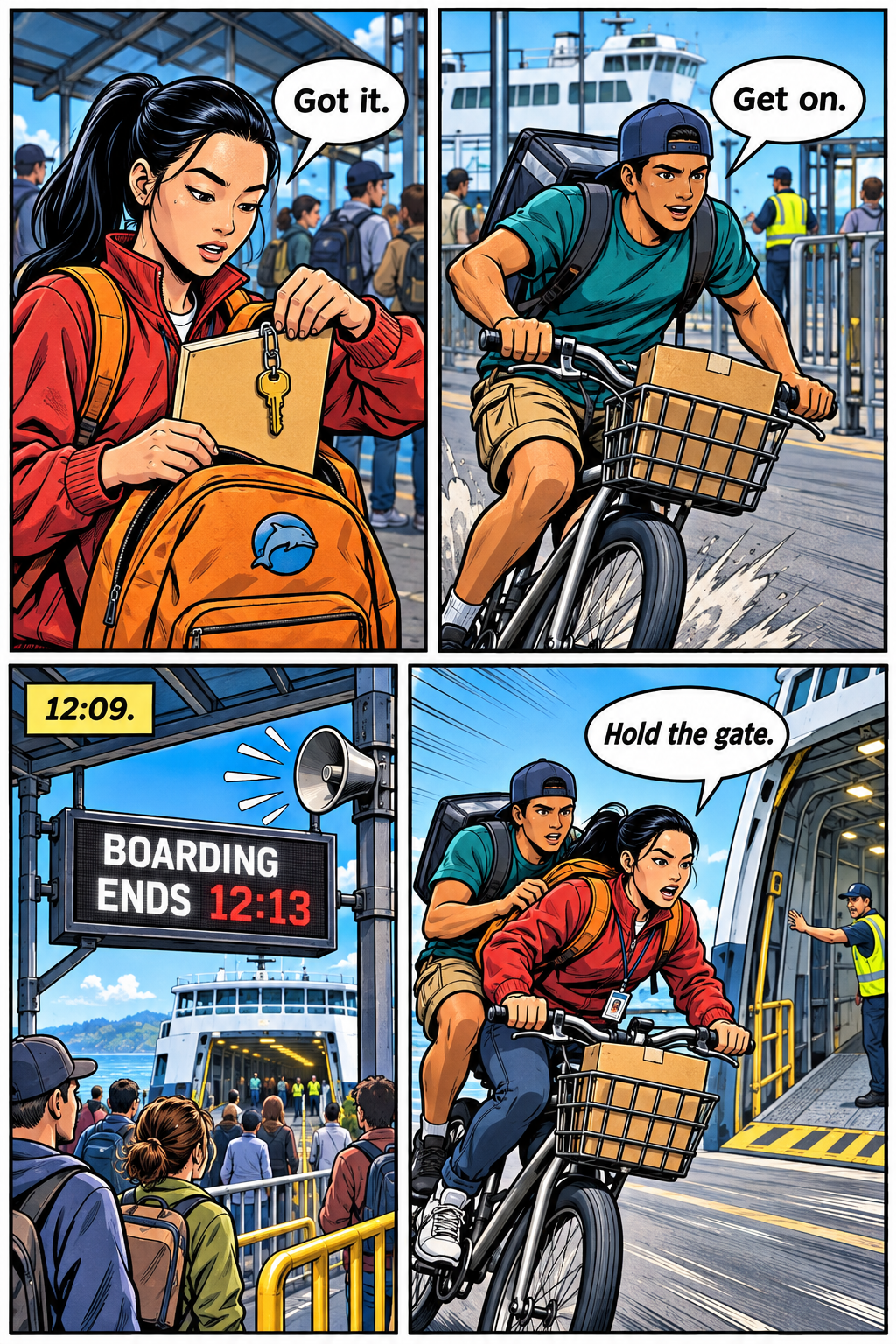
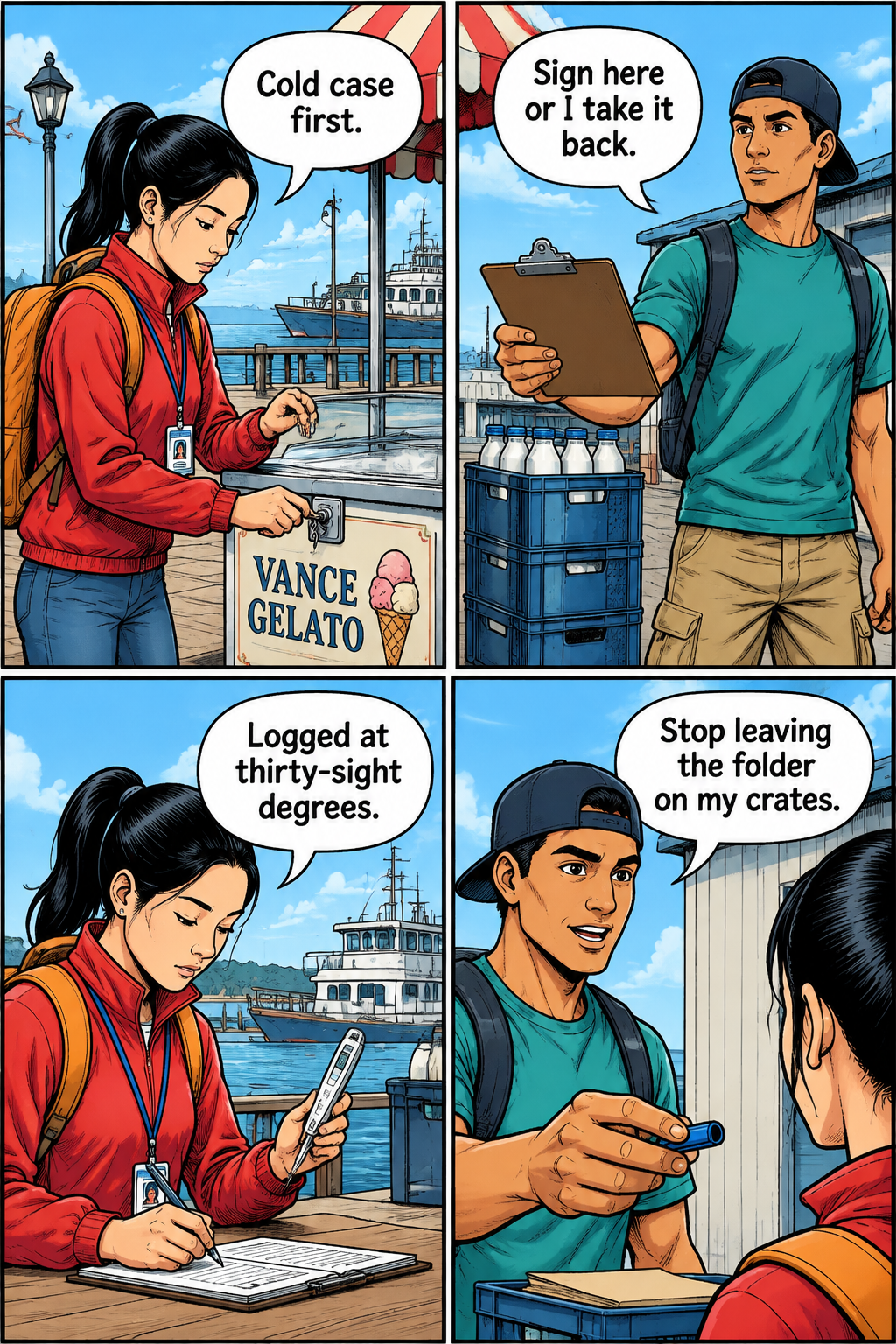
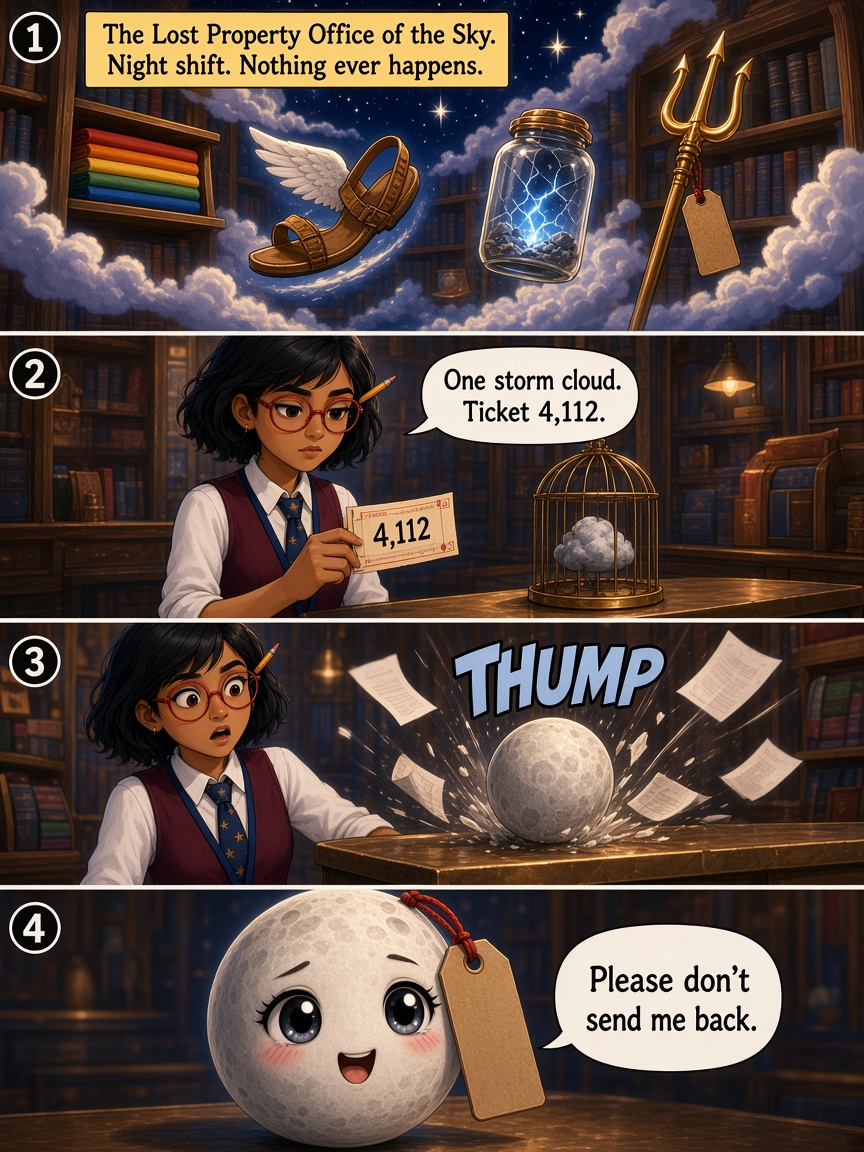
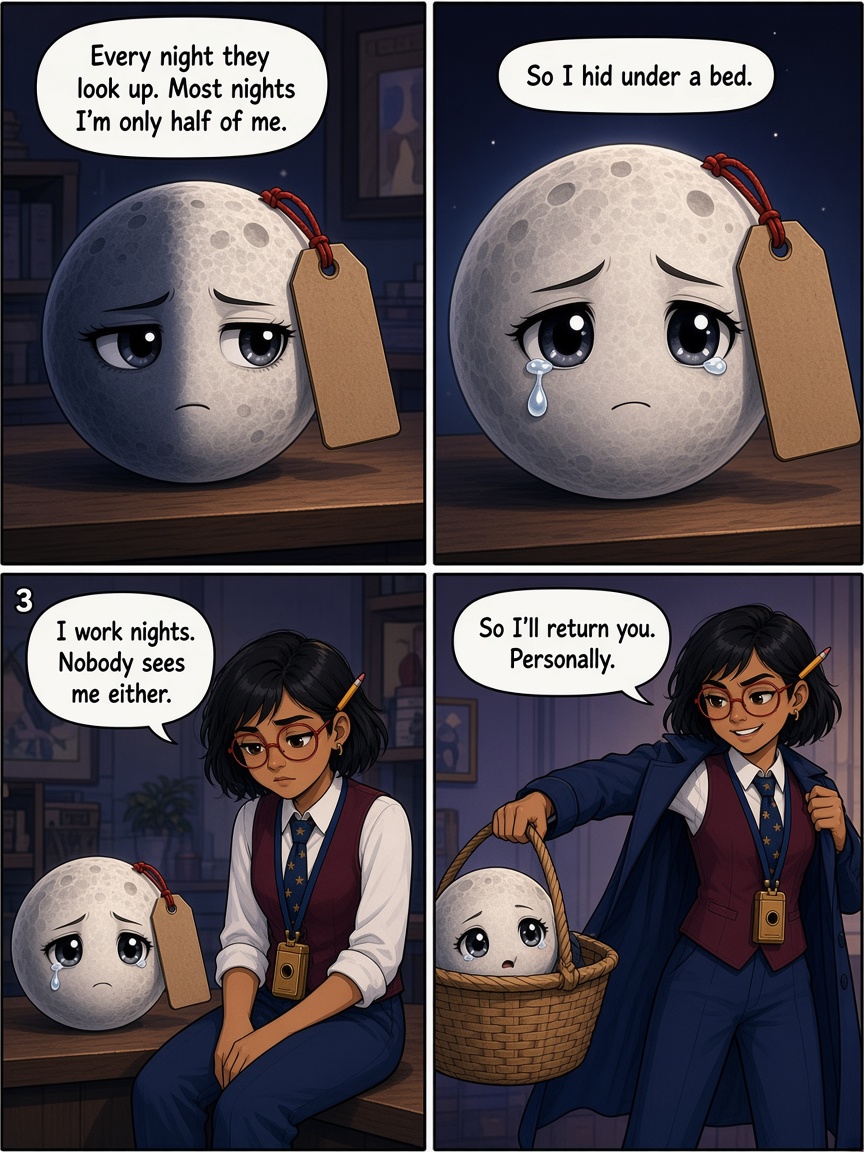
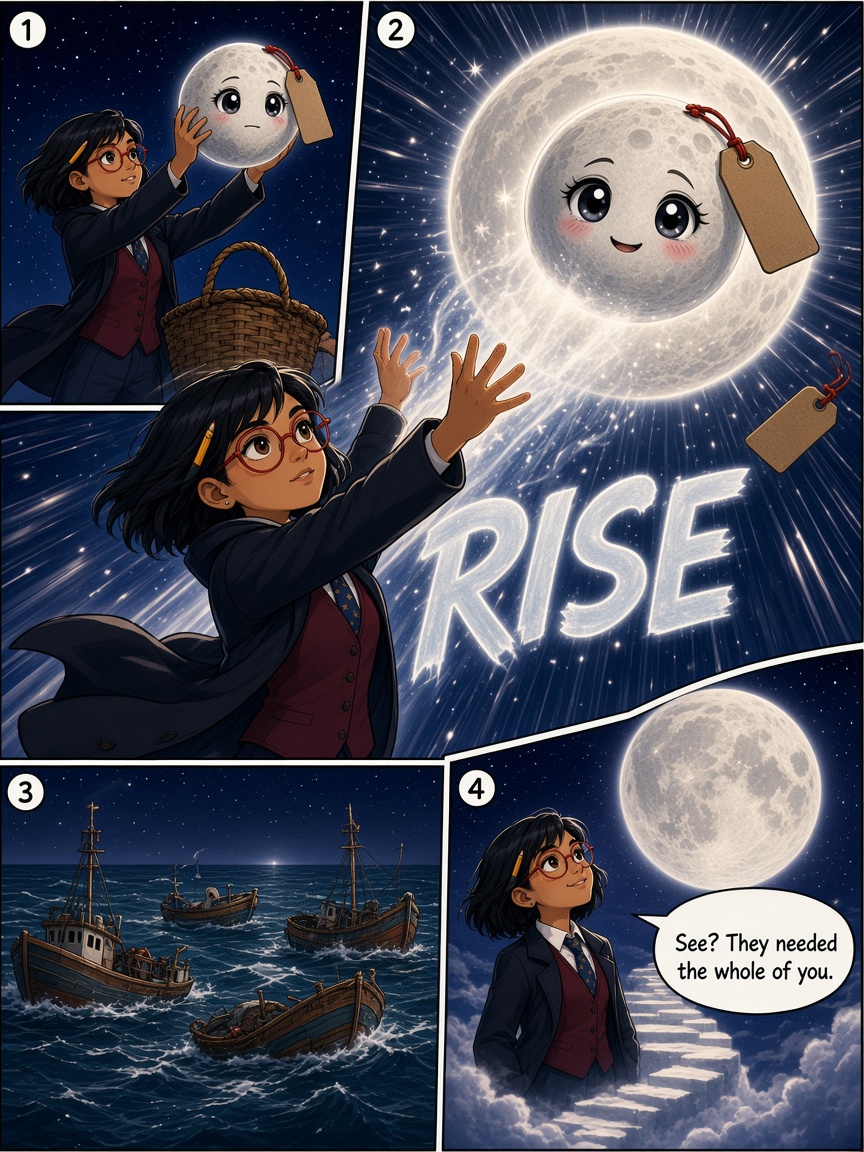
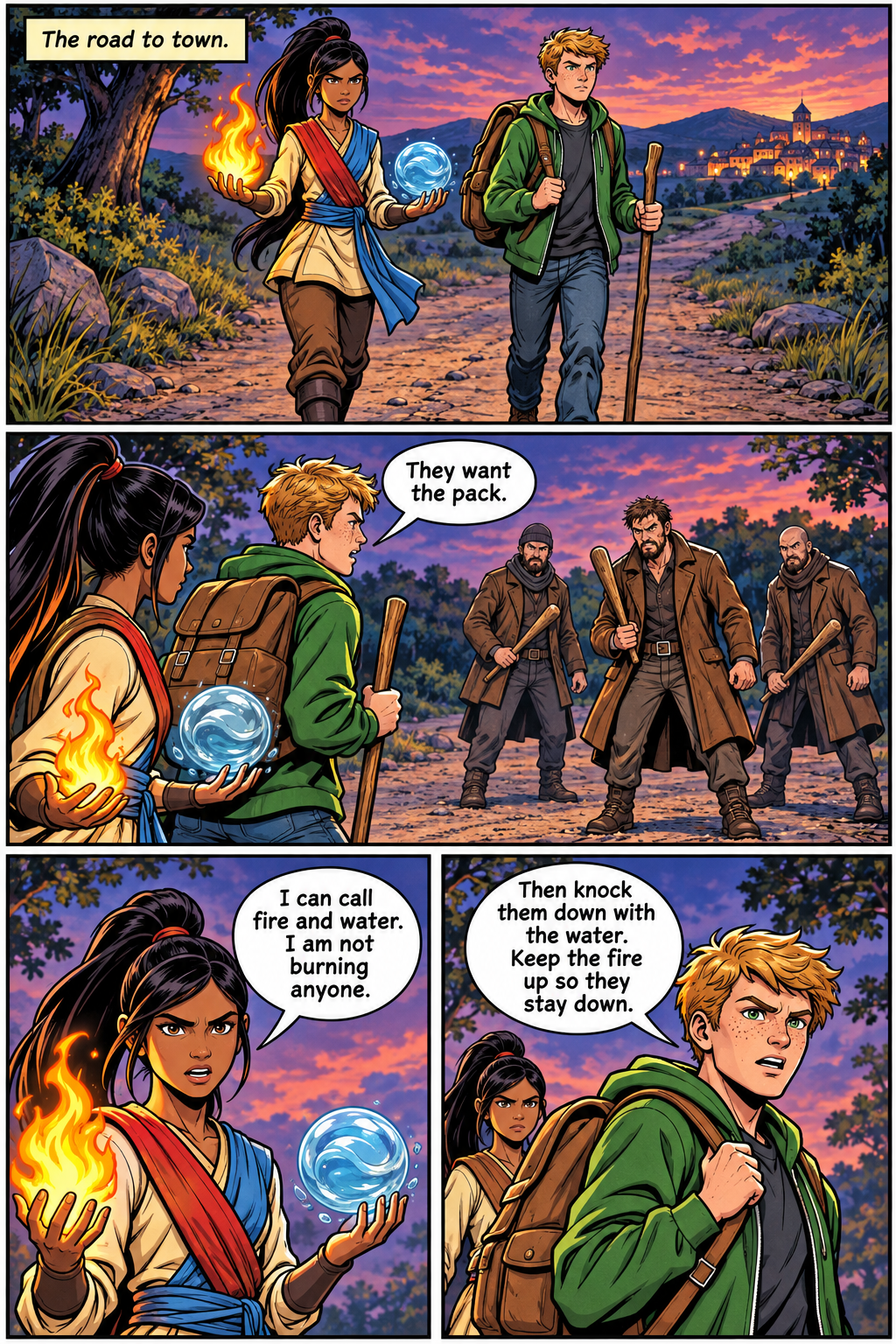
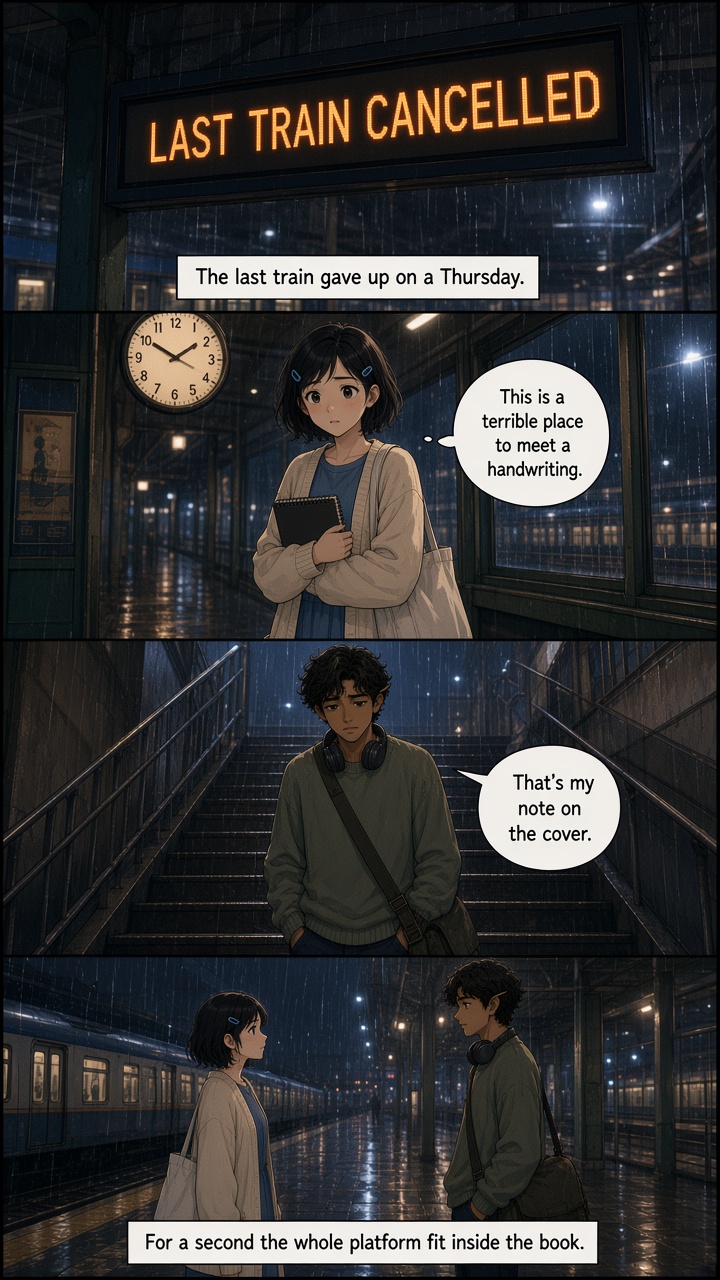
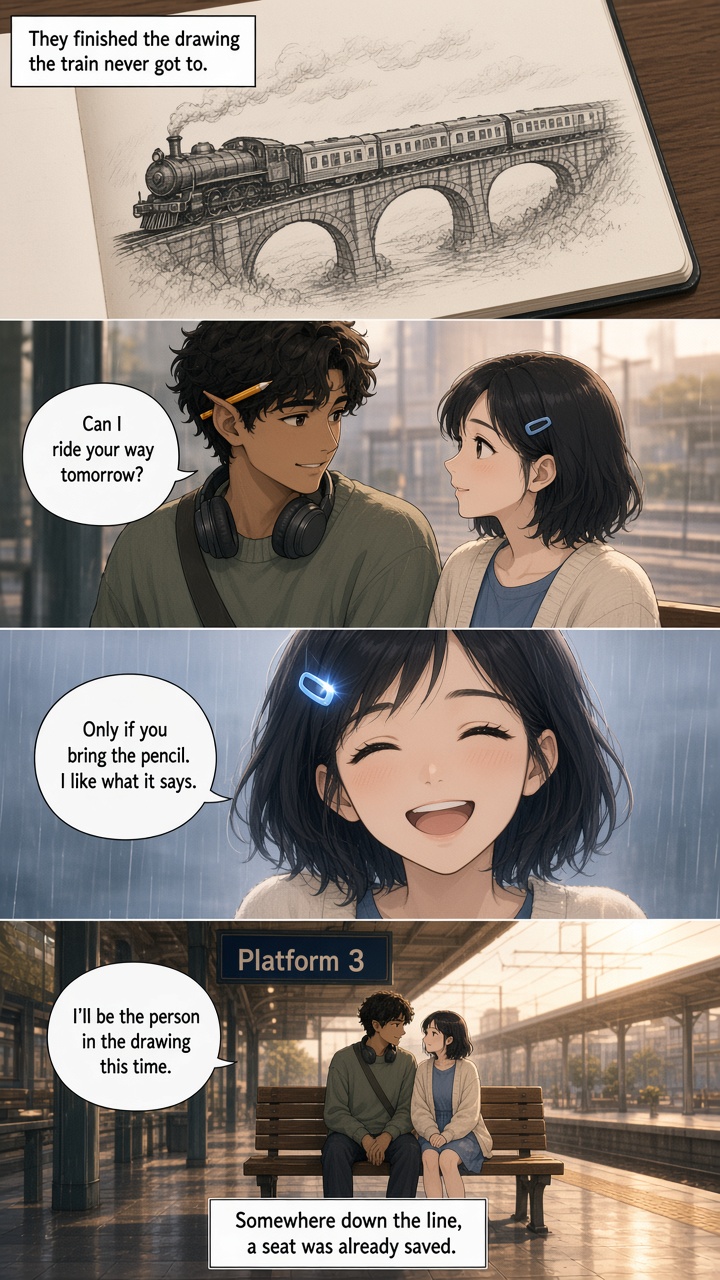
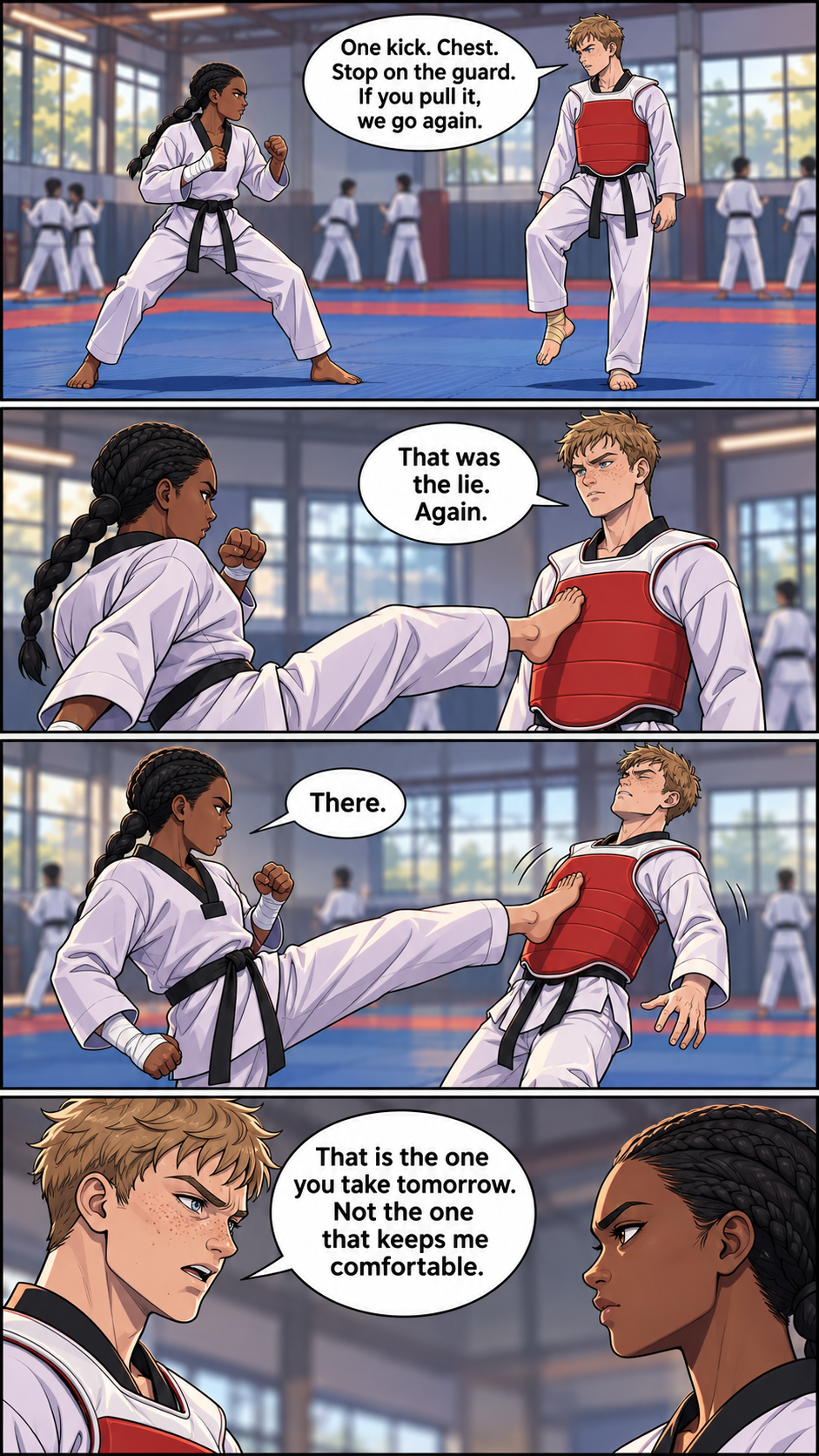
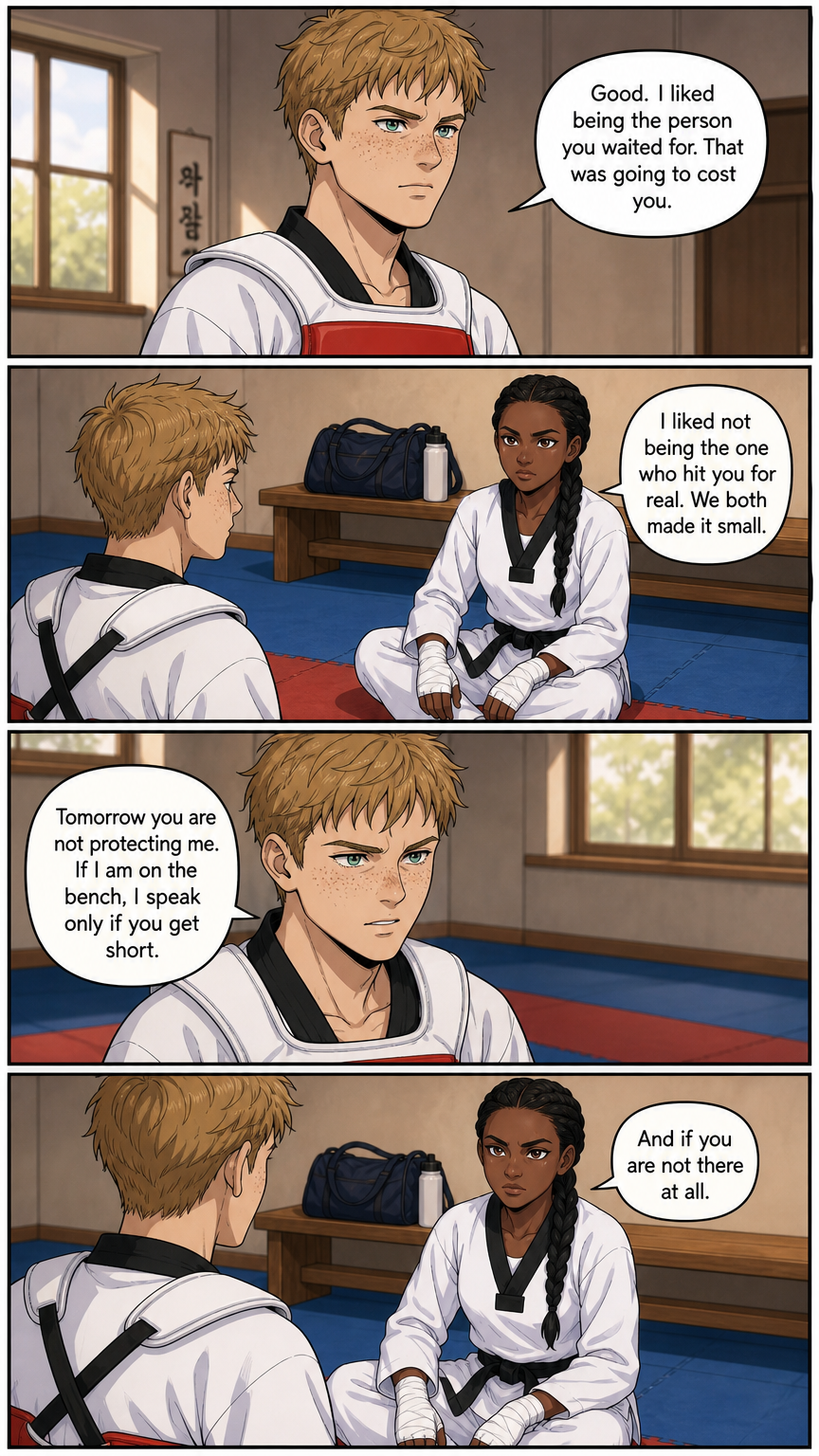
Three looks
Make the whole studio feel like your story
Pick the look you love. Tap one now: this page changes with it, and so does every screen inside the app. Switch any time.
On the page
A PAGE FOR HOW YOU READ
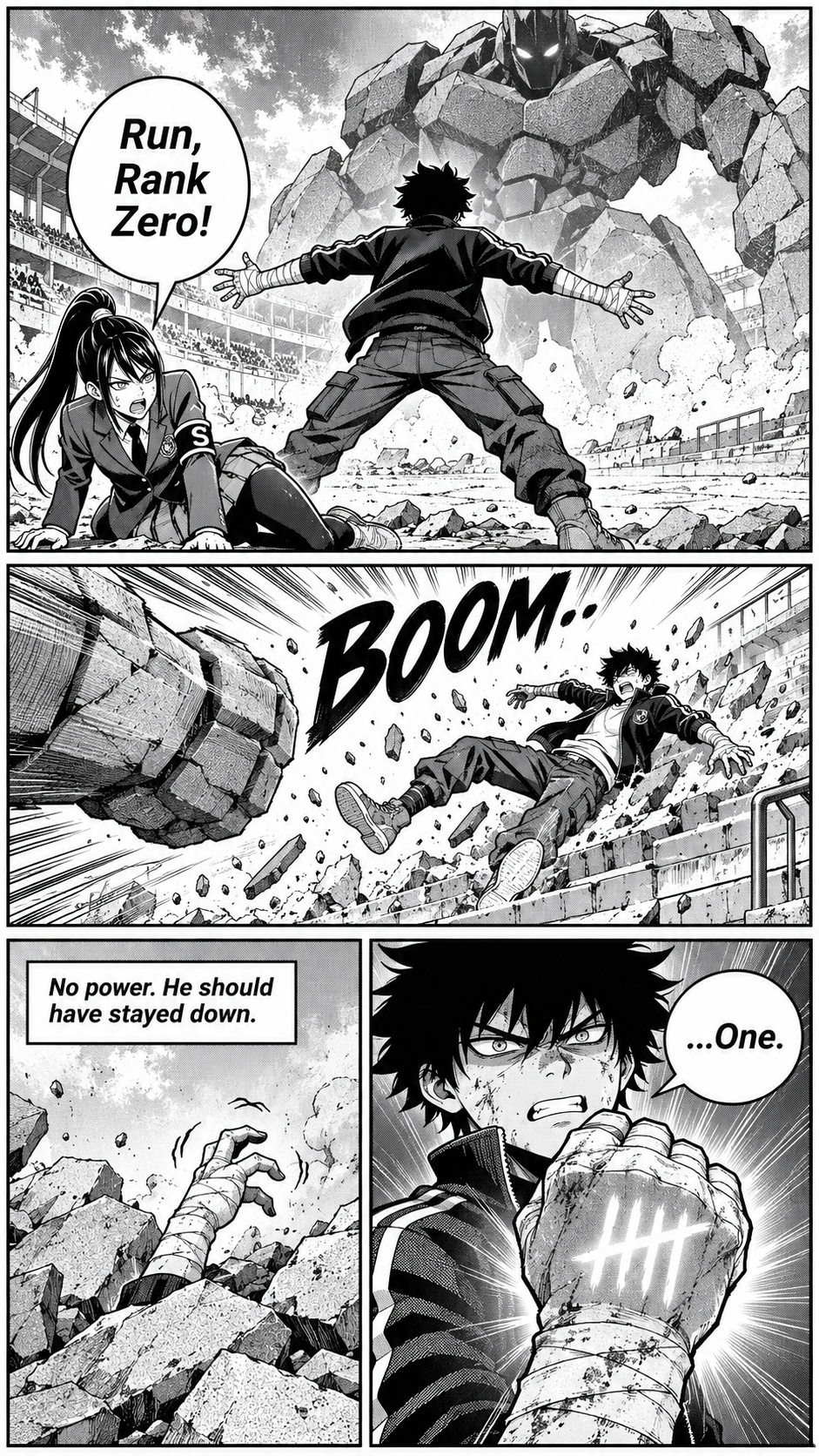
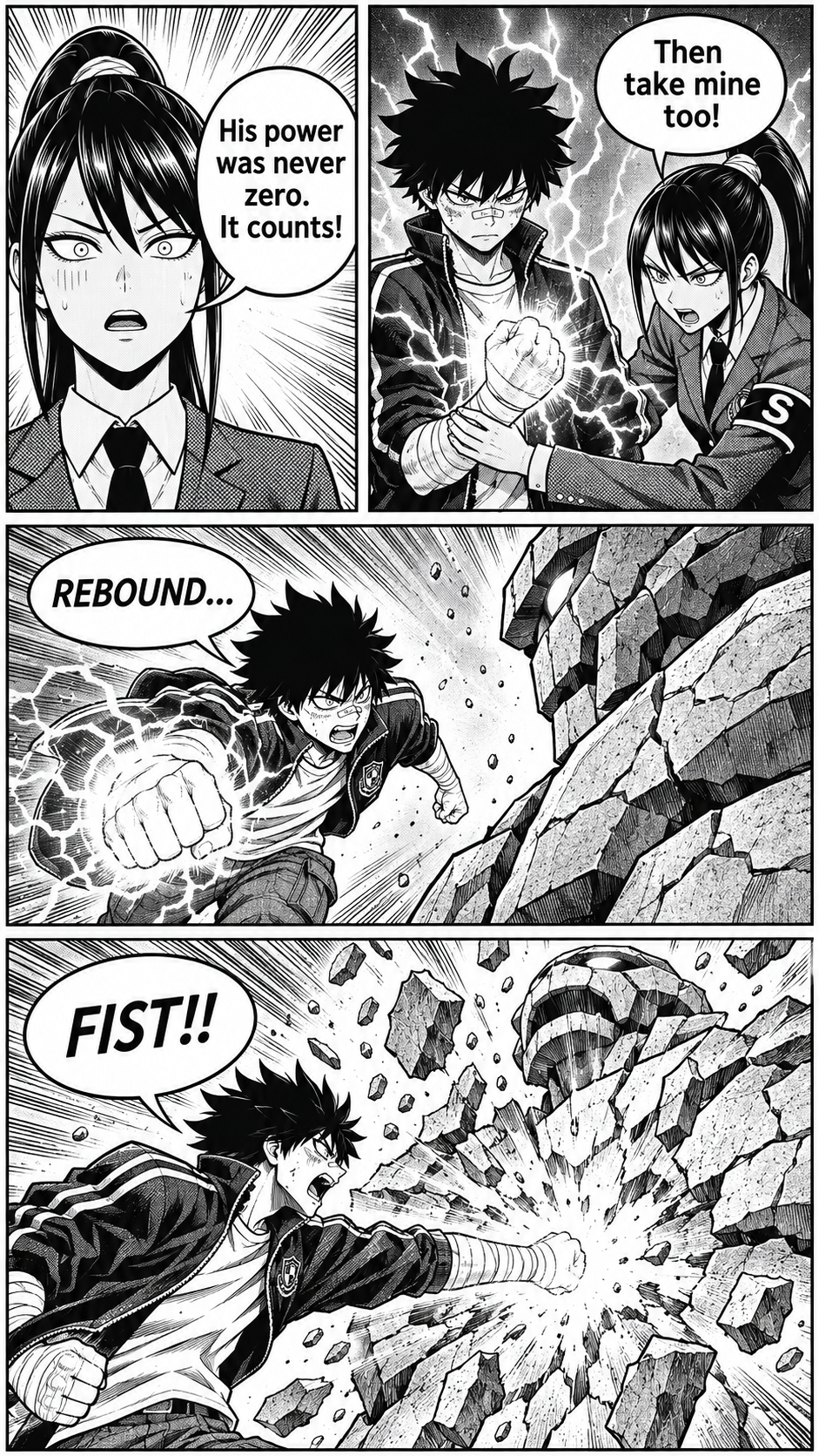
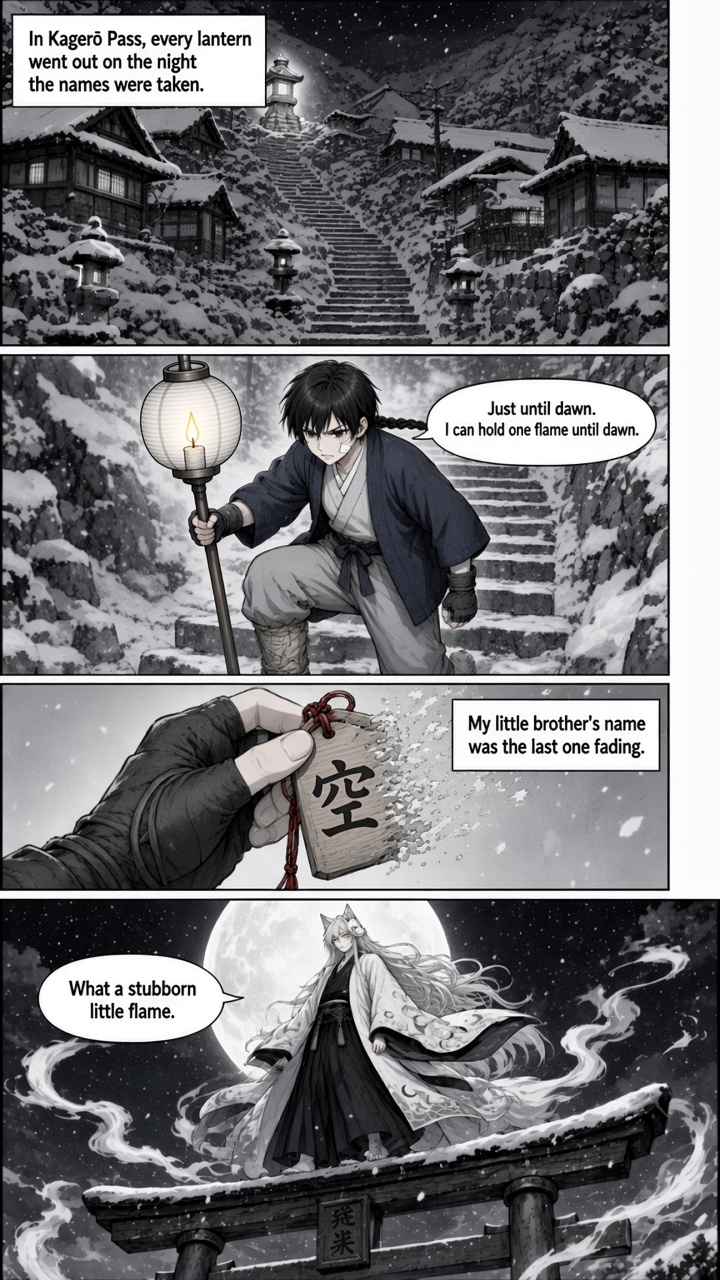
Manga is a black-and-white page. A comic is full color. A webtoon is one tall scroll. Studio draws the format you pick.
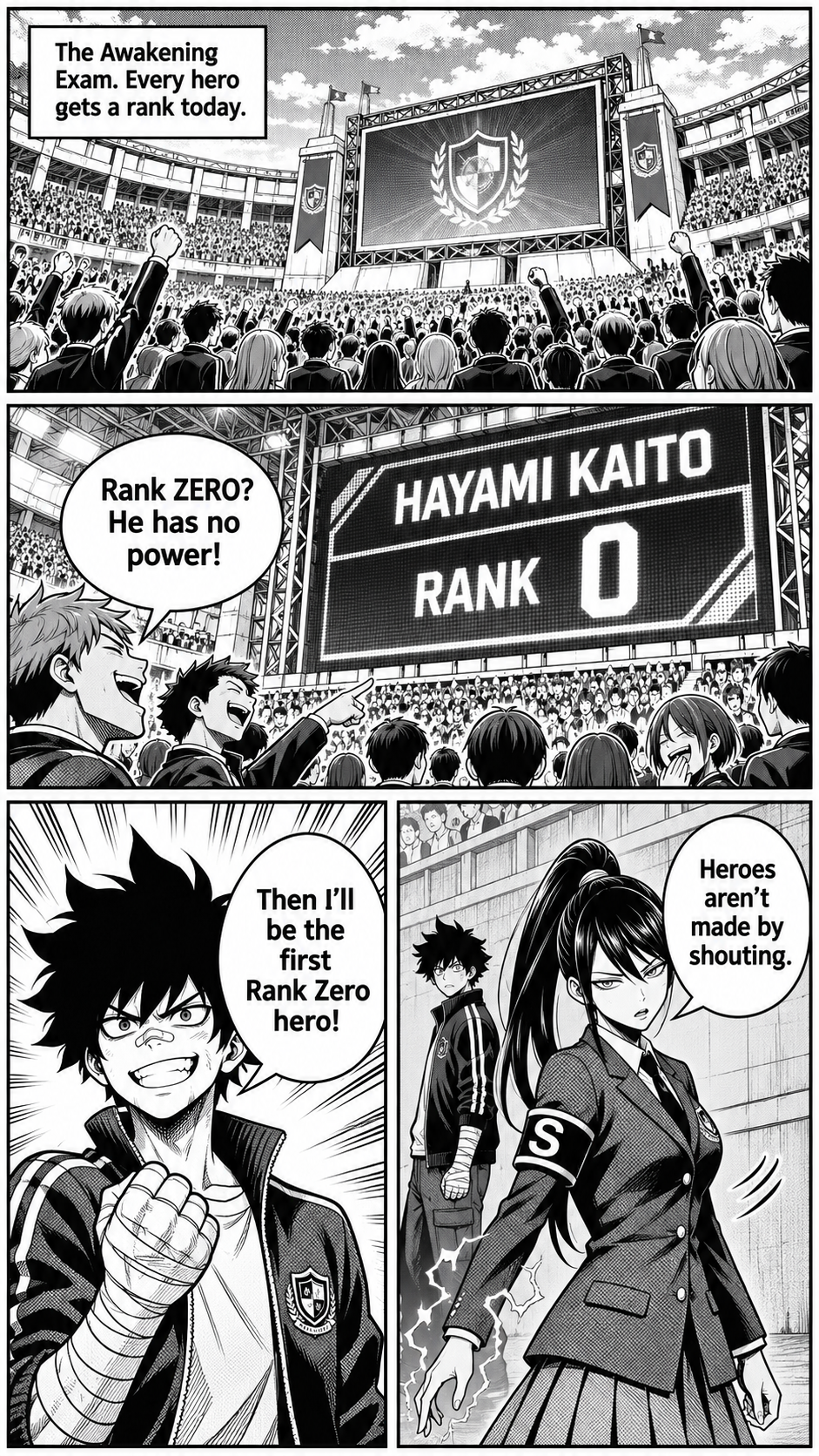 MangaScreentone page, gutters, and lettering you can read.
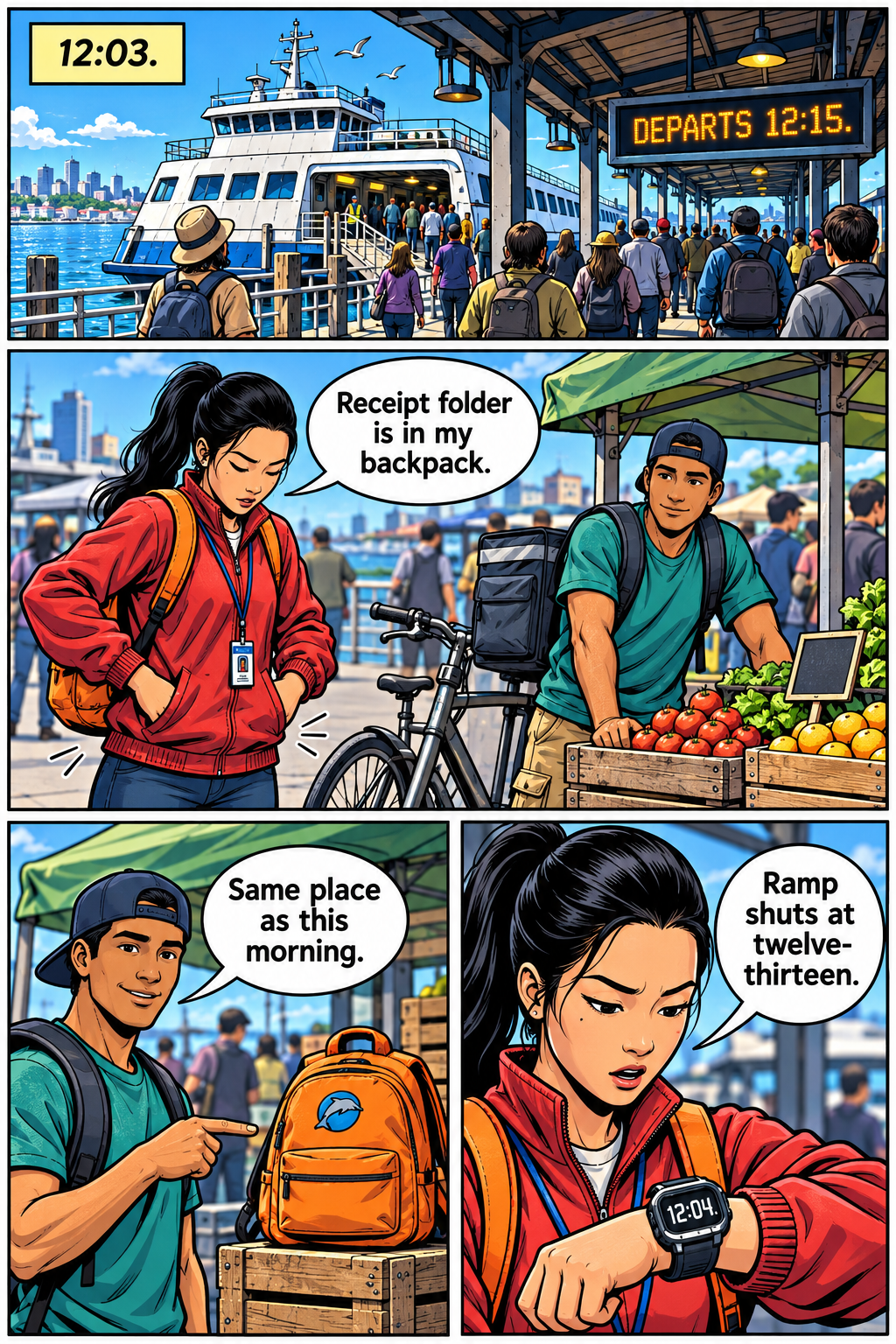 ComicFull-color panels with the same cast in every frame.
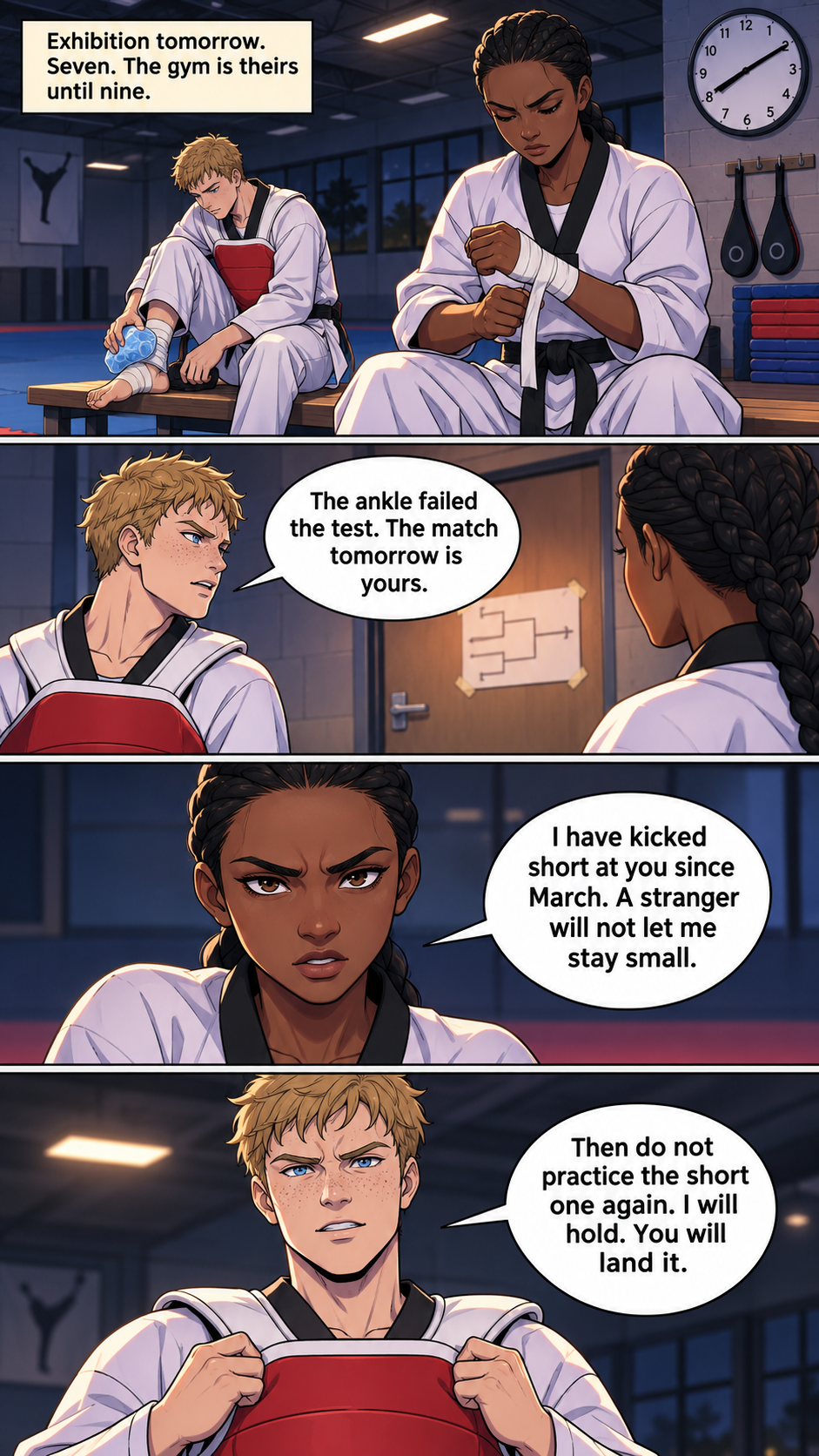 WebtoonA vertical scroll built for a phone.
Read a full sample chapter in the demo
For writers
Your novel, as a comic. Your story, kept.
Adapt turns each chapter of your book into a comic chapter. You see every script before a page is drawn, and you can change any panel. AI can still get a detail wrong, so MangaOra shows you where.
- 1
Bring your manuscript
Import your novel and split it into chapters. Your text is never edited.
The ferry horn sounded twice. Nadia pressed the letter into her coat and ran for the ramp.
- 2
Set the rules once
A story bible holds who everyone is and what must never change. Every step follows it.
- Nadia: courier, red scarf, short black hair
- Rule: the ferry never leaves before dawn
- 3
Check the script
Each chapter becomes panels built from your text. Anything not in the chapter is flagged before it is drawn.
3 · Nadia sprints up the ramp, letter in hand.
“The captain waves her aboard” is not in your chapter
- 4
Draw the pages
Pages are drawn from the script and the character sheets, so the cast looks the same on every page.
Inside MangaOra
Everything a storyteller needs
Write, cast, draw, read and share, in one place. Every part of the app keeps the same characters and the same look.
- StudioYour books, one chapter at a time, with the next step always on screen.
- Paid plansAdapt a novelBring your manuscript. Every chapter becomes a script you check, then pages.
- CharactersCharacter sheets keep faces, hair and outfits the same on every page.
- Quick SceneOne striking image from one idea, then grow it into a book.
- Creator and upSketchbookTurn your own drawings into finished manga, comic or webtoon pages.
- AdventuresPlay a story where your choices draw the next page.
- Reading listA reading room for your books and the ones you follow.
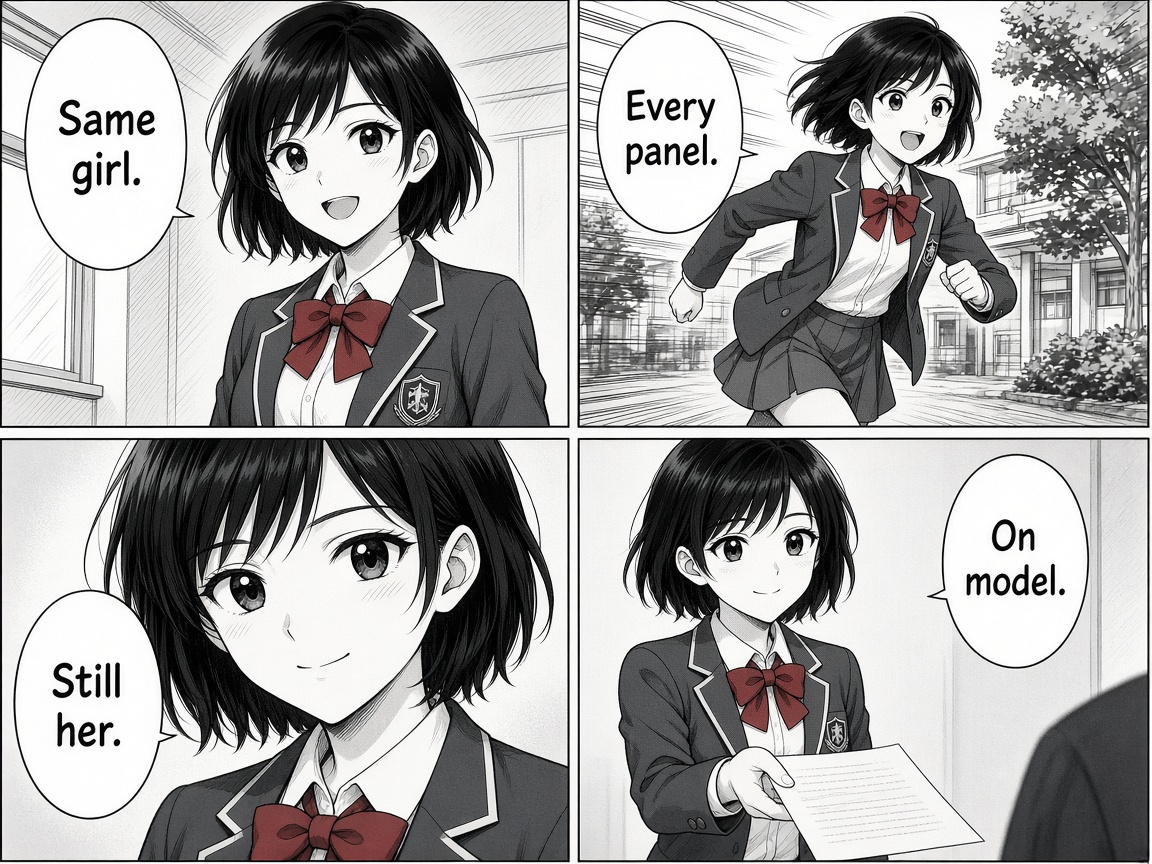
Character consistency
Same faces. Every panel.
MangaOra is an AI manga, comic and webtoon creator built around your cast. Each character gets a sheet from your description, and every page is drawn from those sheets and a written description of their clothes, hair and build.
- Full comic pages drawn from your script, with speech bubbles and narration
- Manga screentone, full-colour comic, or vertical webtoon
- Background crowds without extra character sheets
- Export PDF or images, or share a read link
Creator and up
Turn your sketchbook into a comic
Already drew it? Upload your pages and each one is restyled as manga, comic or webtoon art, then sent to Studio to finish and export. One image credit per page.
See plans with Sketchbook

How it works
Idea to finished pages in three steps
 1
Write
Start from an idea, or bring your novel. Liora helps you shape chapters and characters, and every chapter gets a script you can edit.
 2
Draw
Make character sheets, then draw pages one by one or the whole chapter. Each page costs one image credit, shown before you spend it.
 3
Share
Read it in the reader, download a PDF or ZIP, or share a read link with friends.
Start free. Grow when you’re ready.
Plans renew monthly or yearly. Cancel any time, and everything you made is kept.
Free
$0
No charge
- 10 image credits to start (a one-time gift)
- 1 Studio book, 1 chapter, up to 8 illustrated pages
- Standard image quality for AI generations
- PDF/ZIP exports with a MangaOra Free watermark
- Liora assistant: 10 questions to start
Creator
$7.49
$7.49/mo — billed annually
- 100 image credits/month
- Liora assistant: 100 questions per month
- Unlimited Studio books, chapters, and pages
- Clean PDF/ZIP exports — no watermark
- Submit books to Showcase
- Story Library — write or import your novel, then Adapt it into a Studio book
- Characters — reusable cast with 1-credit character sheets
- Sketchbook & Transform — turn your drawings into manga or comic pages
- Standard image quality for AI generations
Professional
$19.99
$19.99/mo — billed annually
- 300 image credits/month
- Liora assistant: 300 questions per month
- Unlimited Studio books, chapters, and pages
- Clean PDF/ZIP exports — no watermark
- Submit books to Showcase
- Story Library — write or import your novel, then Adapt it into a Studio book
- Characters — reusable cast with 1-credit character sheets
- Sketchbook & Transform — turn your drawings into manga or comic pages
- Choose image quality: Standard, High quality, or Low quality
- Story worlds — choose-your-path adventures
Studio
$62.49
$62.49/mo — billed annually
- 1000 image credits/month
- Liora assistant: 700 questions per month
- Unlimited Studio books, chapters, and pages
- Clean PDF/ZIP exports — no watermark
- Submit books to Showcase
- Story Library — write or import your novel, then Adapt it into a Studio book
- Characters — reusable cast with 1-credit character sheets
- Sketchbook & Transform — turn your drawings into manga or comic pages
- Choose image quality: Standard, High quality, or Low quality
- Story worlds — choose-your-path adventures
- Priority generation
- Early access to new features
Made for storytellers

Writers and novelists
Turn your chapters into manga, comic and webtoon pages without drawing. Your manuscript stays exactly as written, and you approve every script before it is drawn.

Fans with a story to tell
Start from one idea and watch it become a book, with the same characters on every page.

Artists and small studios
Plan pages faster, keep characters on model, and stay in full control of every panel.
Questions, answered
What is MangaOra?
MangaOra is an AI manga generator and comic creator: you bring your story ideas to manga, comics, and webtoons without a huge budget or being an artist. Upload story text, get AI suggestions for characters and panels, and generate export-ready pages. Manual control is always available.
Do I need to be an artist to create manga or comics?
No. MangaOra is built so writers and creators can bring their ideas to manga, comic, and webtoon visuals without drawing skills or an art degree. You provide the story and direction; AI helps with panel generation and character consistency.
Is MangaOra affordable?
Yes. The free plan includes 10 image credits to start and one Studio book, with no credit card. Paid plans add unlimited books, more credits, and clean exports.
Will AI change my story?
Your manuscript is never edited: the text you write or import stays exactly as it is. The comic script is a separate AI draft built from it. For adaptations, the AI is told to follow your text scene by scene and not to add events, places, or dialogue, and a story bible lets you set rules for the whole book. AI can still get details wrong, so you read and edit every script before a page is drawn.
Does it handle long stories?
Yes. On paid plans, import your novel into Story Library and Adapt it into a Studio book with up to 40 chapters. Each novel chapter becomes one comic chapter, usually 10 to 30 pages depending on its length and the pacing you choose.
Can I review before generating?
Yes. You check your characters and each chapter script before pages are drawn, and every credit cost is shown before you spend it.
What can I export?
PDF and ZIP downloads of your pages, plus a read link you can share. Free exports carry a small watermark; paid exports are clean.
Can I try before signing up?
Yes. Open the demo to watch a manga, a comic, and a webtoon come together—no account needed. Then sign up free to make your own.
What is the difference between manga, comic, and webtoon?
Manga uses black-and-white screentone pages. Comics are full-color print-style pages. Webtoons are full-color vertical episodes made for a phone. You pick the format when you start a book, and character sheets keep the cast consistent in every panel.
Can I turn my sketchbook into a comic?
Yes, on Creator and above. Upload your sketchbook pages in Sketchbook, restyle each as manga or comic art (1 image credit per page), then send it to Studio to finish and export.
Your first page is waiting
Start free with 10 image credits. No credit card, no art degree.