
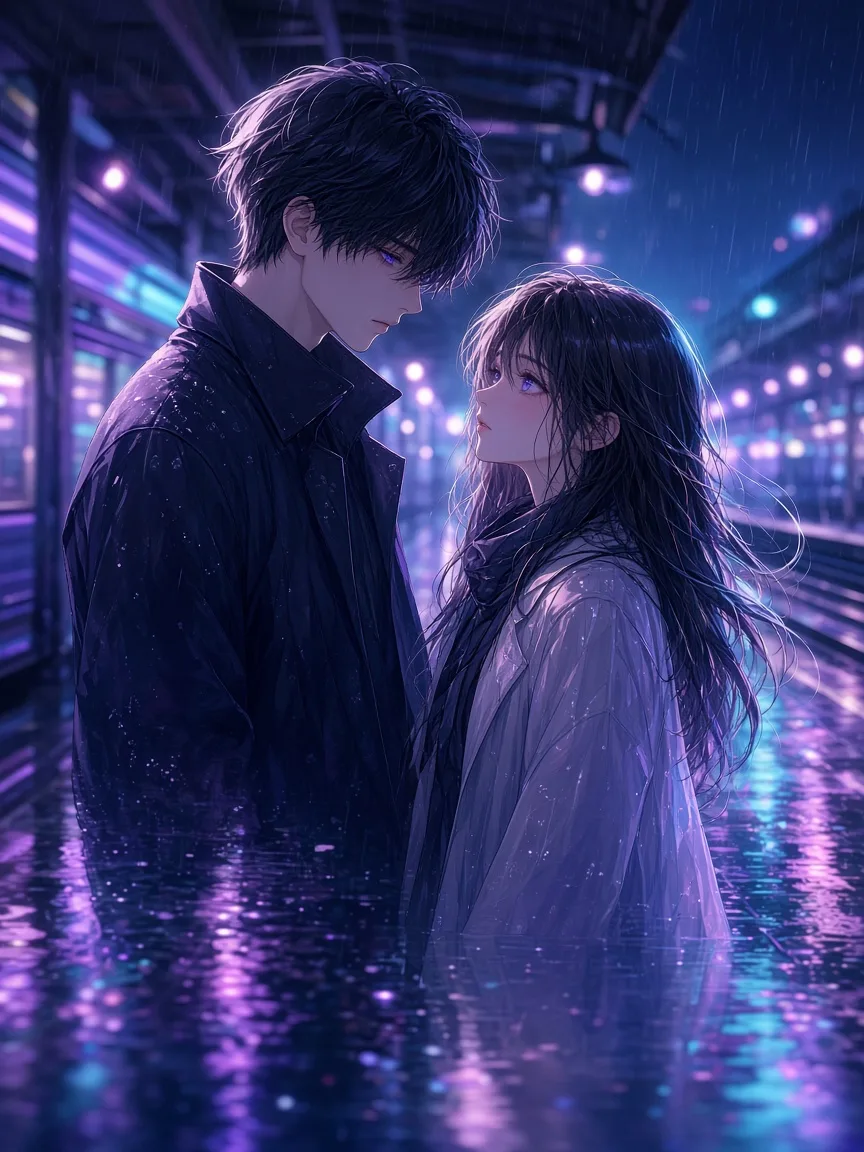
AI webtoon creator
Create full-color webtoon episodes with AI
Choose the webtoon format and MangaOra draws full-color vertical pages from your episode script—same characters every scroll, dialogue in speech bubbles, ready to share or export.
Free plan · 10 free image credits · No credit card
HOW IT WORKS
- 01
Pick the webtoon format
Start a Studio book in webtoon format for full-color, vertical, phone-first pages.
- 02
Build your cast
Generate a color character sheet for each lead so the cast looks the same in every episode.
- 03
Script the episode
Get a panel-by-panel script with dialogue and narration, then tune the beats and cliffhanger.
- 04
Generate and publish
Generate vertical pages, then share a read link or export a ZIP of images for your platform.
WHAT YOU GET
Vertical, scroll-first pages
Webtoon books use tall portrait pages designed for reading on a phone.
Full color by default
Vibrant digital color for every page, matched to your character references.
Episode-sized chapters
Treat each chapter as an episode and queue all its pages in one go.
Cliffhanger help from Liora
Ask Liora where to end an episode, how to pace a reveal, or what the next hook should be.
Readers can scroll it
The MangaOra reader shows webtoon books as a vertical scroll, on public read links and the Showcase.
Ready for platforms
Export a ZIP of page images to upload to webtoon platforms, or a PDF for review.
Webtoon storytelling is different—and the tool should know it
Webtoons are read top to bottom on a phone. Beats need breathing room, reveals land at the bottom of a scroll, and color carries mood. MangaOra’s webtoon format generates tall full-color pages and keeps your cast consistent, so you can focus on pacing and hooks instead of redrawing faces.
Plan a season as chapters, write each episode’s beats, and release on a schedule. Because every page is drawn from your script, you can rework an episode’s dialogue and regenerate only the pages that changed.
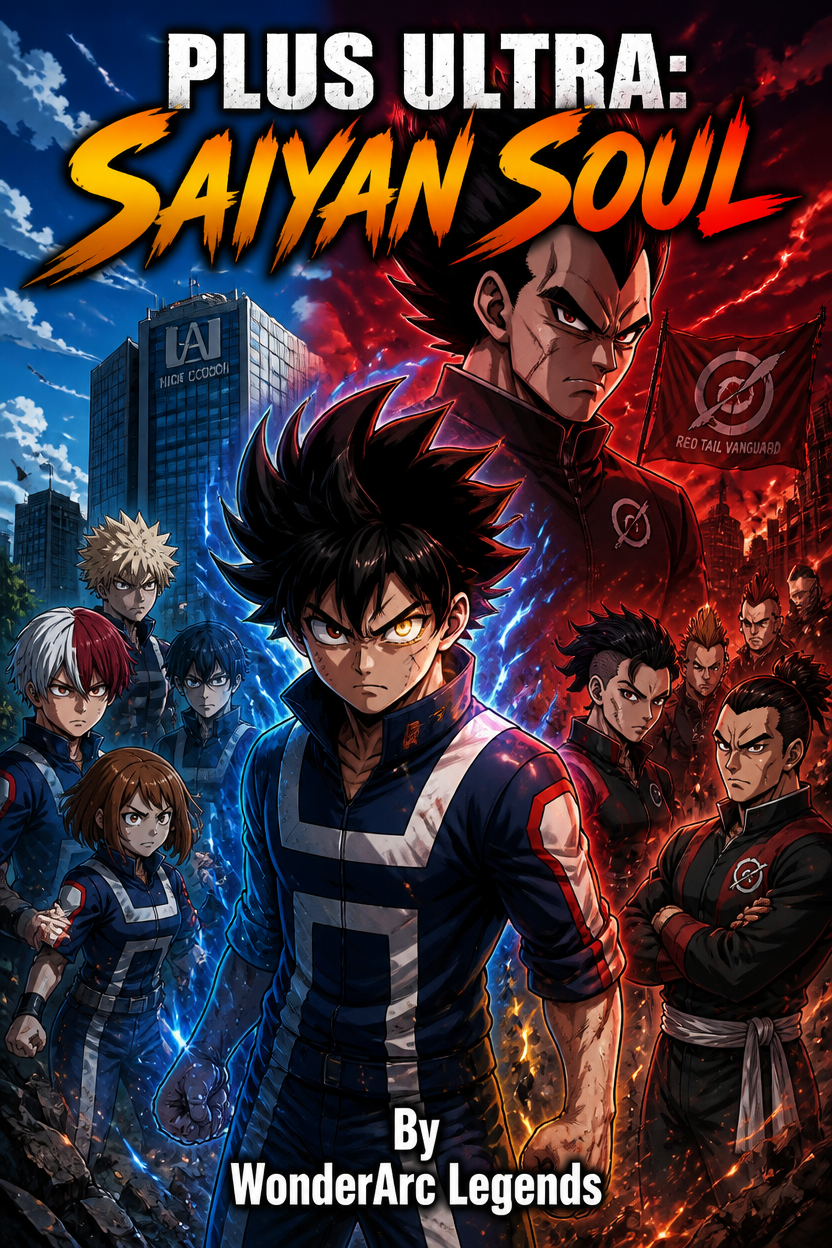
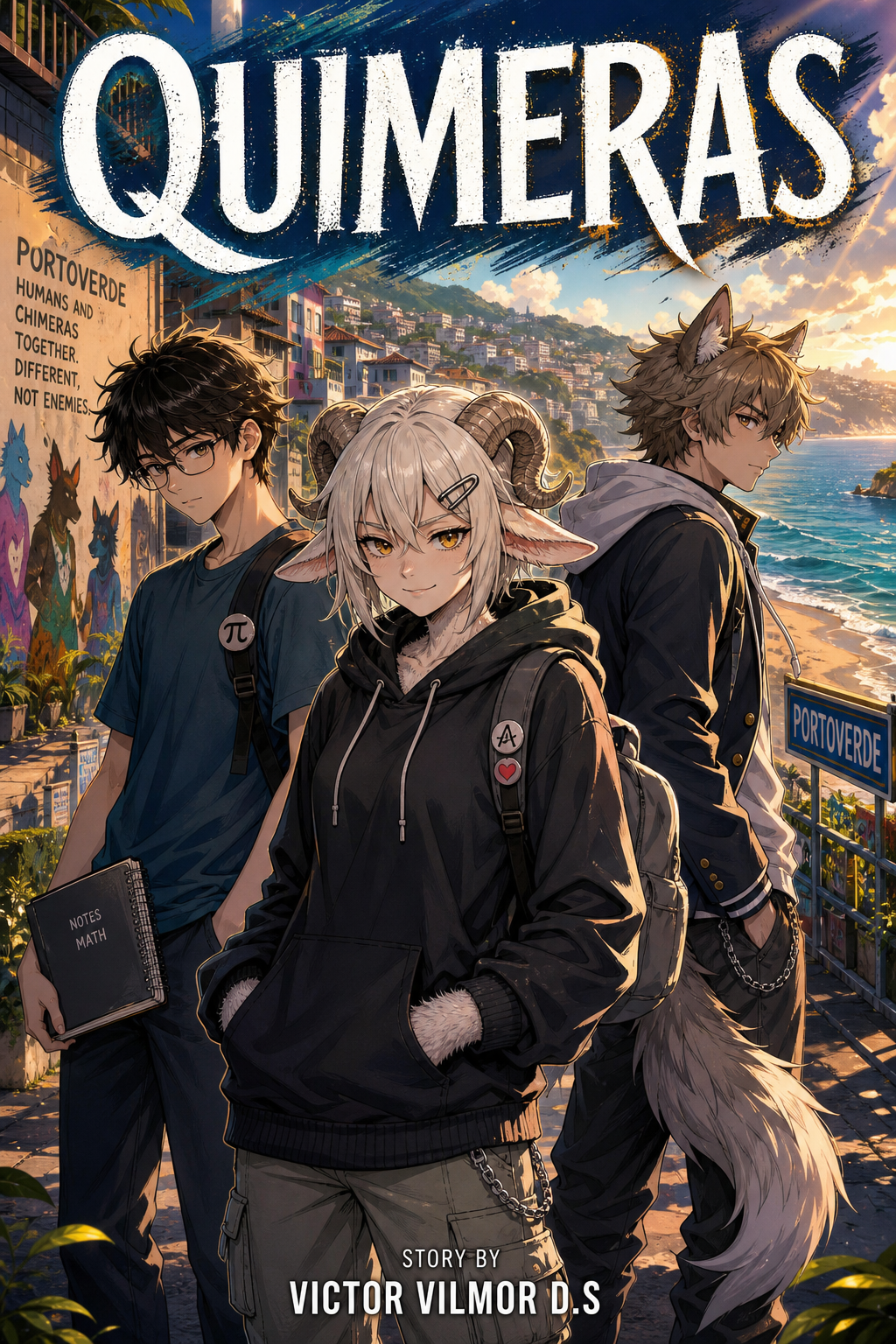
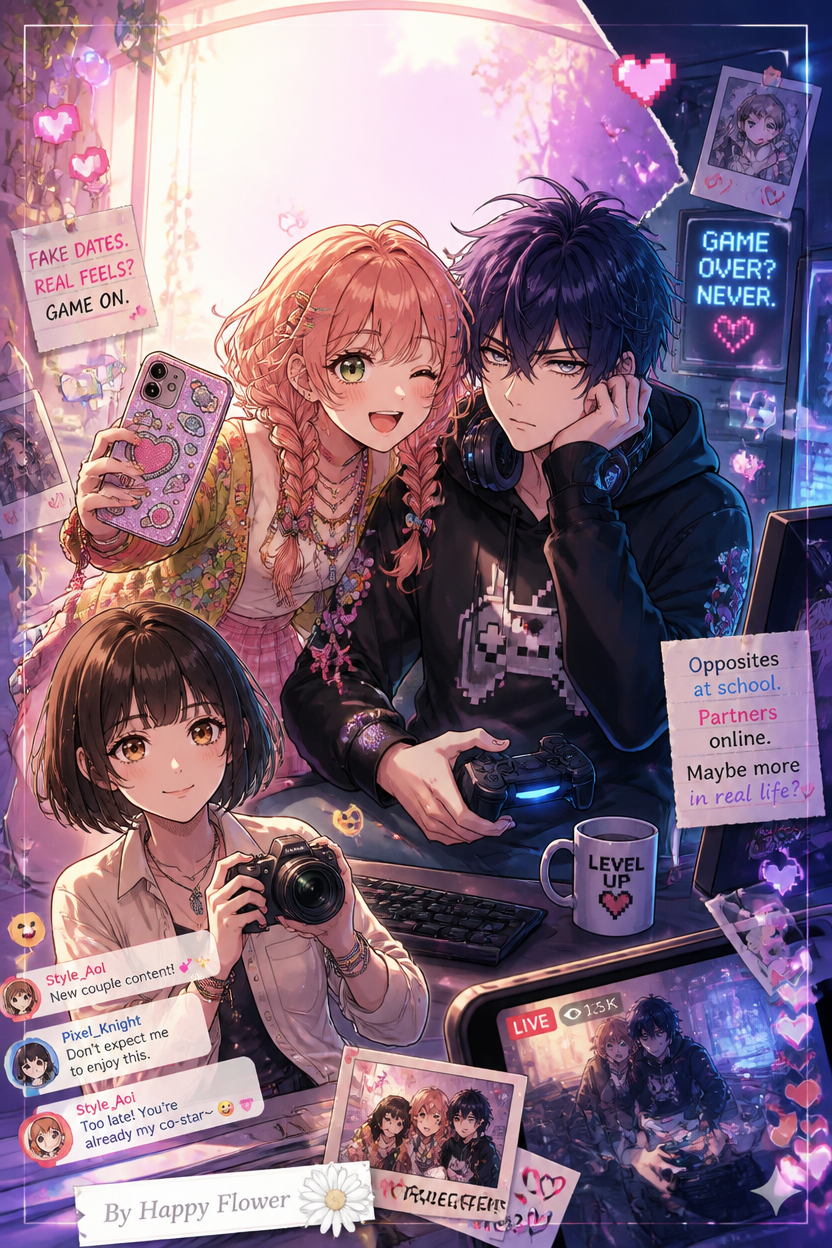
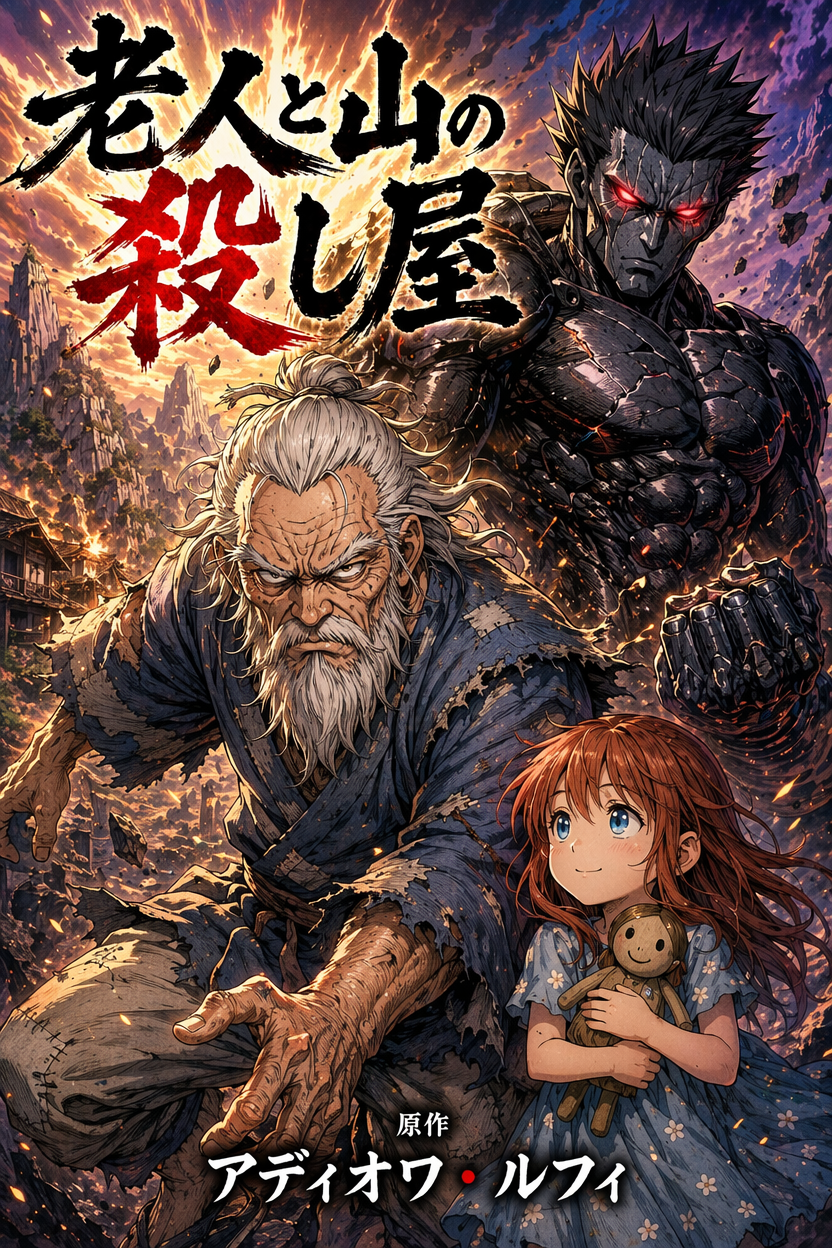
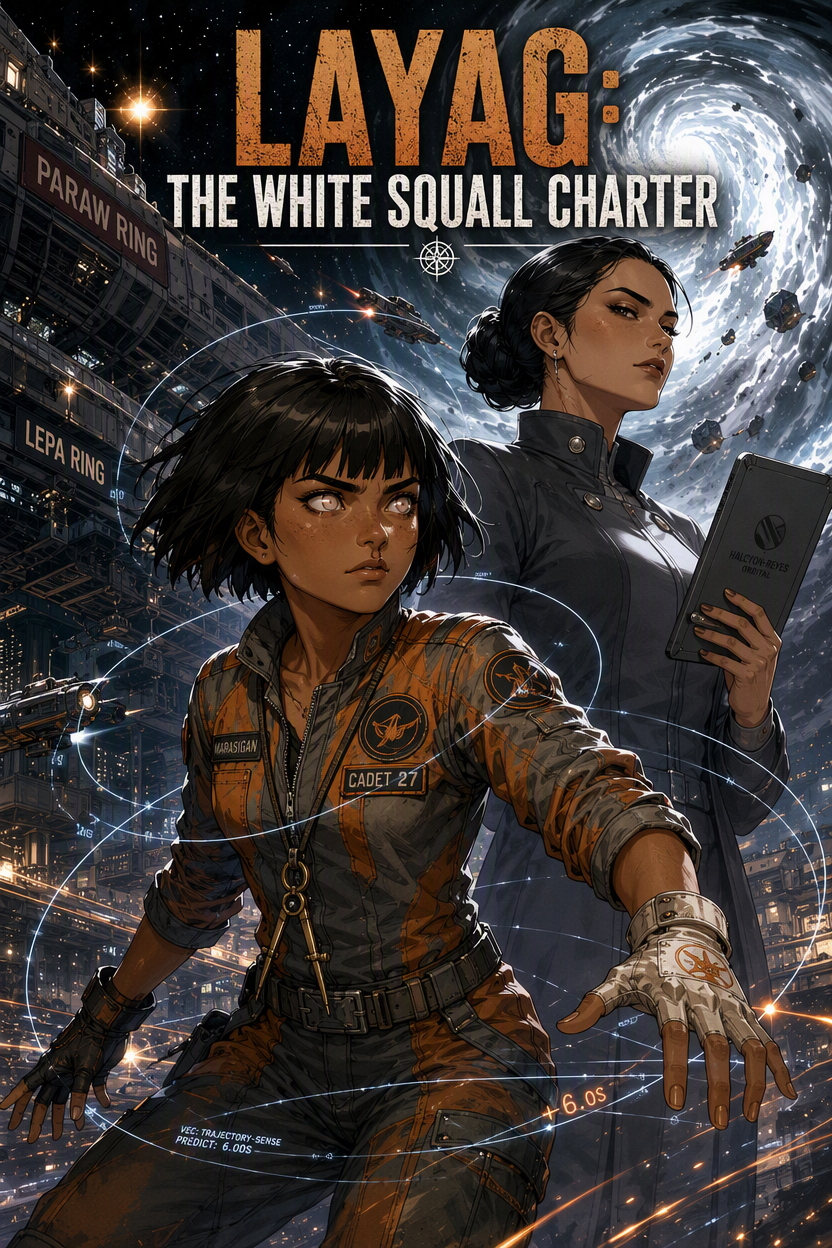
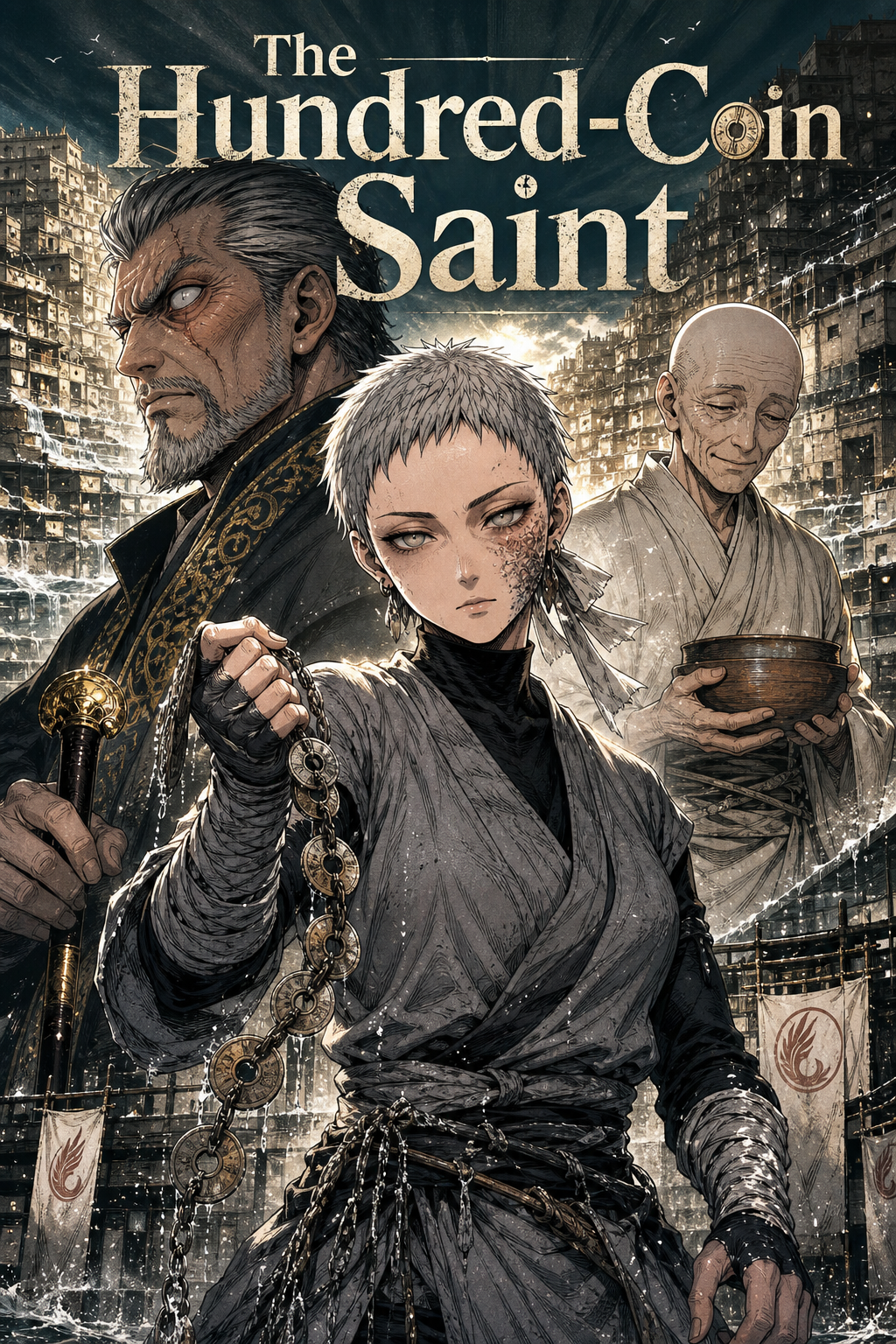
FREQUENTLY ASKED QUESTIONS
Can I make a webtoon for free?+
Yes. The free plan includes 10 image credits to start and one Studio book with one chapter and up to eight illustrated pages, so you can make real pages before deciding to upgrade. Free exports include a small MangaOra watermark. No credit card is needed to sign up.
What size are webtoon pages?+
Webtoon books generate tall portrait pages in full color. Export them as a ZIP of images to upload to your platform of choice.
Can I publish on WEBTOON Canvas or Tapas?+
Yes—export your pages and upload them following each platform’s creator guidelines. You can also share a MangaOra read link or submit your series to the MangaOra Showcase on paid plans.
Will my characters look the same in every episode?+
Each character gets a reference sheet that Studio sends with every page they appear in, which keeps faces, hair, and outfits consistent across episodes.
GUIDES TO GET YOU STARTED
How to Create a Webtoon With AI: From Story Idea to Scroll-Friendly Episodes
Learn how to create a webtoon with AI using episode planning, vertical pacing, character references, and MangaOra Studio for scroll-friendly comic creation.
Self-Publishing Webtoons & Manga With AI in 2026: Episodes Readers Actually Subscribe To
Plan a binge-friendly release rhythm: backlog strategy, teaser chapters, thumbnails, pacing for vertical scroll, and marketing hooks that thrive on search and social in 2026.
Manga vs Webtoon vs Comic: Which Format Should You Create With AI?
Compare manga, webtoon, and comic formats for AI-assisted creation. Learn which format fits your story, audience, pacing, and publishing goals.
YOUR STORY, ON THE PAGE
Start free with one Studio book and 10 image credits. Upgrade when you're ready for unlimited books and clean exports.