
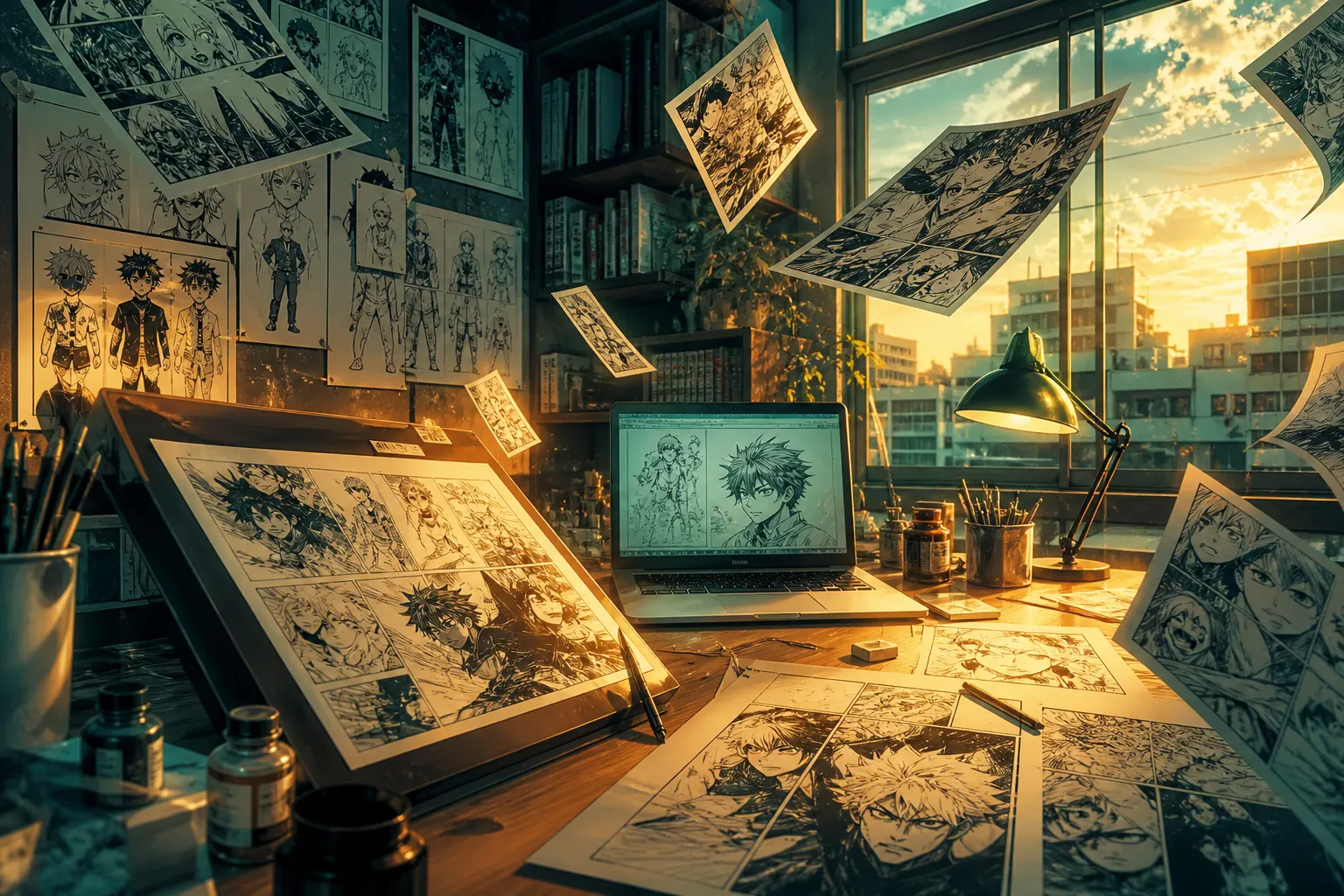
AI manga generator
The AI manga generator built for storytellers
Describe your idea and MangaOra sets up the title, cast, and chapters, writes a panel-by-panel script you can edit, and draws finished manga pages—speech bubbles included—with the same characters on every page.
Free plan · 10 free image credits · No credit card
HOW IT WORKS
- 01
Describe your story
Start from a premise, an opening scene, or a full chapter. Studio sets up your book: title, cast, and chapter plan.
- 02
Lock in your characters
Generate a character sheet for each cast member—front, side, and back views—so faces, hair, and outfits stay on model.
- 03
Script every panel
Get a panel-by-panel script with shots, cast, dialogue, and narration. Edit anything, or ask Liora, the Studio assistant, for ideas.
- 04
Generate pages
Studio draws multi-panel manga pages with your dialogue lettered into speech bubbles. Queue a whole chapter and keep working while it renders.
WHAT YOU GET
Real manga pages, not single images
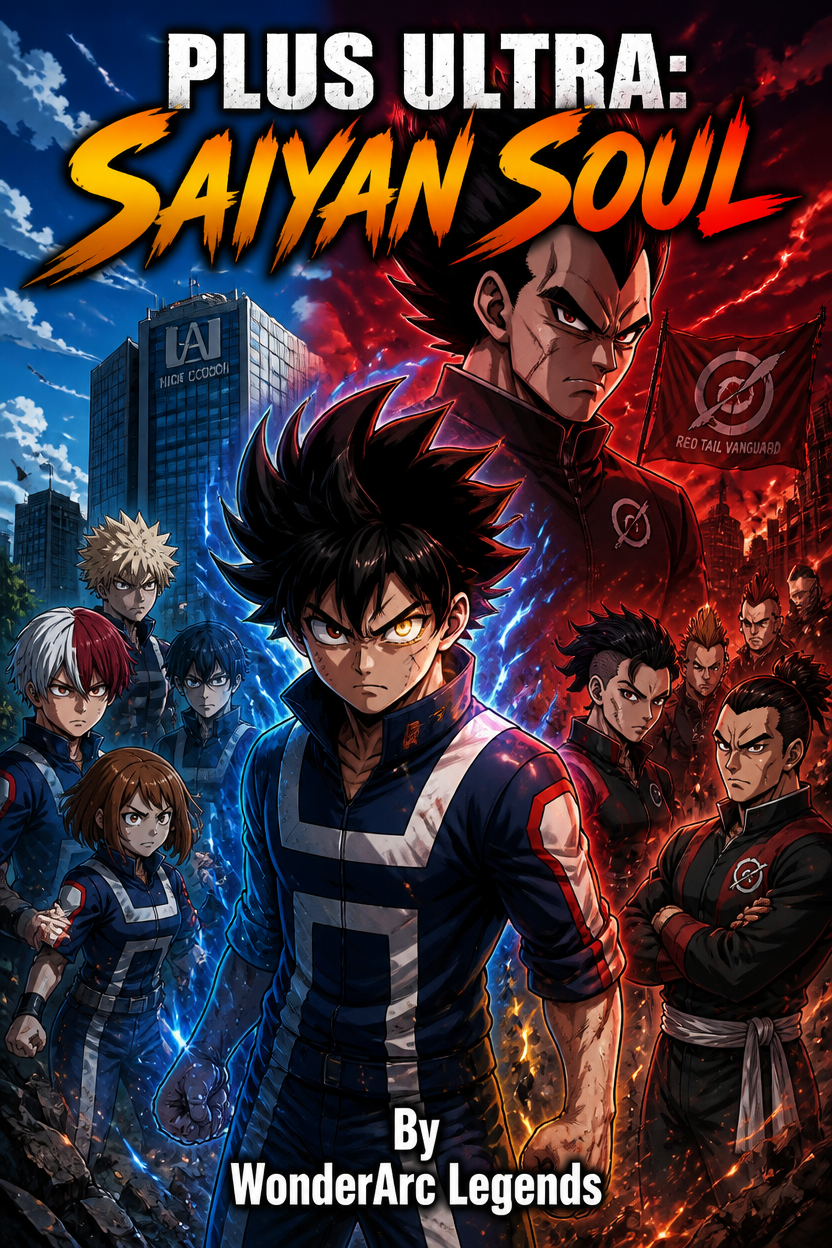
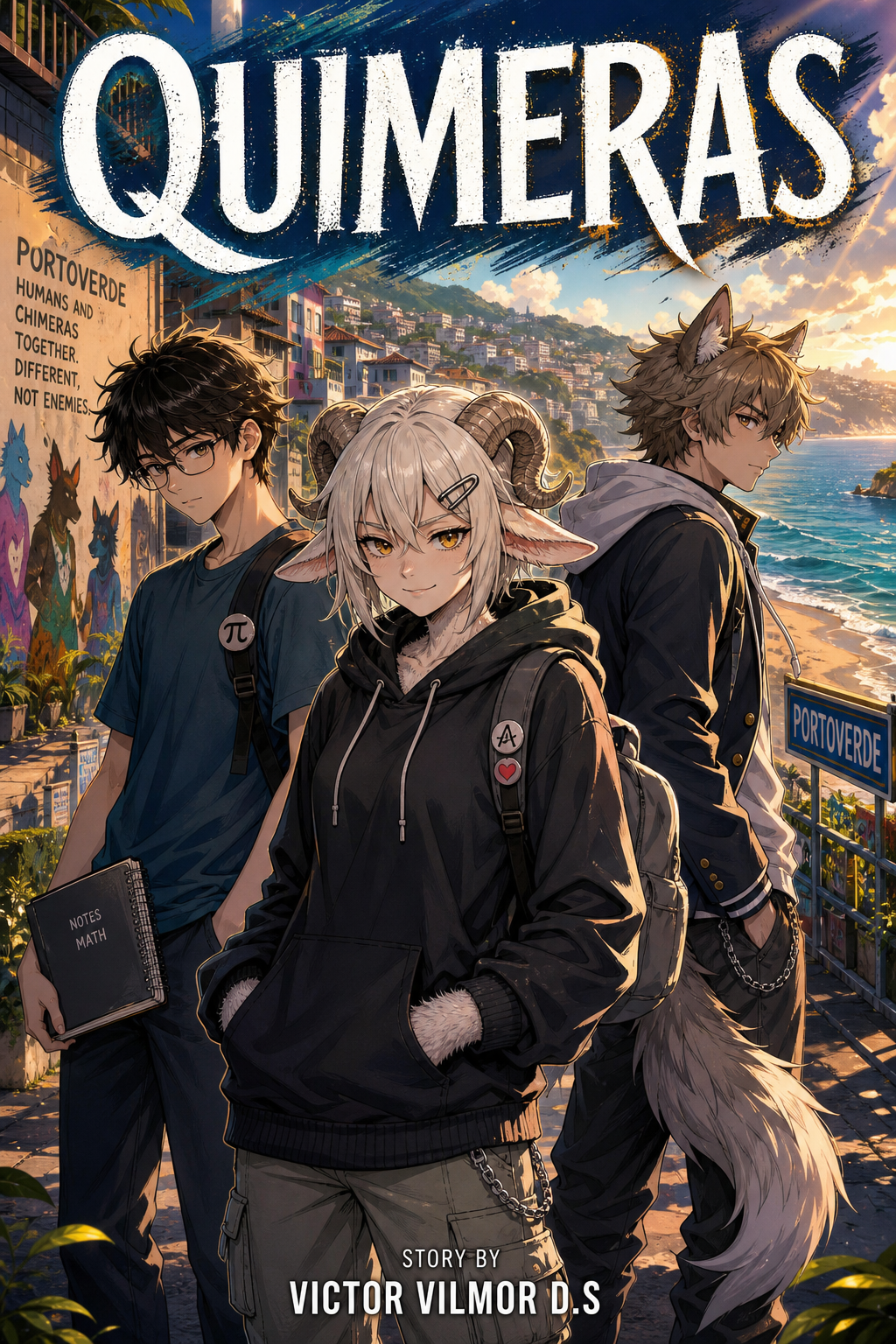
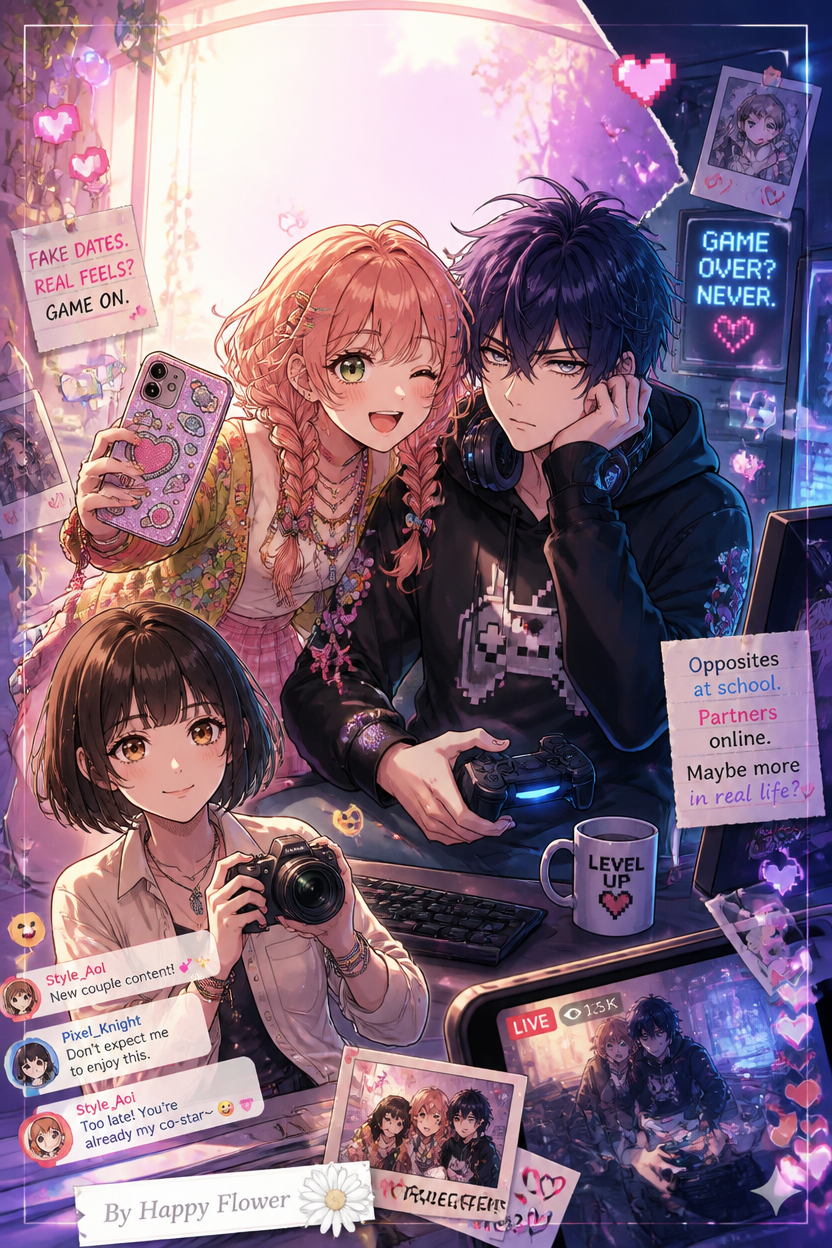
Each page combines several panels with a reading flow, screentone-style black-and-white art, and speech bubbles pointing at the right speaker.
Consistent characters
Character sheets are sent with every page a character appears in, and up to five Key items keep important props identical across the book.
You stay the author
Every AI step is editable: rewrite a line of dialogue, reorder panels, or regenerate a single page without touching the rest.
Liora, your story partner
Ask about pacing, cliffhangers, or how to split a scene across pages. Liora knows your book’s chapters, cast, and scripts.
Manga, webtoon, or comic
Pick black-and-white manga, full-color vertical webtoon, or full-color American comic pages for each book.
Publish and share
Export a PDF or a ZIP of pages, share a public read link, or submit your book to the MangaOra Showcase on paid plans.
What makes a good AI manga generator?
Most image generators can draw one nice picture. Manga needs more: the same characters across dozens of pages, panels that read in order, and dialogue that lands in the right bubble. MangaOra is built around that whole workflow—story, cast, script, and pages—so your chapter reads like a manga instead of a gallery of unrelated images.
Studio keeps everything for a book in one place: your premise, chapter scripts, character references, cover, and pages. When you change a panel in the script, Studio marks the affected page as out of date so you can regenerate just that page.
Who uses MangaOra
Writers who have stories but not drawing skills, webcomic creators who want to publish on a schedule, fans who want to see an original idea come to life, and artists who use AI pages as fast storyboards. If you can describe a scene, you can make a manga page.
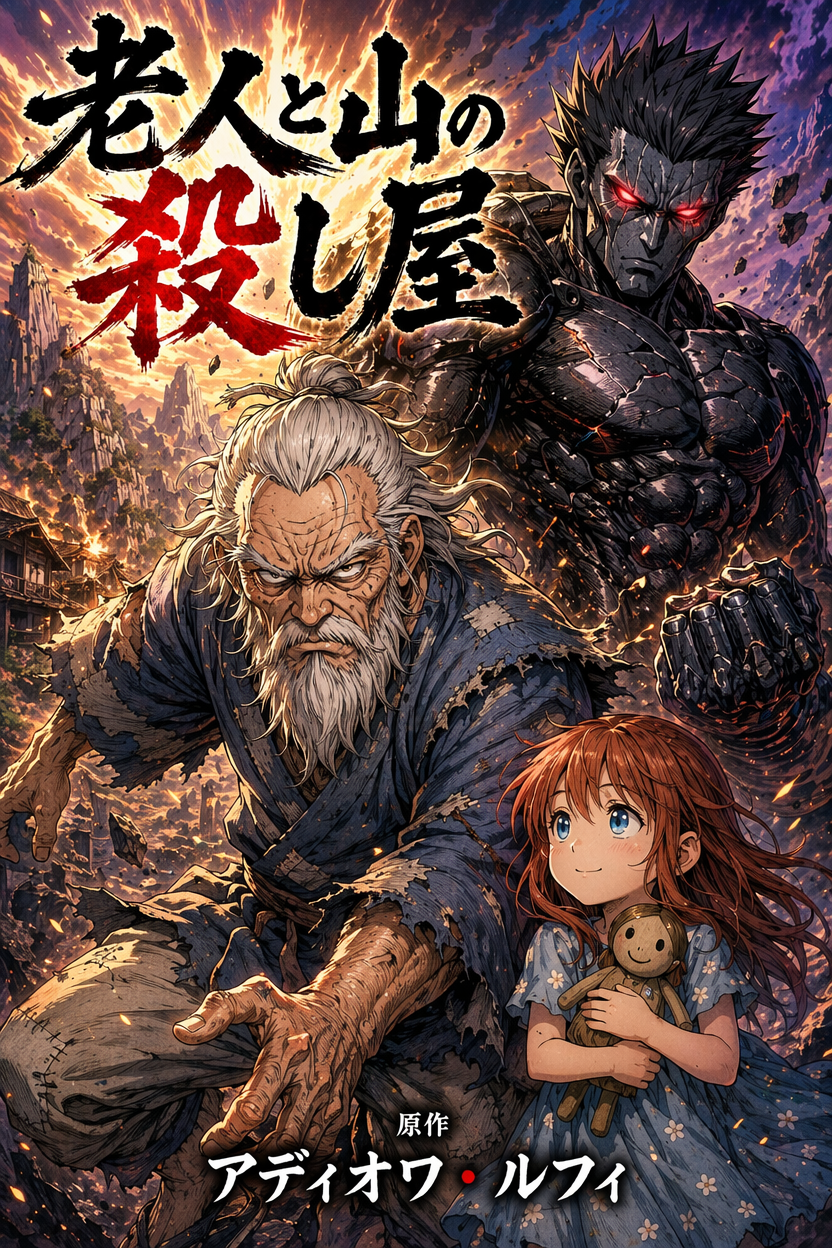
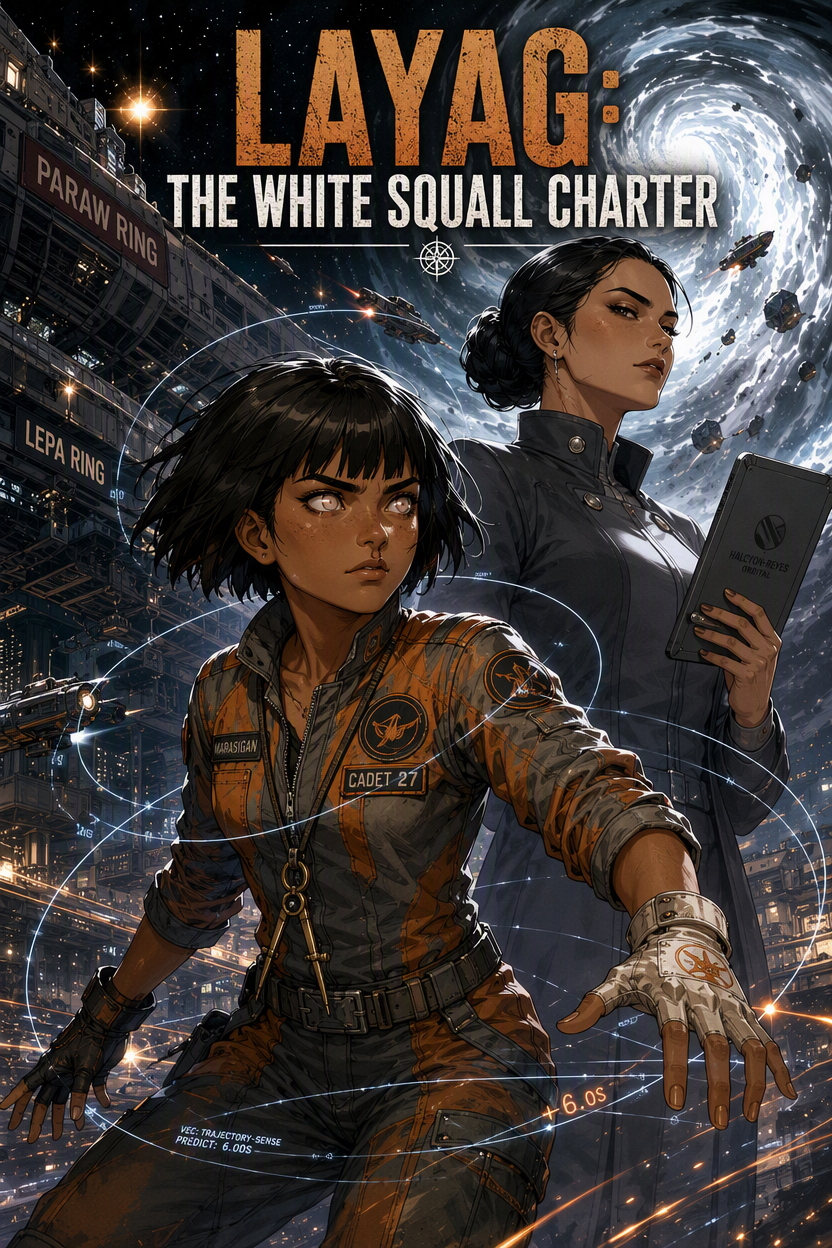
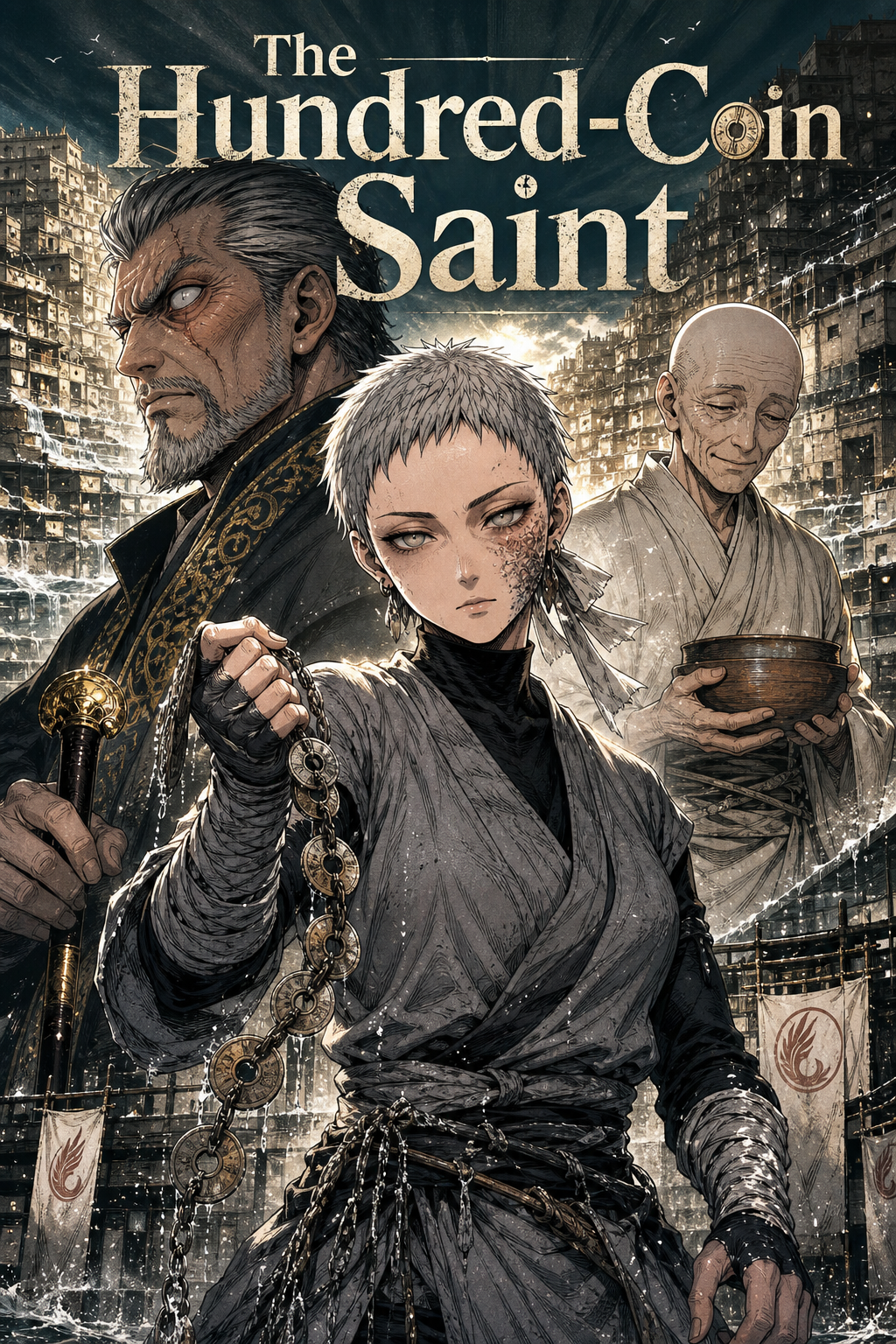
FREQUENTLY ASKED QUESTIONS
Is the AI manga generator free?+
Yes. The free plan includes 10 image credits to start and one Studio book with one chapter and up to eight illustrated pages, so you can make real pages before deciding to upgrade. Free exports include a small MangaOra watermark. No credit card is needed to sign up.
Do I need to know how to draw?+
No. You describe the story, characters, and scenes; MangaOra creates the art. If you do draw, you can also turn your own sketches into manga style on paid plans.
Can the AI put my dialogue in speech bubbles?+
Yes. Each panel in your script has fields for who speaks, what they say, and narration. Studio letters that text into speech bubbles and captions on the page. If a word comes out wrong, fix the line and regenerate just that page.
How do characters stay consistent?+
Each character gets a reference sheet (front, side, and back views plus expressions) that Studio sends with every page they appear in. Detailed descriptions—hair, eyes, outfit, and which side scars or accessories are on—help even more.
Who owns the manga I create?+
Your story and the books you make are yours to share and publish. See the Terms of Service for the full details on content and usage.
GUIDES TO GET YOU STARTED
How to Make Manga With AI
Step-by-step guide to creating manga using AI: from story idea to finished panels. No art degree or huge budget required.
Create a Book with MangaOra Studio: From Idea to Published Manga
Use MangaOra Studio to create a full manga, webtoon, or comic book: add characters, generate a cover, write chapters, generate pages, share a public read link, and submit to the Showcase.
Manga Character Consistency With AI: How to Keep Your Cast On Model
Learn how to improve manga character consistency with AI using reference images, model sheets, clear descriptions, and Studio workflows.
YOUR STORY, ON THE PAGE
Start free with one Studio book and 10 image credits. Upgrade when you're ready for unlimited books and clean exports.