
Create a Book with MangaOra Studio: From Idea to Published Manga
Use MangaOra Studio to create a full manga or comic book: add characters, generate a cover, write chapters, generate pages, and publish to the Showcase for readers.
What is Studio?
Studio is MangaOra's dedicated flow for creating a complete manga or comic book and publishing it to the Showcase. You add characters (with optional AI-generated reference images for consistency), write or generate chapter scripts, generate page art panel by panel, and when you're ready, publish selected chapters to the public Showcase so readers can discover your work, add it to their library, and read with continue-reading support. It's the full journey from idea to published manga in one place.
Characters and reference images
Start by adding your cast: name, role (e.g. protagonist, antagonist), and a short description. For each character you can generate a reference image (1 credit)—the AI creates a consistent visual that is then used for every panel they appear in. Generate references for at least your main characters so your cover and pages look cohesive. You can regenerate until you're happy with the look.
Generate your cover
Once you have at least one character with a reference image, use "Generate cover" in Studio. The AI uses your characters and their descriptions to create a cover that fits your story. You can optionally show the author name on the cover. The cover appears on your book in the Showcase and in readers' libraries.
Chapters and scripts
Add chapters and use "Generate script" per chapter to get a panel-by-panel script from the AI (or write your own). Then generate pages: each page uses credits, and the AI keeps your characters consistent using the reference images. You can regenerate individual pages, reorder panels, and add dialogue. Studio supports both manga and comic formats so you can match your preferred style.
Publish to Showcase
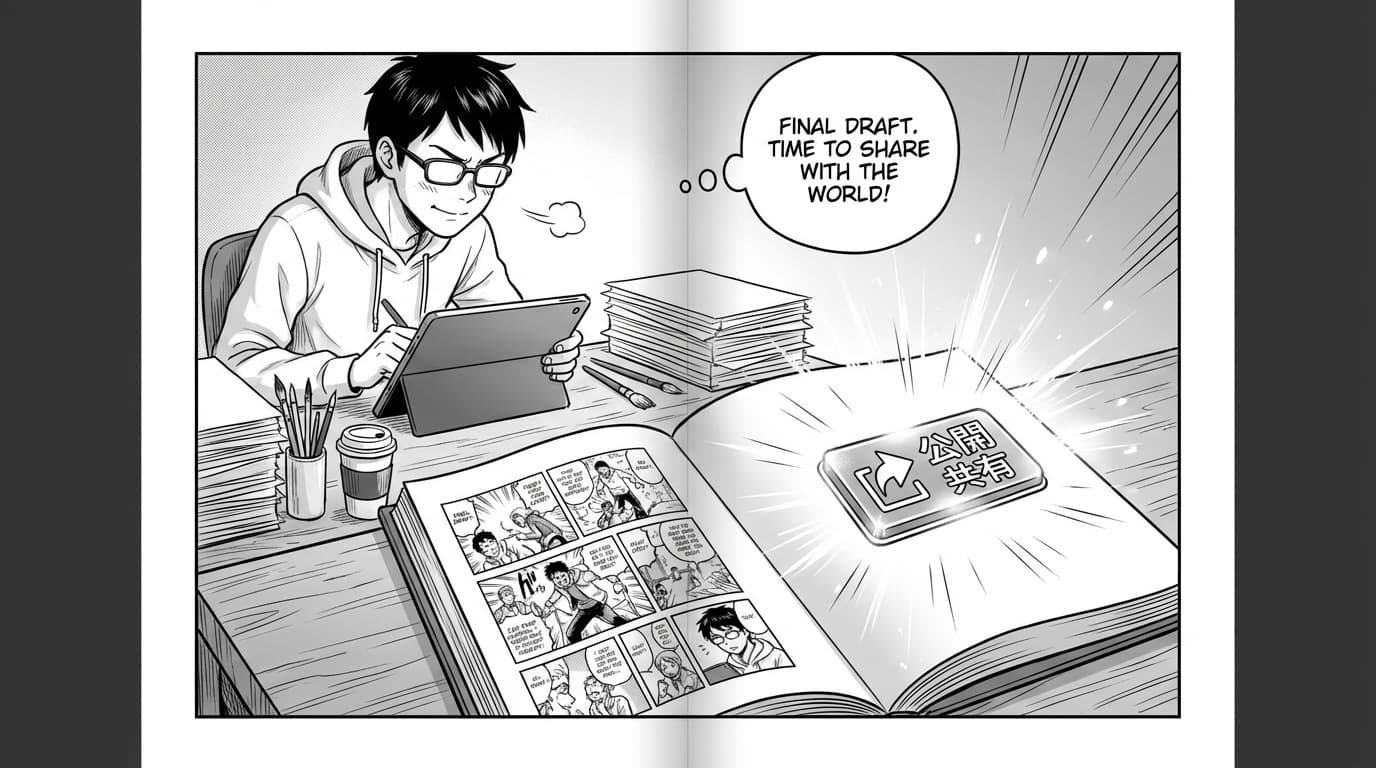
When you're ready for readers, use "Publish to Showcase" (or the admin publish flow). You can publish selected chapters so you can release over time—readers see new chapters as you publish. Your manga appears on the MangaOra Showcase with your cover, title, description, and genre. Readers can add it to "My library" and use continue-reading so they pick up where they left off. It's publishing without a separate platform.