
AI Manga Creation Tips for Better Results
Practical tips to get better AI-generated manga panels: prompt clarity, style consistency, and when to refine or regenerate.
Be specific in your prompts
The AI works best when you describe what you see, not what you feel. "Wide shot of the dojo at dawn, wooden floor, sensei silhouetted in the doorway" beats "epic mood." Include location, time of day, character pose or expression, and any important props. One or two clear sentences usually give better results than a long paragraph.
Use a style reference
Upload one or two panels or images that match the look you want—line weight, shading, character style. The AI uses these to keep your book visually consistent. Change the reference when you start a new book or want a different style.
Iterate instead of starting over
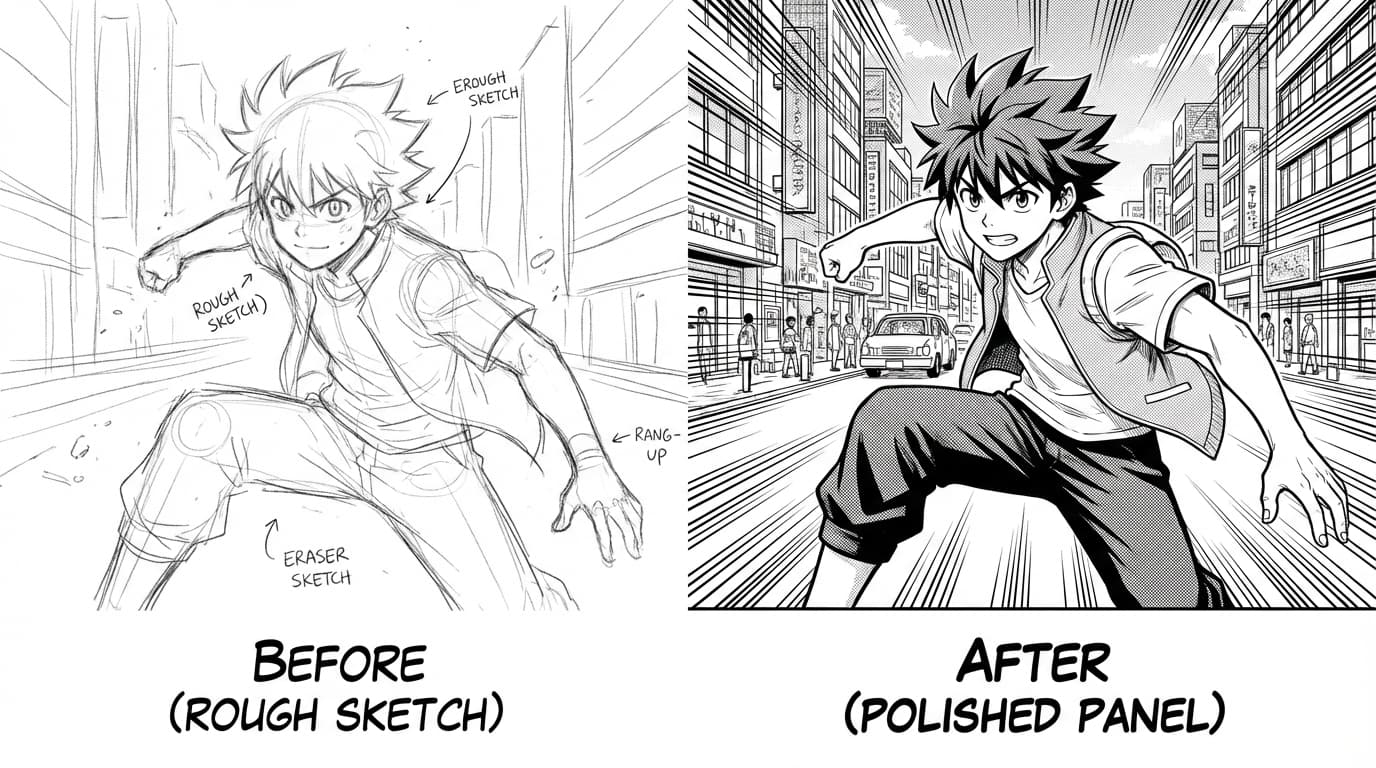
If a panel is close but not quite right, try editing the prompt with small changes (e.g. "same but sensei facing left") or use the transform or redraw options. Often a small tweak is faster than regenerating from scratch.
Keep a short continuity note
In Studio notes or your story bible, jot down things the AI should keep consistent: "Hero wears red headband," "Scene is night, city street." Referencing these in later prompts helps the AI stay on model across pages.