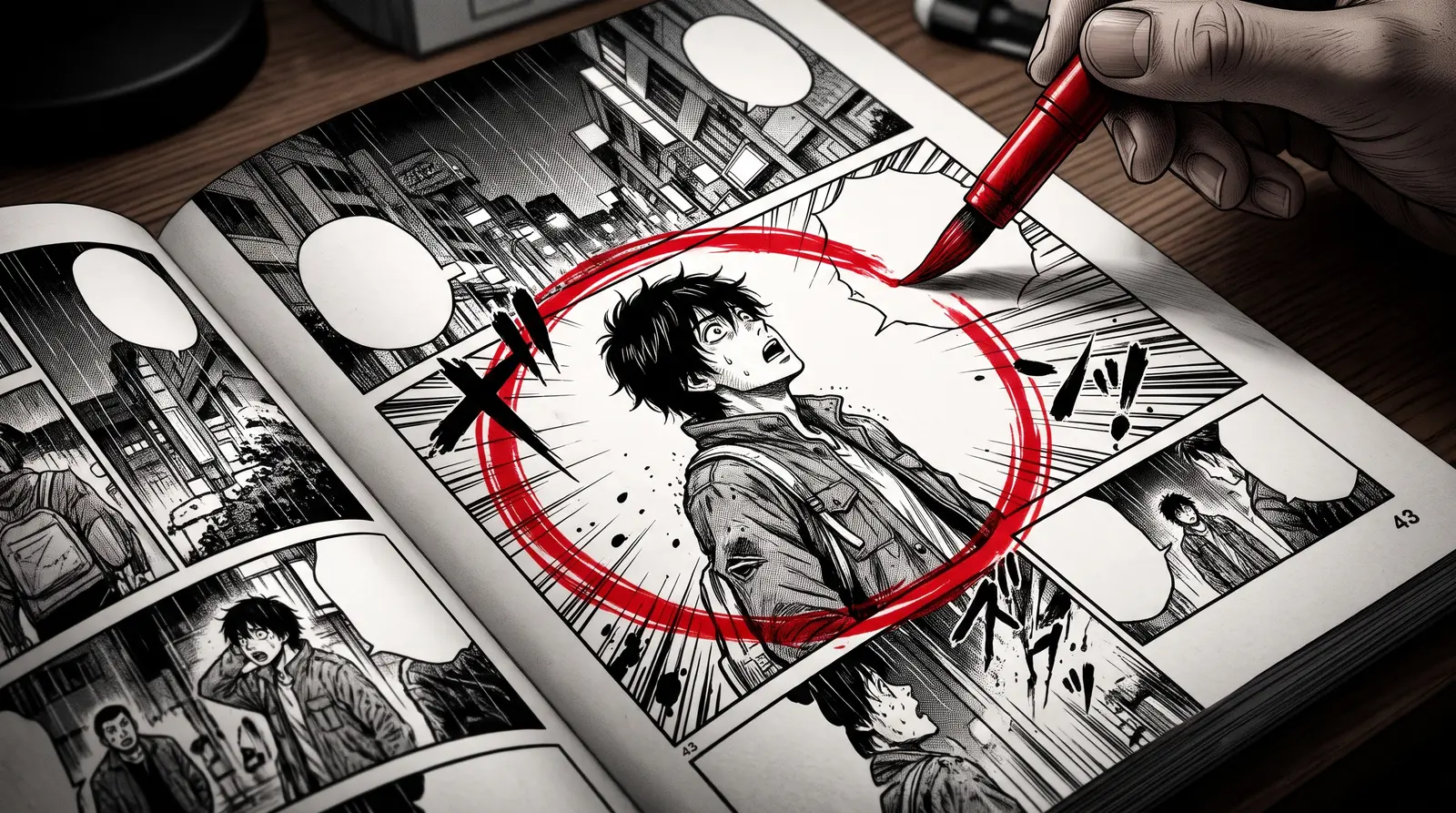
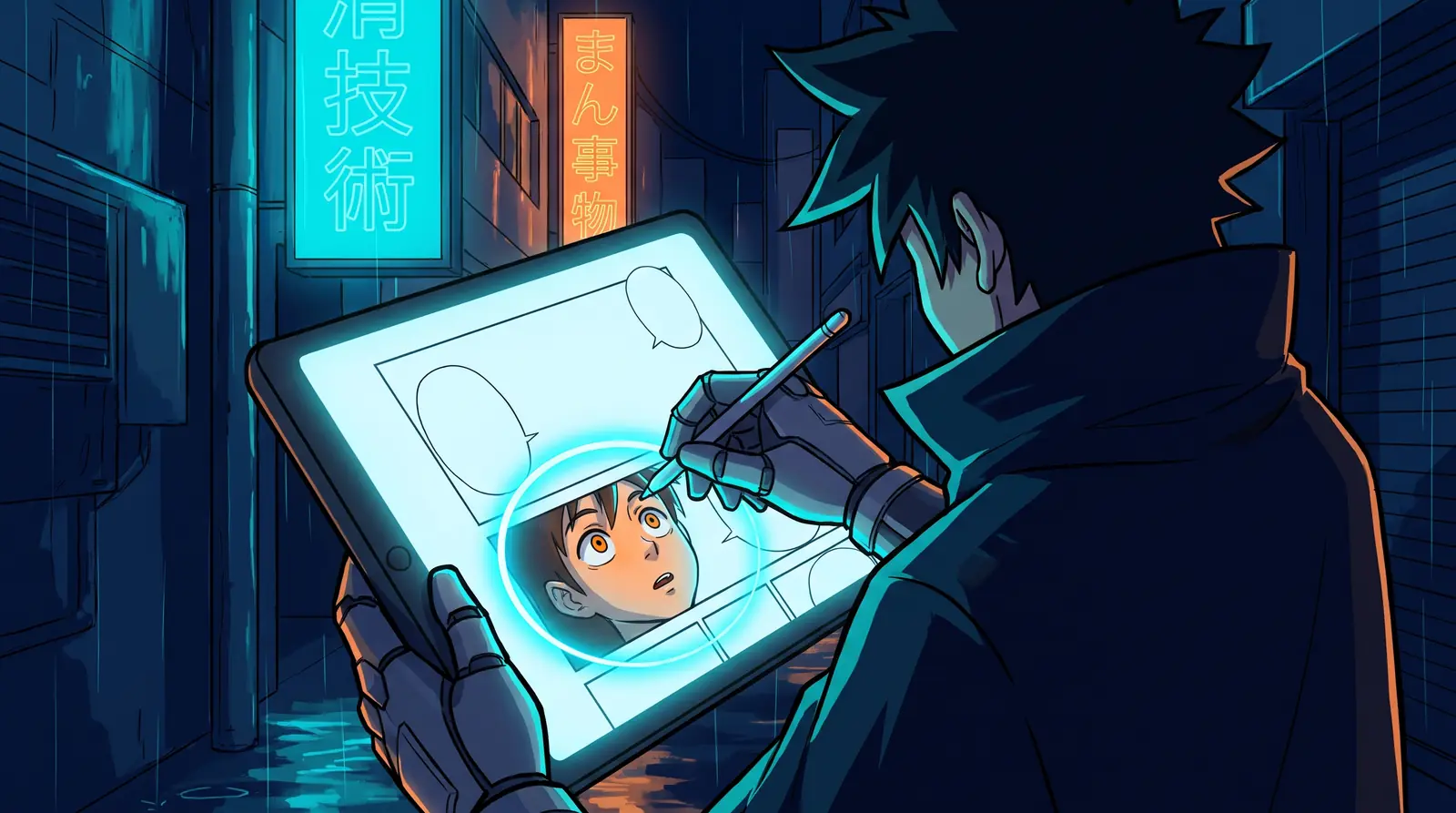
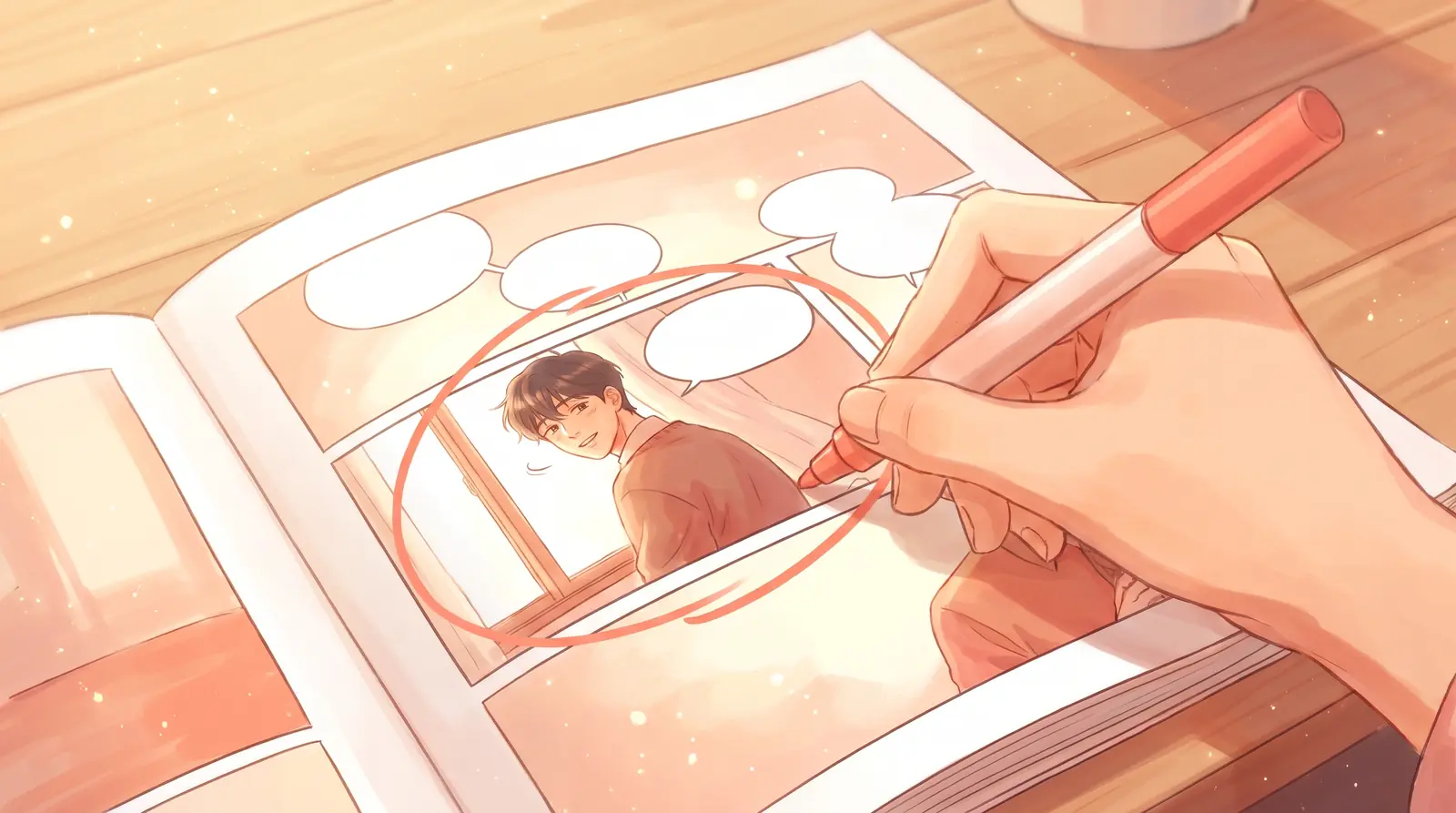
Words can only say so much about a pose. "She kicks" could be a hundred pictures. Direct the shot lets you show it: drag a little mannequin into the pose, pick where the camera is, and the panel is redrawn to match, with your character's face and clothes from their sheet.
Direct a panel
Open a page and pick Direct the shot in the pen, then tap the panel.
Pick a move (sprint, leap, flying kick, battle stance, hug, face-off and more) or drag the mannequin's joints yourself.
Pick the camera: eye level, low angle, worm's eye, high angle, bird's eye, over the shoulder, close-up, wide shot or a Dutch tilt.
Add an effect (speed lines, impact burst, focus lines or a dramatic shadow) and say who each figure is.
Press Action! Then slide to compare and keep the take, or direct again.
Camera angles, and what they say
- Low angle: looking up. The character feels powerful or threatening.
- High angle: looking down. Small, alone, overwhelmed.
- Worm's eye: from the ground. Huge, heroic, a jump in mid-air.
- Bird's eye: straight down. A map of the scene, or a fall.
- Over the shoulder: a conversation, from one side.
The rest of the page stays
Only the panel you directed is redrawn. The other panels, and the speech bubbles, are put back on top exactly as they were.
Cost
A directed panel costs 1 credit, or 2 at the best quality on Professional and Studio. The free plan includes 1 directed panel to try it.
Questions people ask
Does it keep my character's face?
Yes. Each figure is linked to a character, and their sheet is used for the redraw.
Can I direct two characters in one panel?
Yes. Add a figure for each and say who each one is.