Every time you draw a page, you choose how it is drawn. The choice sits right next to the Draw button, with the credit cost on it, and you can change it for any single page.
The three levels
Here is the same kind of page at each level, with what it costs and who can use it.
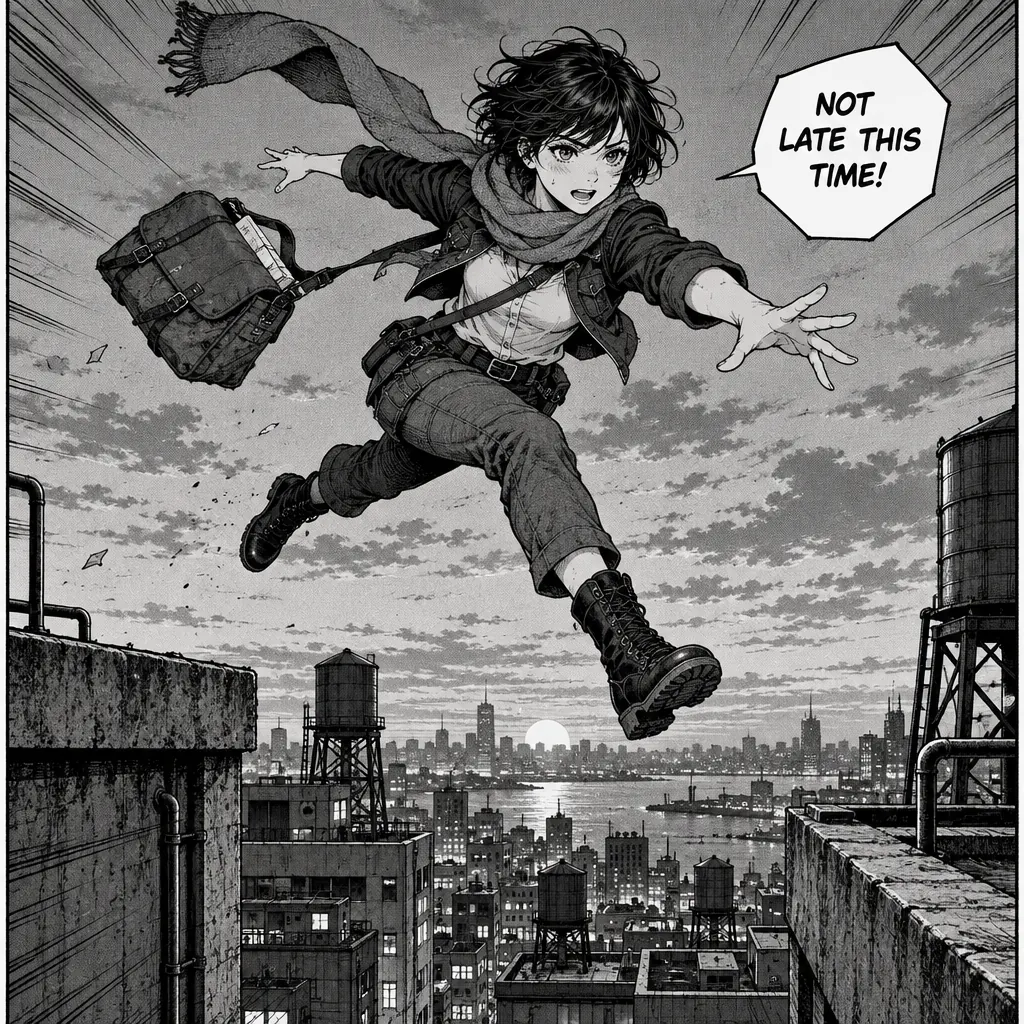
Quick
Great for trying ideas and drafts. Hands and proportions can slip.
Fastest · 1 credit a page · Creator and up
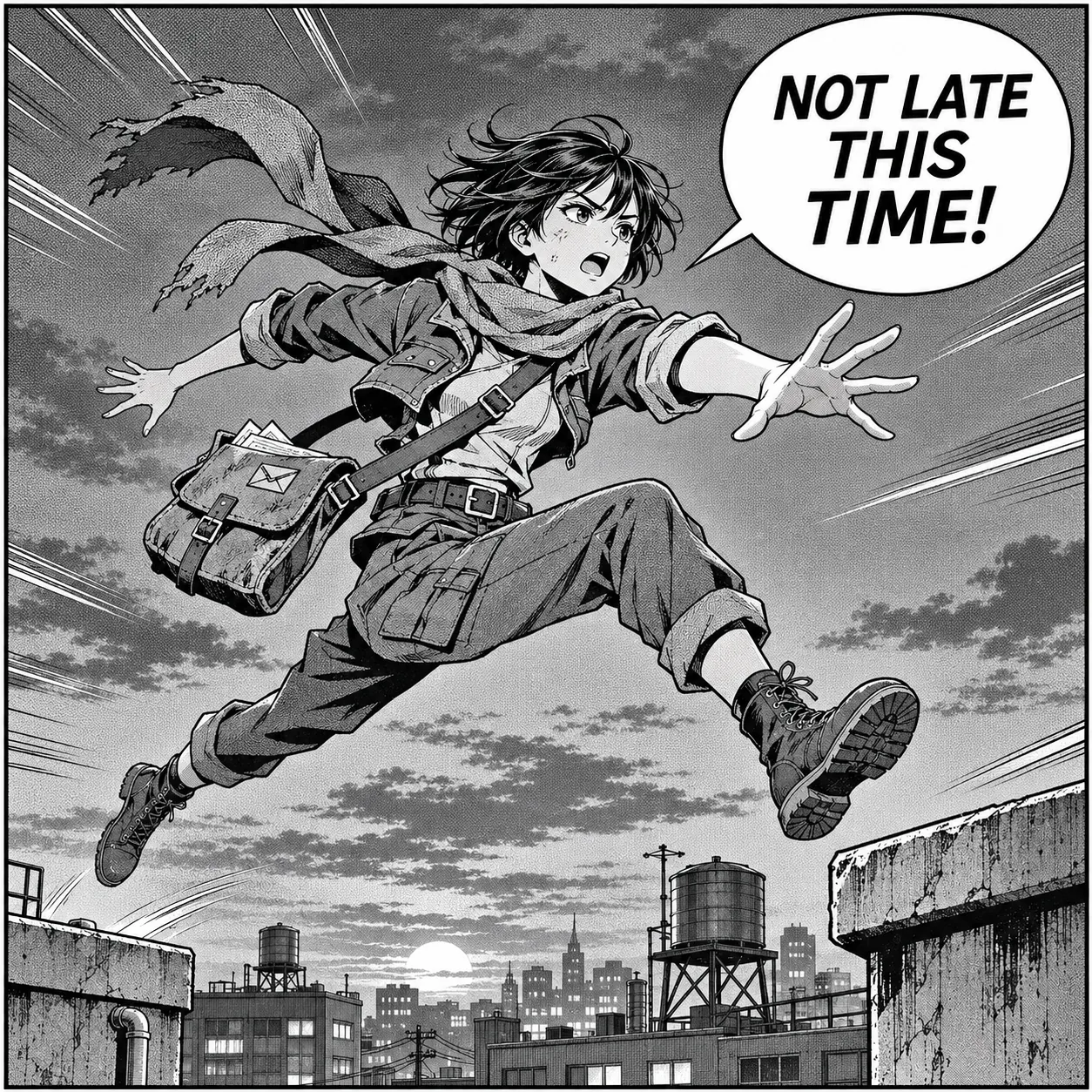
Standard
Reliable, clean art for every page. Our pick for most books.
A few minutes · 1 credit a page · every plan
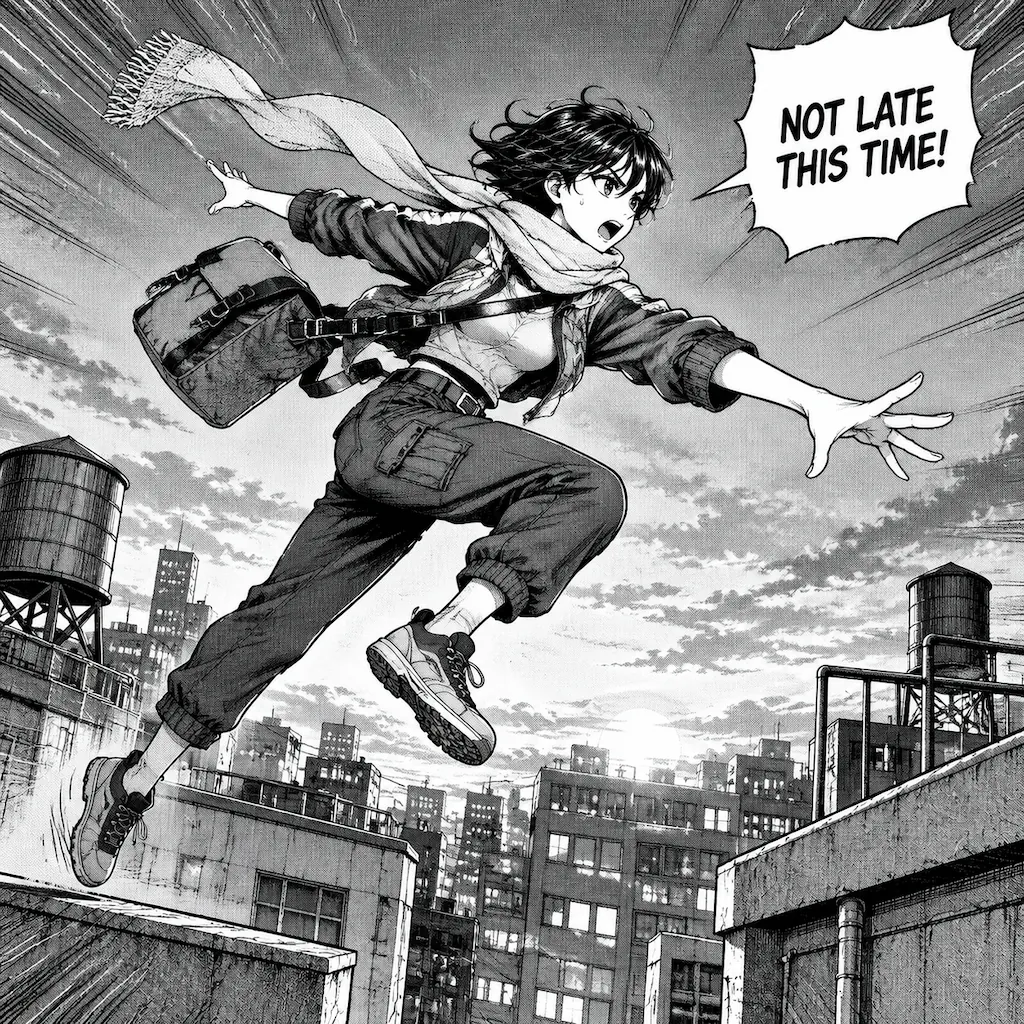
Best
Finest detail and sharpest lettering. Worth the wait for pages you will share.
Takes the longest · 2 credits a page · Professional and up
Which one should I pick?
- Quick when you are trying ideas: a new chapter's first page, a scene you might rewrite, a draft. Hands and proportions can slip.
- Standard for most books. Reliable, clean pages, and our pick for a whole chapter.
- Best for the pages people will see first: page 1, the big reveal, the cliffhanger, a cover-worthy splash. It takes the longest, so queue it and come back.
Where to choose it
Above the Draw button you see the three levels with their cost per page. Levels your plan does not include show which plan opens them.
Slow pages never get lost
Best takes longer than the others. A page that takes a while is still collected when it is ready, even if you closed the tab, and you never pay twice for the same page.
Questions people ask
Can I mix levels in one chapter?
Yes. The level is chosen per page, so a chapter can be mostly Standard with a few Best pages.
Which plans have Best?
Best is on Professional and Studio. Quick is on Creator and up, and Standard is on every plan.