
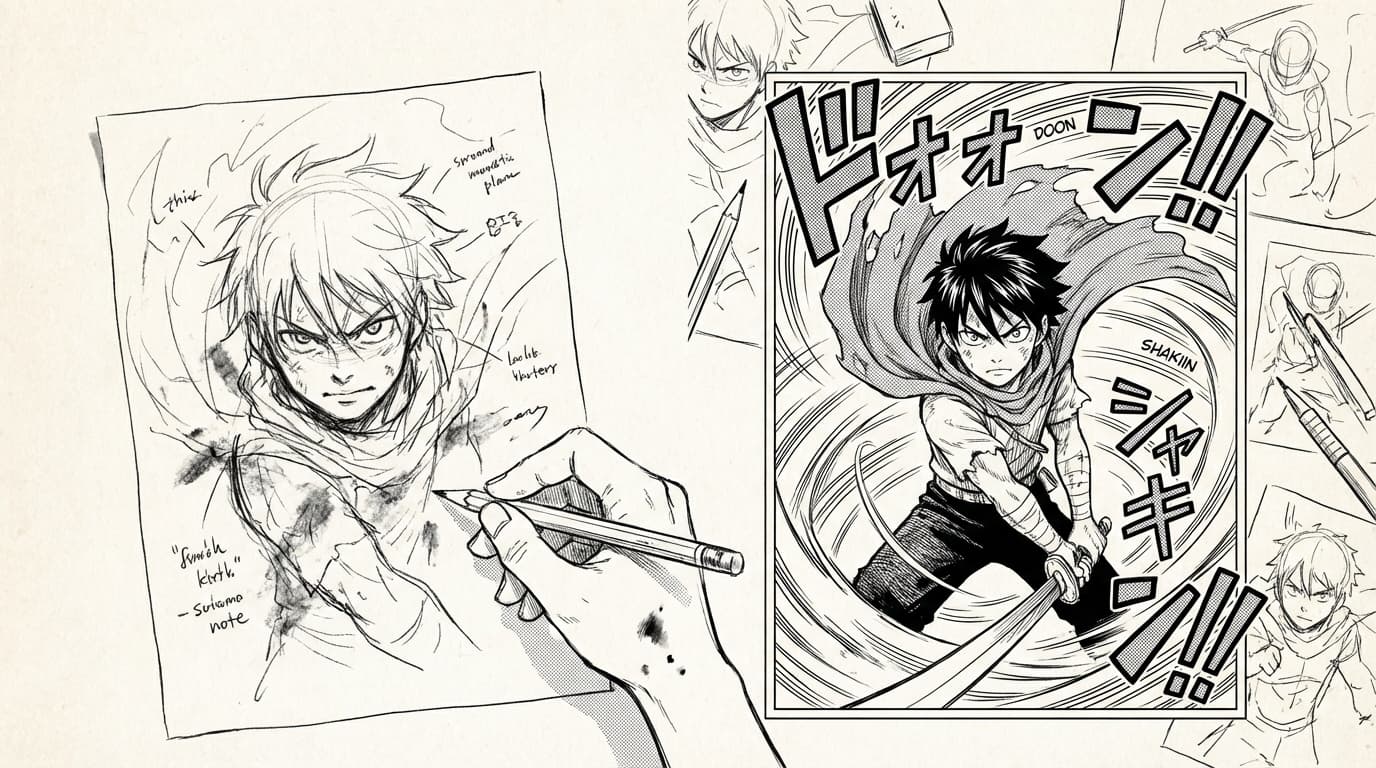
Transform Your Drawing Into Manga
Turn your sketches and drawings into manga, comic, or webtoon style with MangaOra's AI. Upload a drawing, pick a style and intensity, and get panel-ready art.
Why transform a drawing?
You might have a rough sketch, a stick figure, or a detailed drawing that you want turned into full manga art. Instead of redrawing everything, you upload your image in Studio or Sketchbook and let the AI convert it into manga, comic, or webtoon style. The result counts as one transformation in your usage and can be added straight to your page like any generated panel.
Where to find it
In Studio or Sketchbook, open the transform workflow. You'll see an option to upload your drawing, choose a style (manga, comic, or webtoon), and set an intensity (light, medium, or strong). There's also an optional text field to describe what the final image should show—use it so the AI treats your sketch as a pose or composition reference and produces full, detailed art rather than a traced version.
Style and intensity
Style controls the look: manga (classic line and tone), comic (Western comic feel), or webtoon (clean, scroll-friendly). Intensity controls how much the AI changes your drawing: light keeps more of your lines and layout, strong pushes the result further toward the chosen style. Start with medium and adjust if you want a subtler or bolder transformation.
Getting the best result
Describe what you want in the optional prompt—for example, "Young woman in a dojo gi, determined expression, morning light." That way the AI knows the subject and mood and uses your sketch for pose and composition, not as the final artwork. Clear, readable sketches (even rough ones) usually give better results than very faint or cluttered drawings.
After transforming
The transformed image appears as a new panel option. Add it to your page like any other panel; you can reorder or replace it. If you need a different take, upload the same or a new drawing and transform again. The feature is especially useful when you have a specific pose or layout in mind and want to keep that intent while getting professional-style linework and shading.