
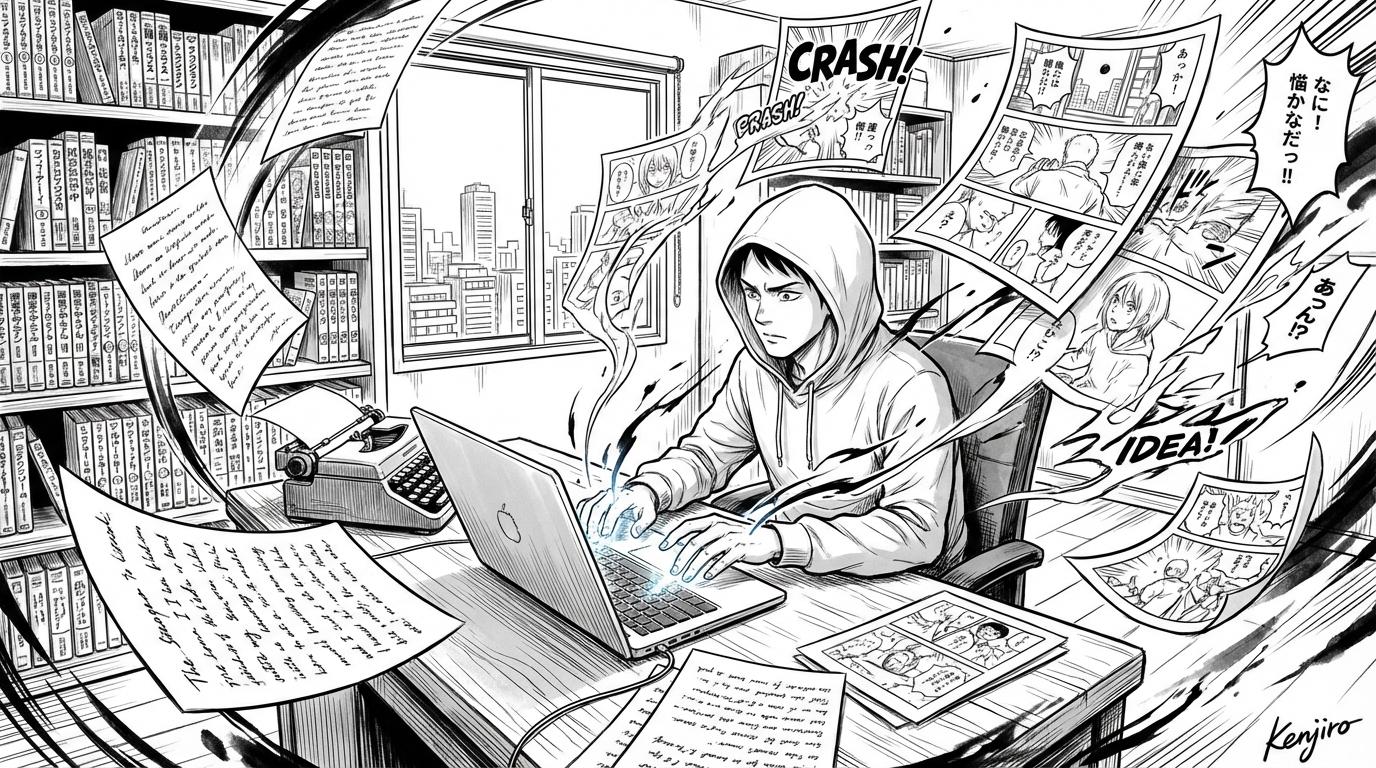
From Writer to Manga Creator: Making the Leap
You have stories—now you want to turn them into manga. How writers can use MangaOra to go from manuscript to visual manga without learning to draw.
Updated
Your words are the foundation
As a writer, you already have the hardest part—story, dialogue, and structure. MangaOra lets you keep that control while adding visuals. On a paid plan, paste your manuscript into Story Library or upload a Word (.docx) file, then start a Studio adaptation: Studio creates a chapter for each of yours, analyzes it for cast and scene beats, and writes a panel-by-panel script you can edit. On the free plan, start a Studio book from your premise or opening scene. You decide what each frame shows; the AI handles the drawing.
Think in scenes and beats
Manga is visual pacing: wide establishing shots, close-ups for emotion, action in between. When you write or plan, think "what do we see in this moment?" One sentence per panel or page beat is often enough. Studio turns that into a clear image when you describe the panel.
Dialogue and narration
In Studio, every panel in your script has fields for who speaks, what they say, and narration. Studio asks the AI to letter that text into speech bubbles and caption boxes on the page, with each bubble pointing at its speaker, so your own dialogue appears on the finished page. Keep lines short—long speeches are split across several bubbles. If a word comes out wrong, fix the line in the panel editor and regenerate just that page.
Collaborate or go solo
Some writers work with an artist or editor; others do everything in MangaOra themselves. Either way, your story stays central. Use Liora for a second opinion on structure and pacing, or share exports with beta readers before you publish.