
Full AI: Script and Page Generation
How Full AI turns your story and characters into a script and then into finished manga pages—credits, layout, and export.
What is Full AI?
Full AI is MangaOra's flow that generates a full manga from your story and characters. In Guided Story you see it as five steps; under the hood, the AI writes a panel-by-panel script (dialogue, action, scene) and then generates the art for each page. Each page can have multiple panels (e.g. three horizontal strips), so one "page" in Full AI is one export page with several images.
Script first, then art
The script step produces a structured script: location, characters, context, dialogue, and narration for each panel. You can edit or improve any panel before generating. That way the AI draws exactly what you approved—no surprises. When you hit Generate, the AI creates the images for each page using that script and your character references.
Credits: characters vs pages
Creating or regenerating a character reference uses 1 credit per image. Generating a page uses 2 credits per page. Credits are shared from your subscription or credit packs. The dashboard and Guided Story both show how many credits you have and how many pages you can generate.
Layout and export
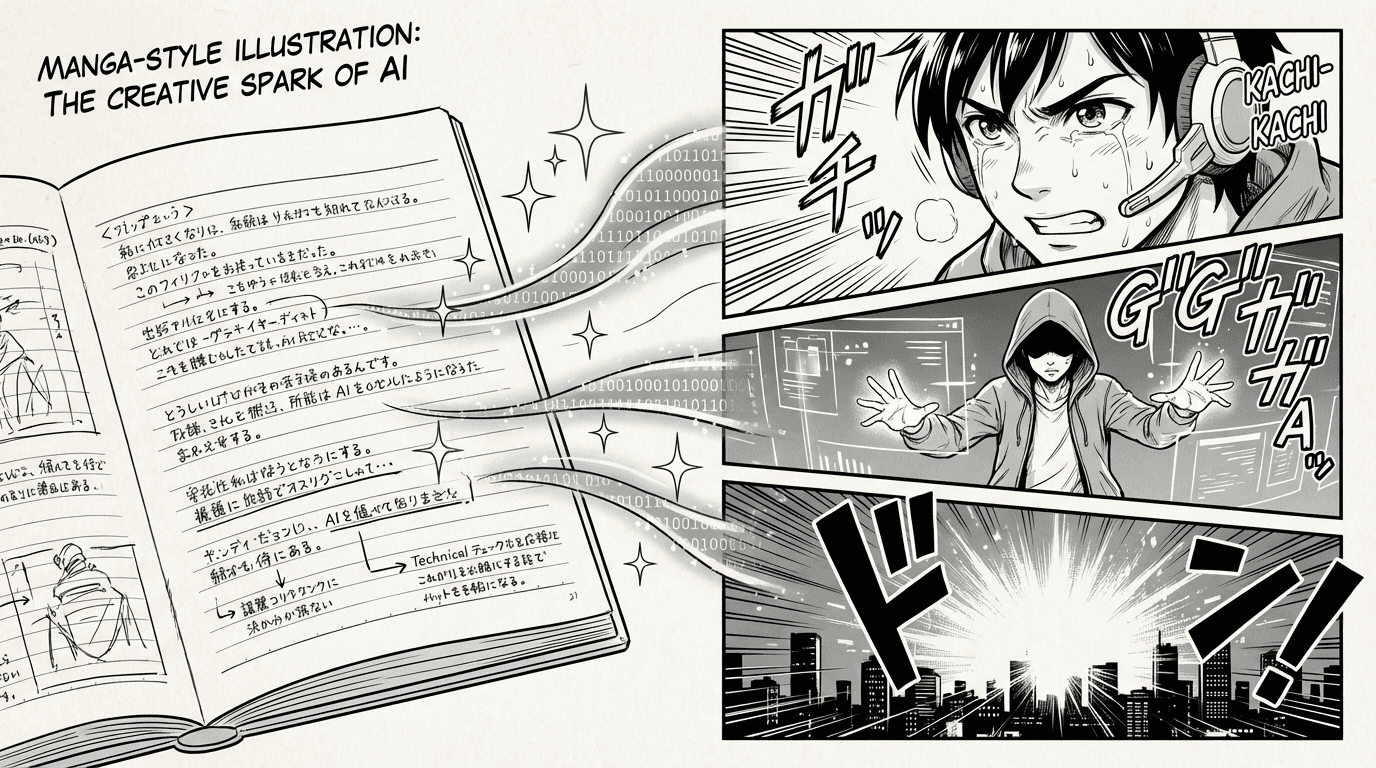
Generated pages use a strip layout (e.g. three panels per page). The Page Composer Preview in the Export section shows how your PDF will look. You can export as PDF or as a ZIP of images. From the editor you can also add speech bubbles and overlays, then export again.
When to use Full AI vs the editor
Use Studio when you want a full book workflow: story → script → pages, with room to refine. Use Quick Scene when you want the fastest first image and a clean handoff into Studio. Existing legacy projects can still be imported into Studio so older work is not lost.