
Guided Story: I'll Draw Sketches — Turn Your Drawings Into Pages
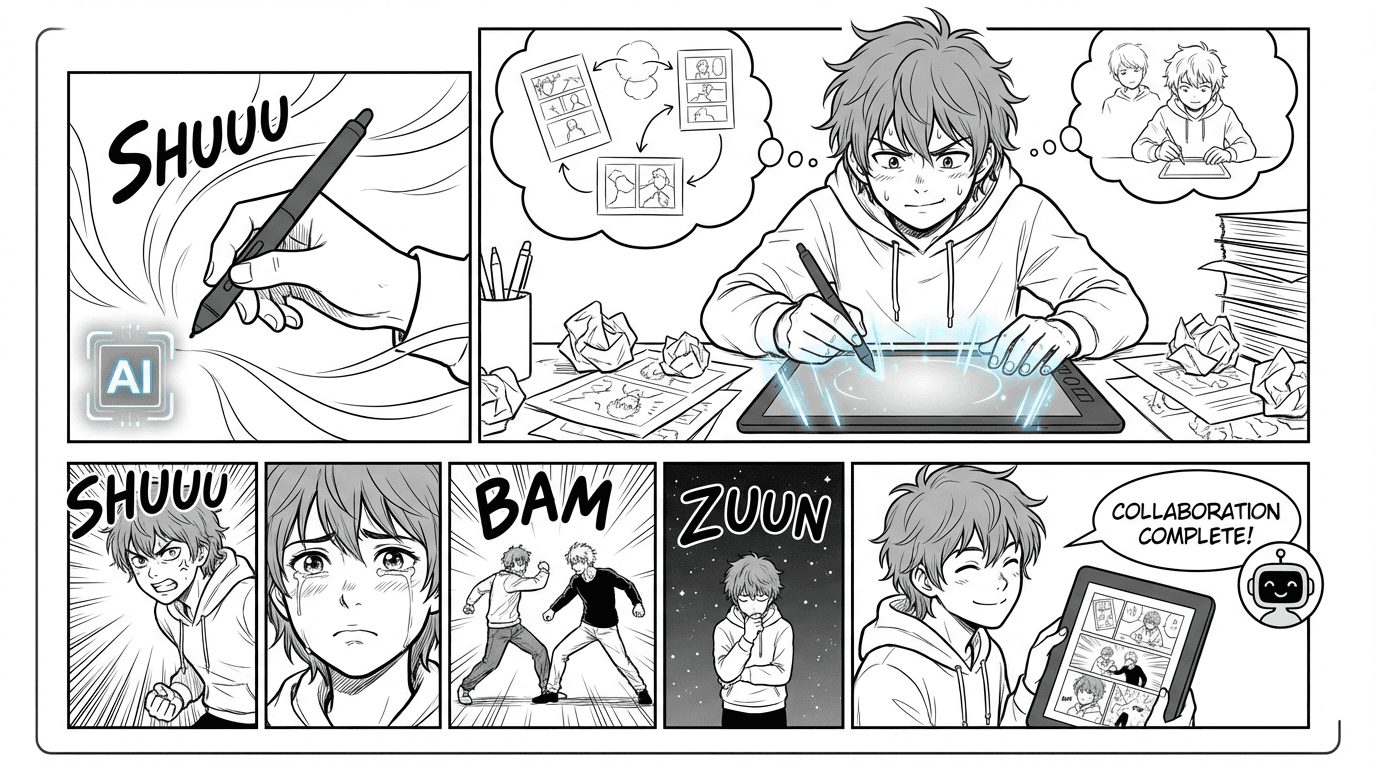
In Guided Story, choose "I'll draw sketches" to upload your own sketch for each panel and transform them into manga style instead of generating with AI.
When to use "I'll draw sketches"
On the Generate step in Guided Story, you'll see two options: "Generate pages with AI" (the default) or "I'll draw sketches." Choose "I'll draw sketches" when you want to draw each panel yourself—even as rough sketches—and have MangaOra turn them into manga, comic, or webtoon style. You keep the same story and script; only the way you create the art changes. This option appears when you have a script ready and the Sketch-to-art feature is enabled for your account.
The flow: one panel at a time
After you choose "I'll draw sketches," you see every panel from your script listed in order. For each panel, upload your sketch (JPG or PNG, max 6MB), then click Transform. The AI uses the panel's script (location, context, dialogue) to guide the style and content, so your sketch becomes a finished panel that matches the scene. You can do panels in any order, but when every panel has a transformed image, a "Save and continue" button appears. Click it to save all panels as pages—they're added to your story just like AI-generated pages, and you can read, export, or open in the editor.
Going back and editing
You can remove a sketch and upload a different one, or transform again if you want a new take. Use "Back to choices" if you change your mind and want to switch to "Generate pages with AI" instead. Once you save and continue, your pages appear in the same "Your pages" section as if you had generated with AI—you can still edit speech, regenerate a single panel (from the editor), reorder pages, and export.
Credits
Each panel you transform counts as one transformation toward your monthly limit (or add-on credits). So a 6-panel script means 6 transformations when you choose "I'll draw sketches." The same transformation limit applies to the standalone Sketch to manga page and to transforms in Studio. Your dashboard shows how many you have left.
Best for
"I'll draw sketches" is ideal if you like to thumbnail or sketch by hand and want the AI to handle linework and shading. You control the composition and pose; the AI makes it look polished and consistent with your story and style. It's the same story-first flow as Guided Story—just with your drawings as the starting point for each panel.