
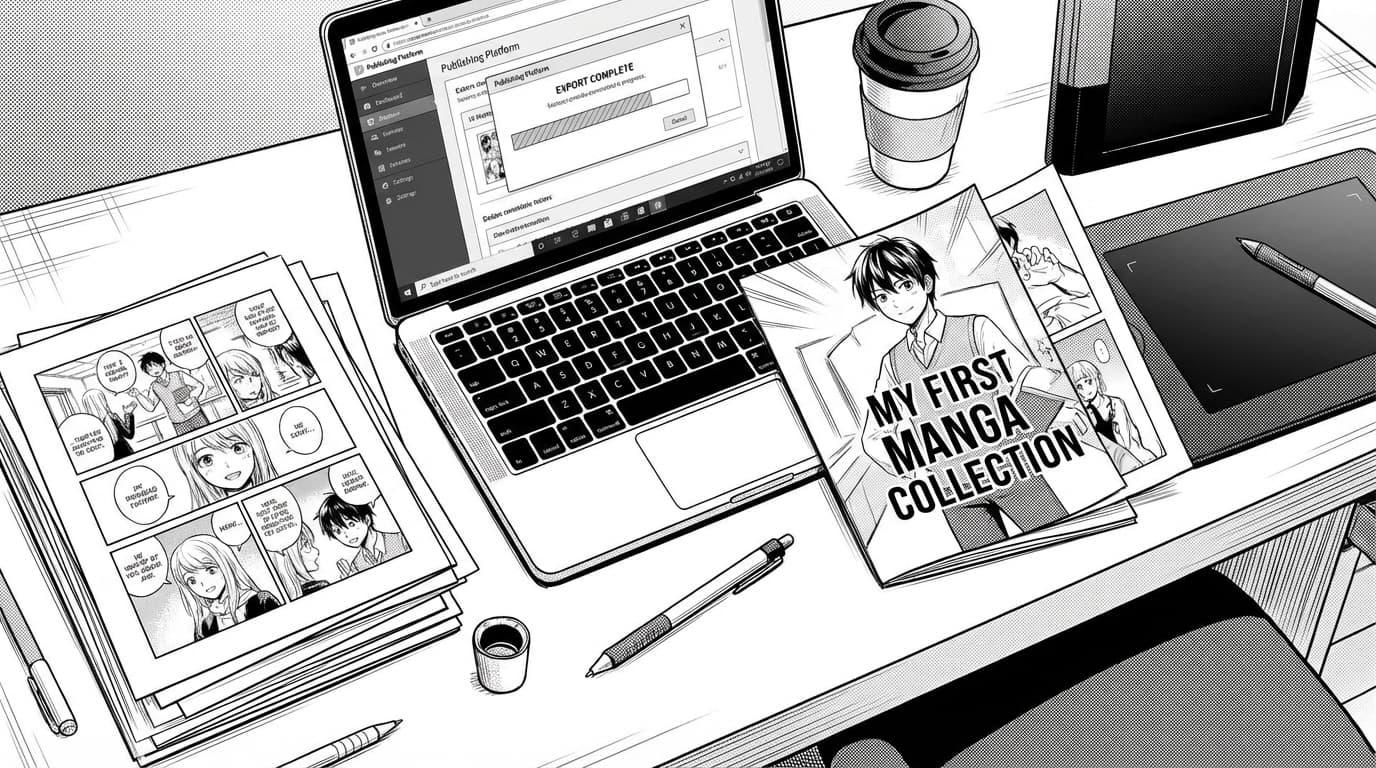
Export Your Manga
How to export your manga as images or PDF for web, print, or social: formats and best practices.
When to export
Export when your pages are ready—after you’ve generated or placed all panels and you’re happy with the order and layout. You can export a single page, a range, or the whole book. If you’re still tweaking, export a draft to check flow and text; then do a final export when you're satisfied.
Images vs PDF
Export as images (e.g. PNG or JPEG) when you need individual pages for web, social, or another design tool. Export as PDF when you want a single file for print or for readers to scroll or flip through. MangaOra lets you pick the format so you get images or PDFs for web, print, or sharing.
Web vs print
MangaOra exports at one quality level for all plans. For web and social, the resolution is suitable. For print, check your printer’s specs (e.g. 300 DPI); you may need to use an external tool to upscale if your printer requires higher resolution.
After export
Your exported files are yours. Upload to a website, send to a printer, or drop into a comic reader—whatever fits your plan. Keep your book in MangaOra so you can re-export or make changes anytime.