
Interactive demo · no account needed
The Lost Moon
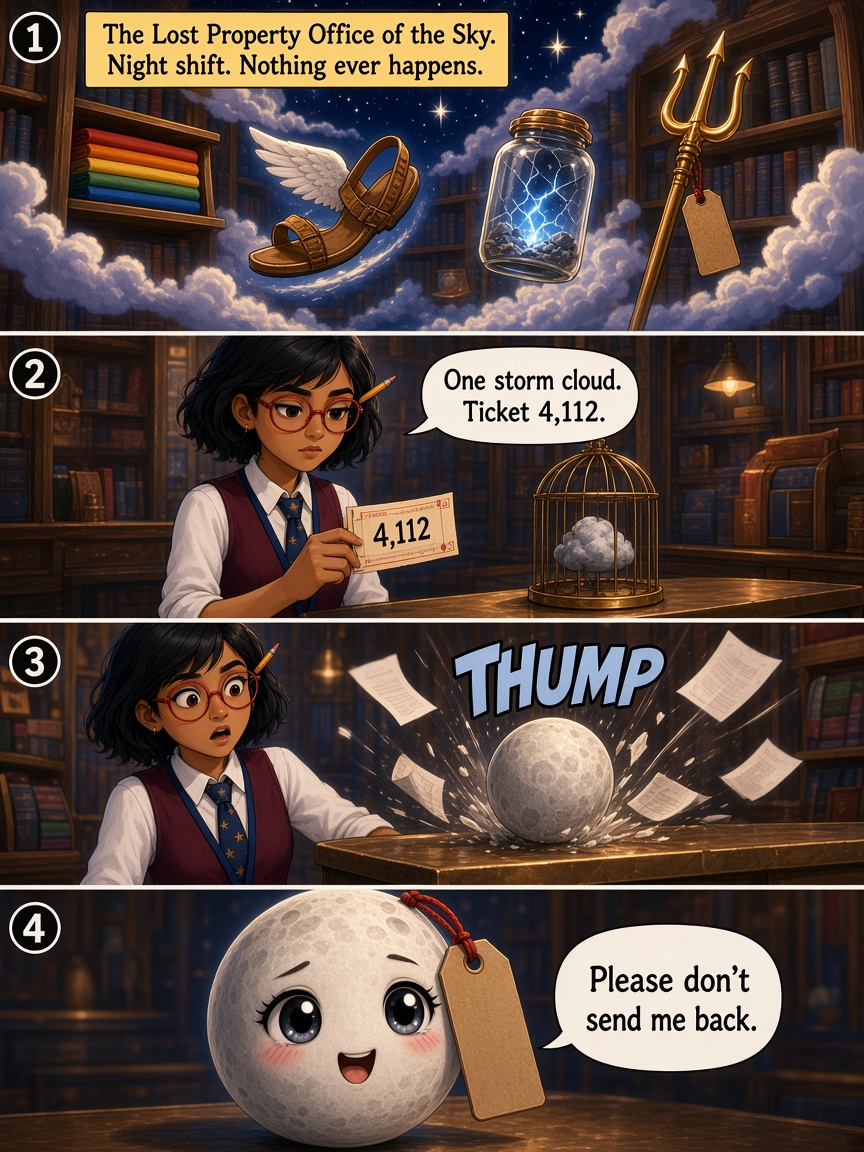
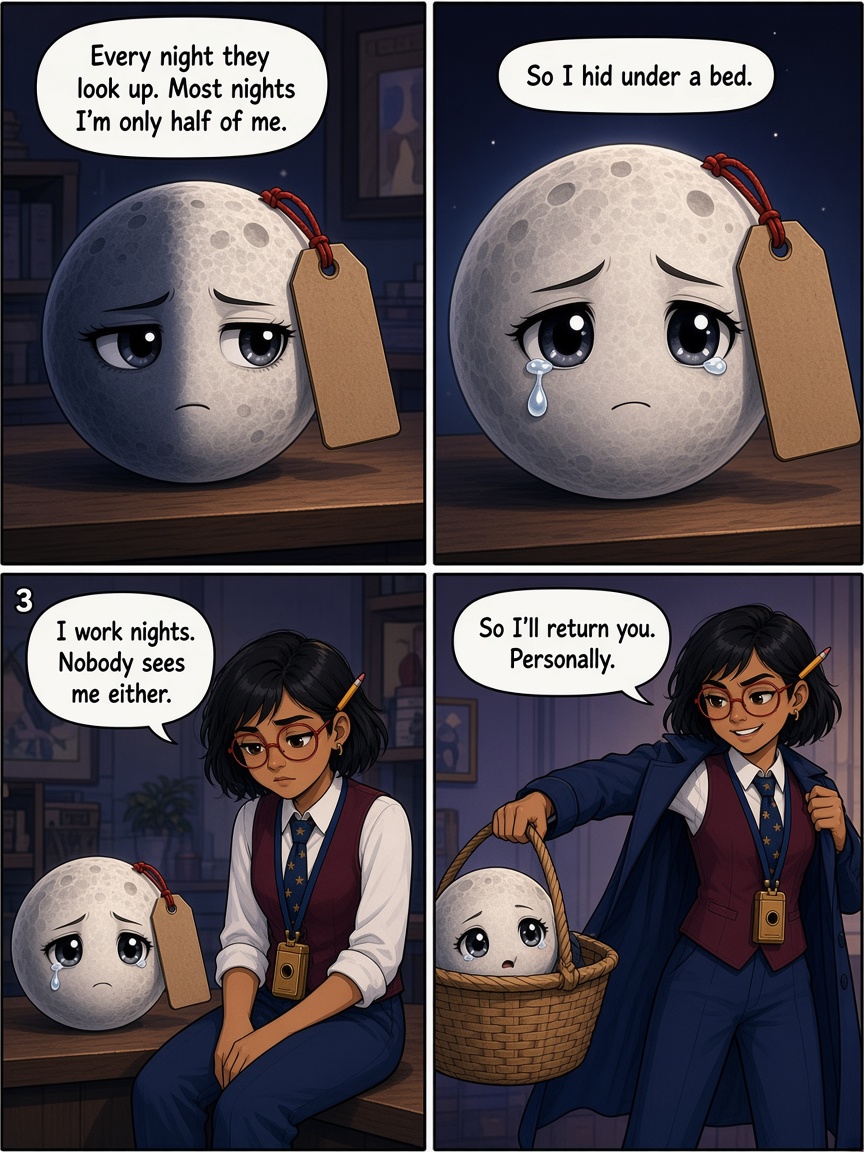
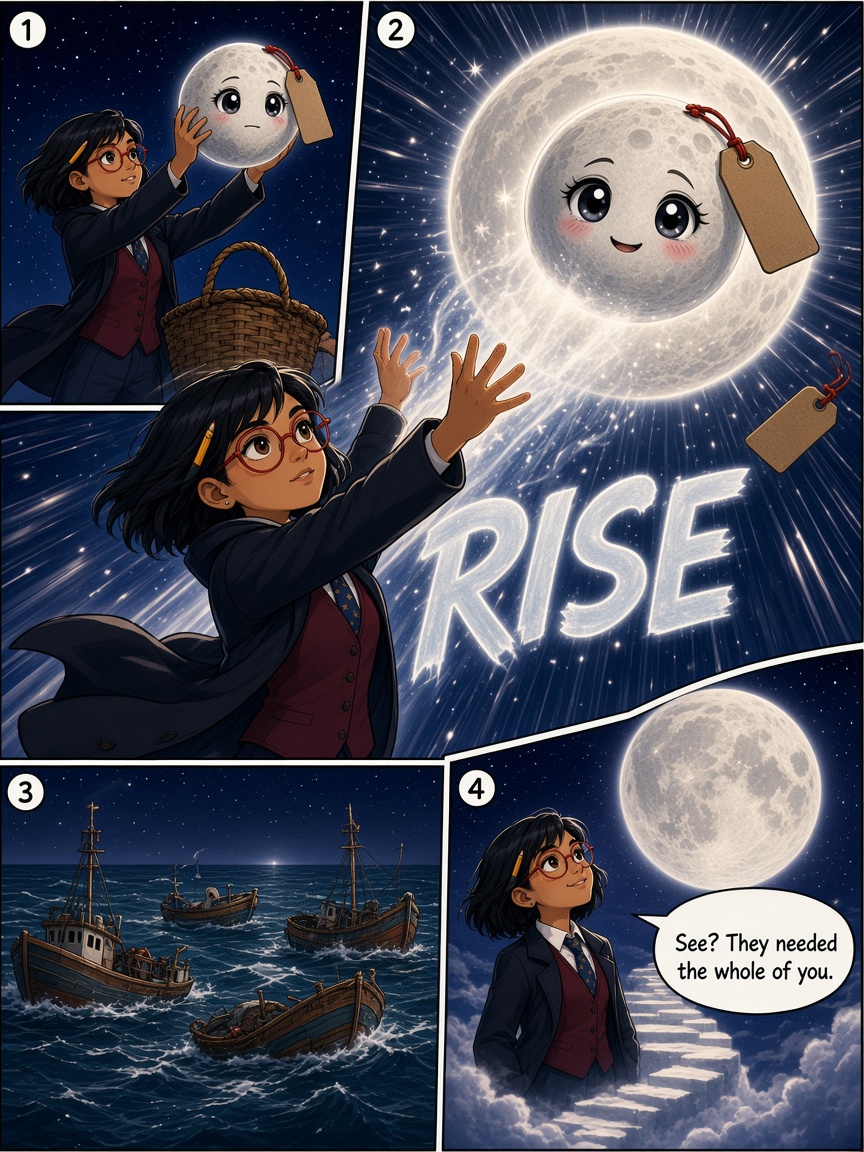
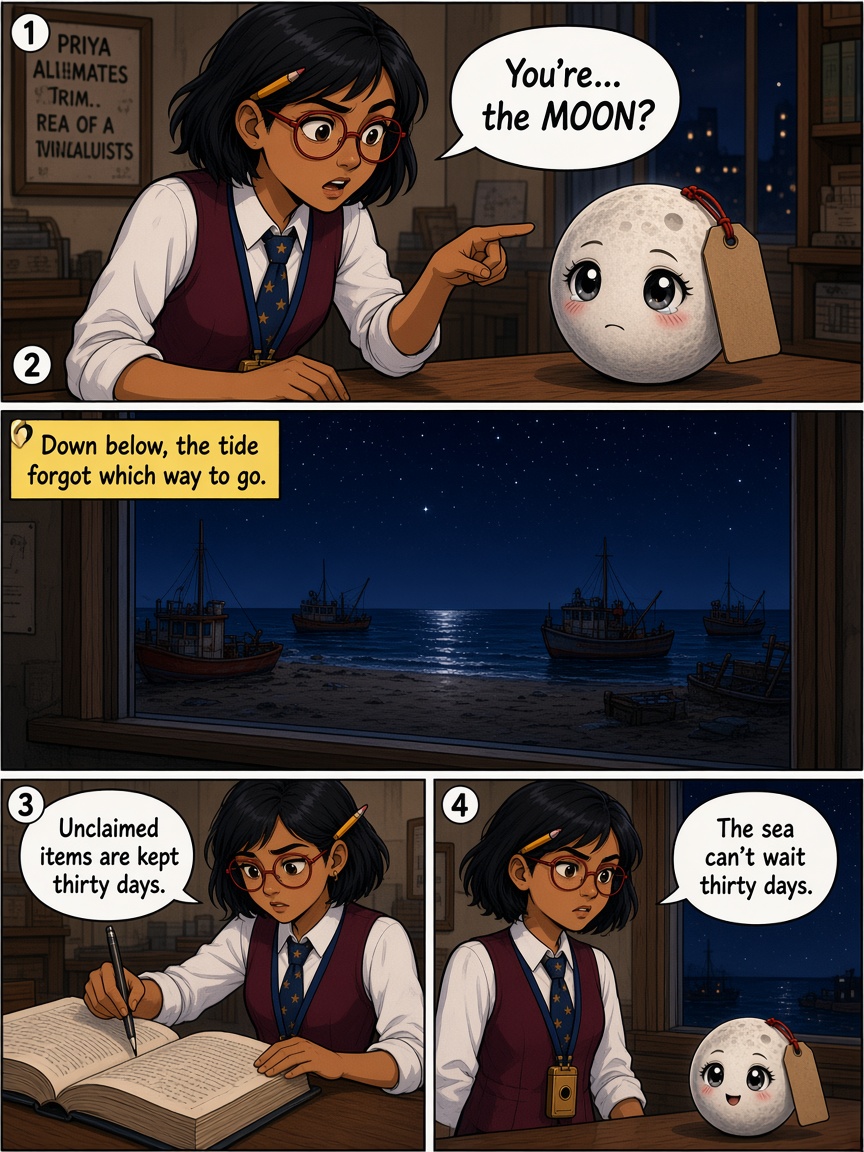
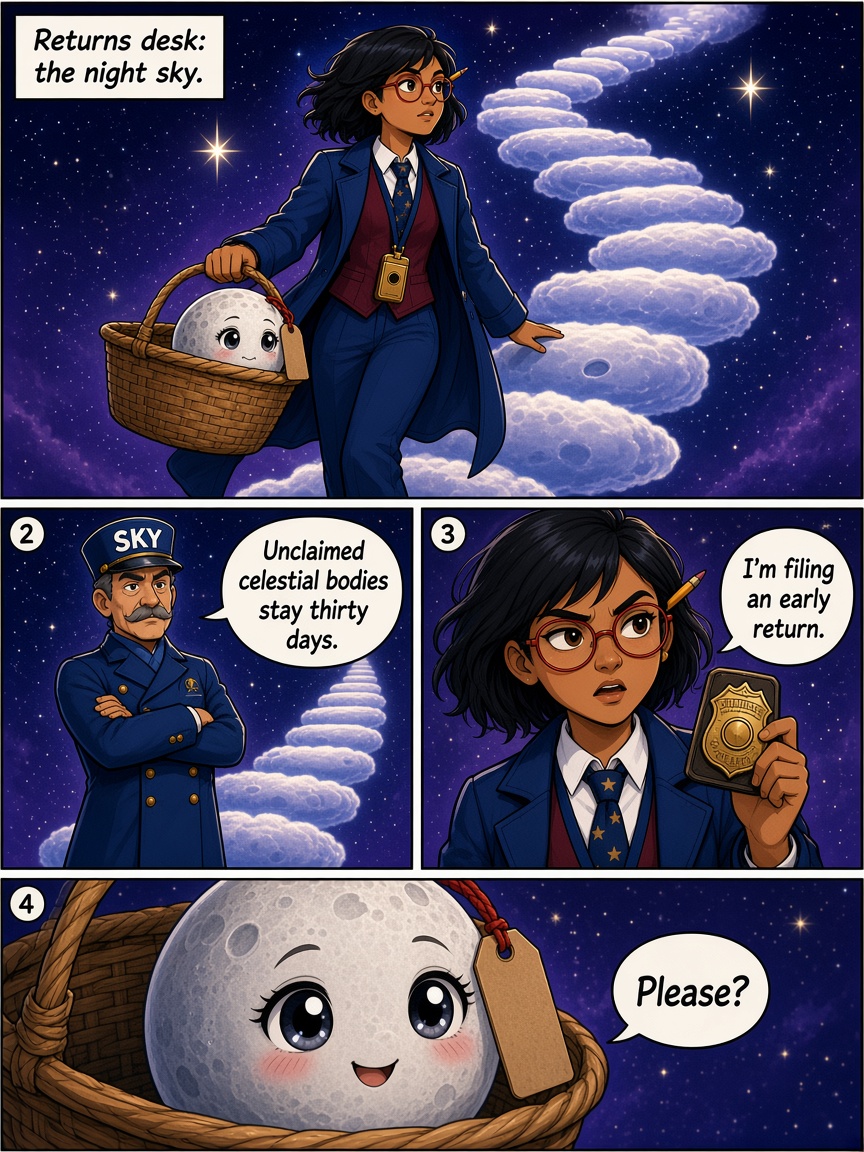
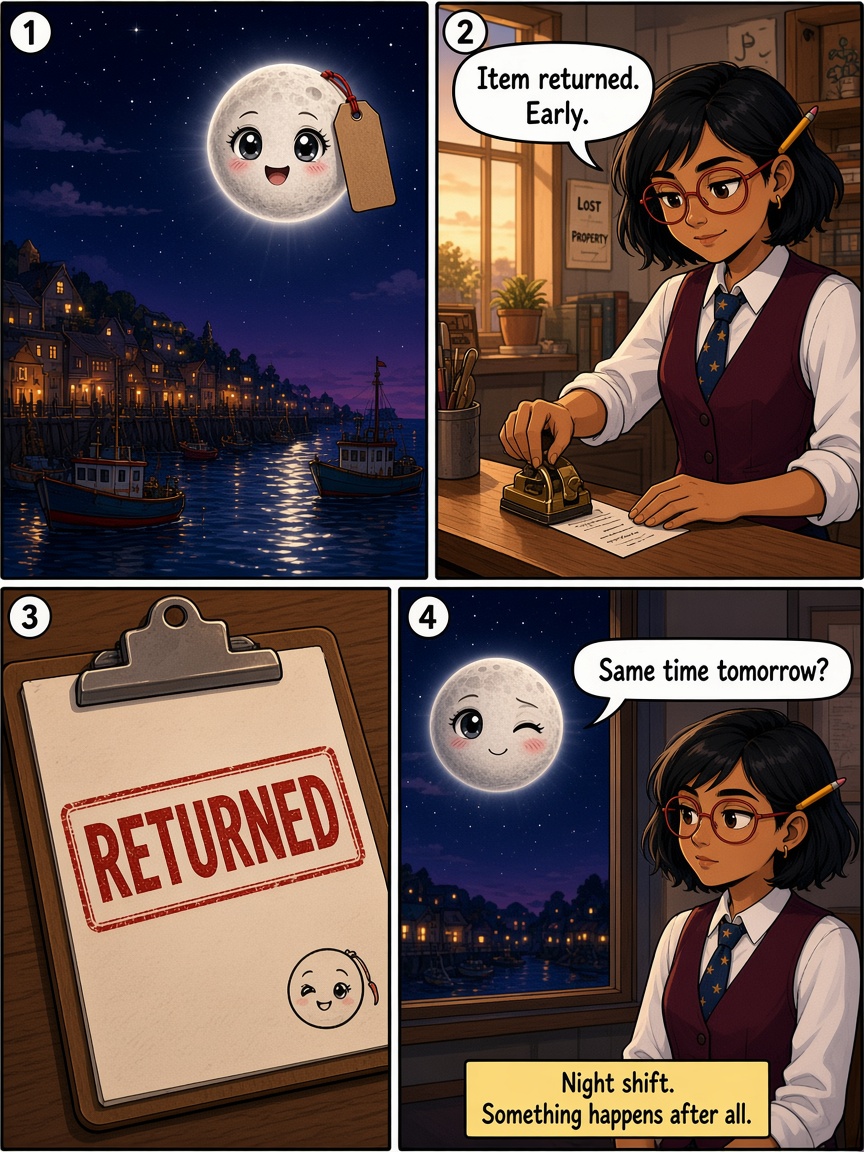
At the Lost Property Office of the Sky, night clerk Priya Nair stamps tickets for storms and rainbows. Then the Moon arrives with a luggage tag and begs to stay. Down below the tide has stopped, so she files an early return and carries the Moon back into the sky herself.
- Six-page chapters you can watch draw
- Same steps as the app
- Fits the free plan
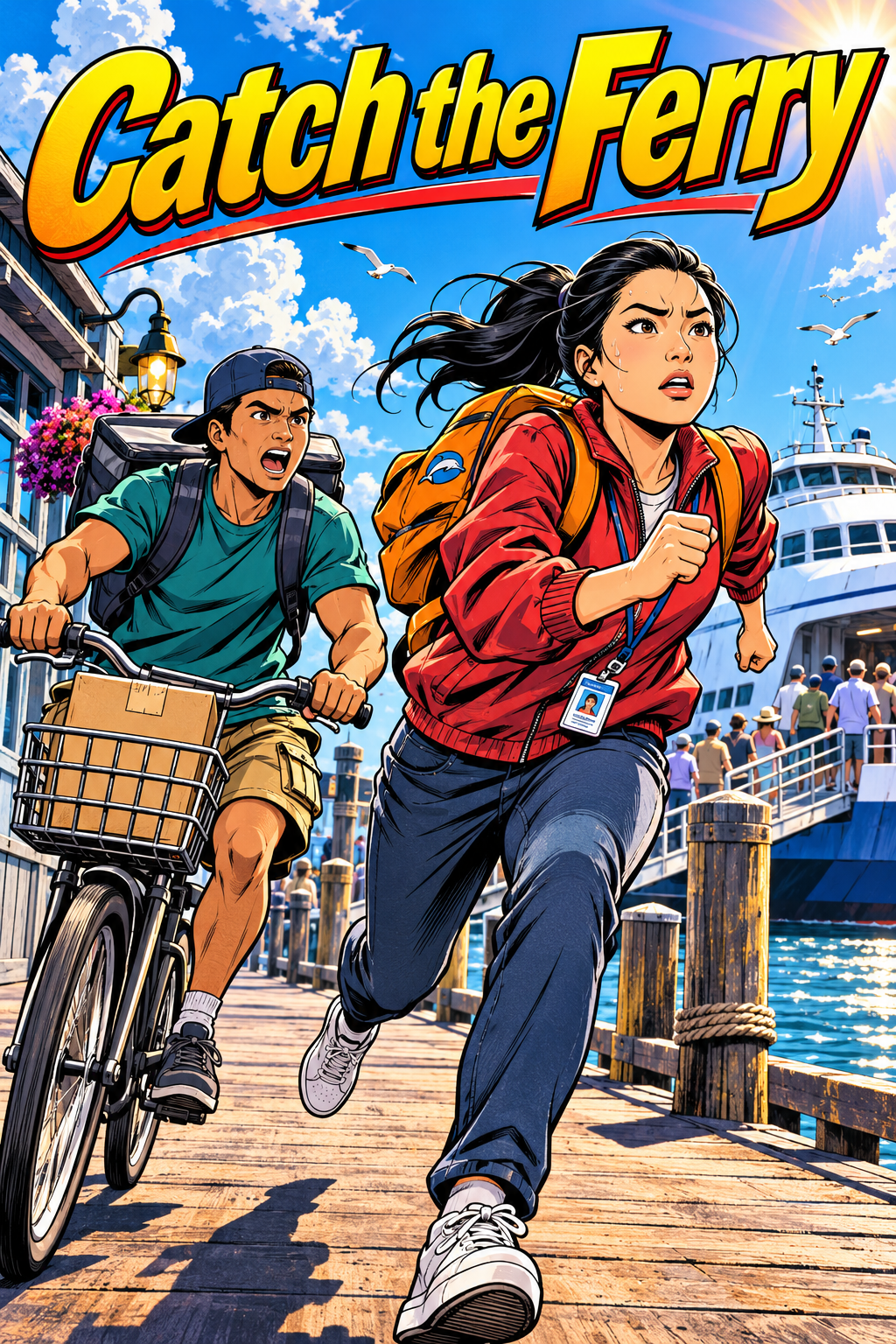
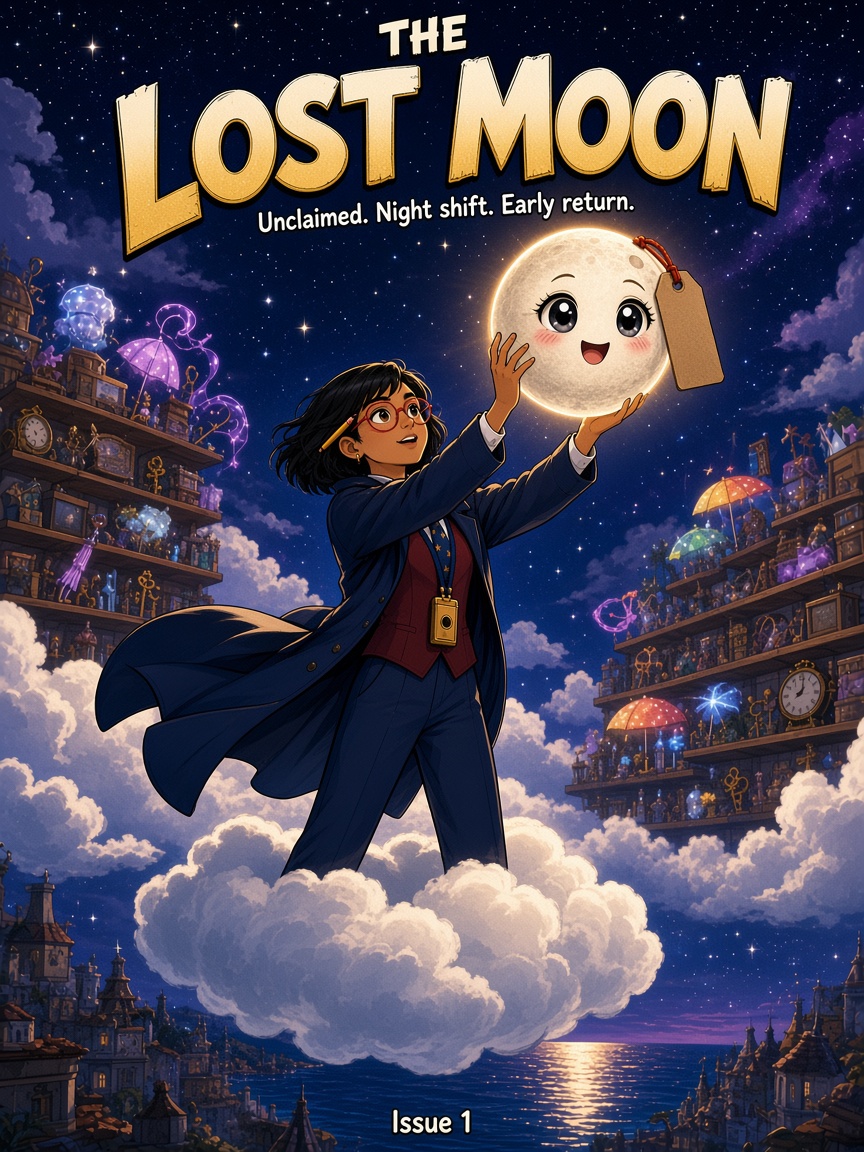
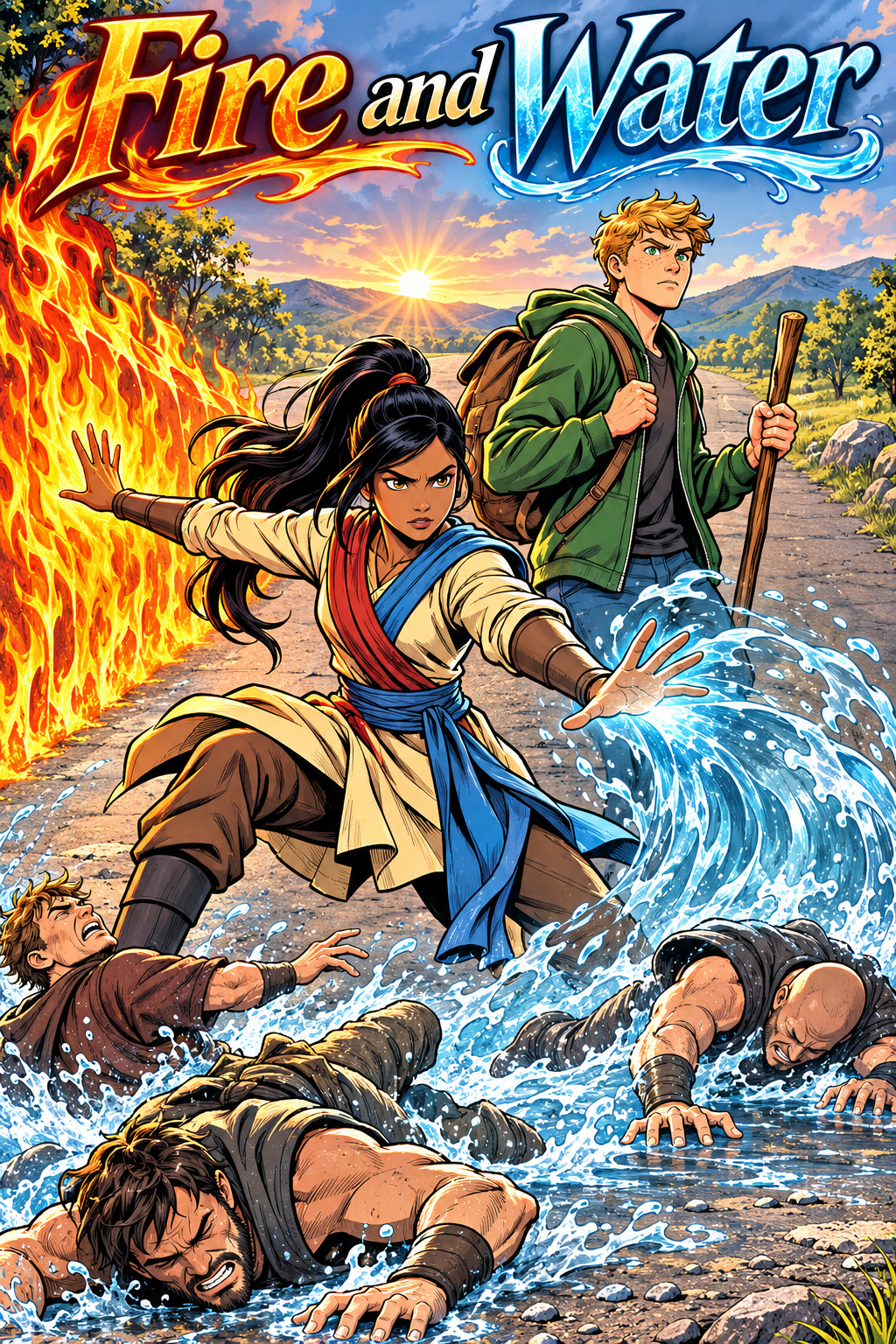
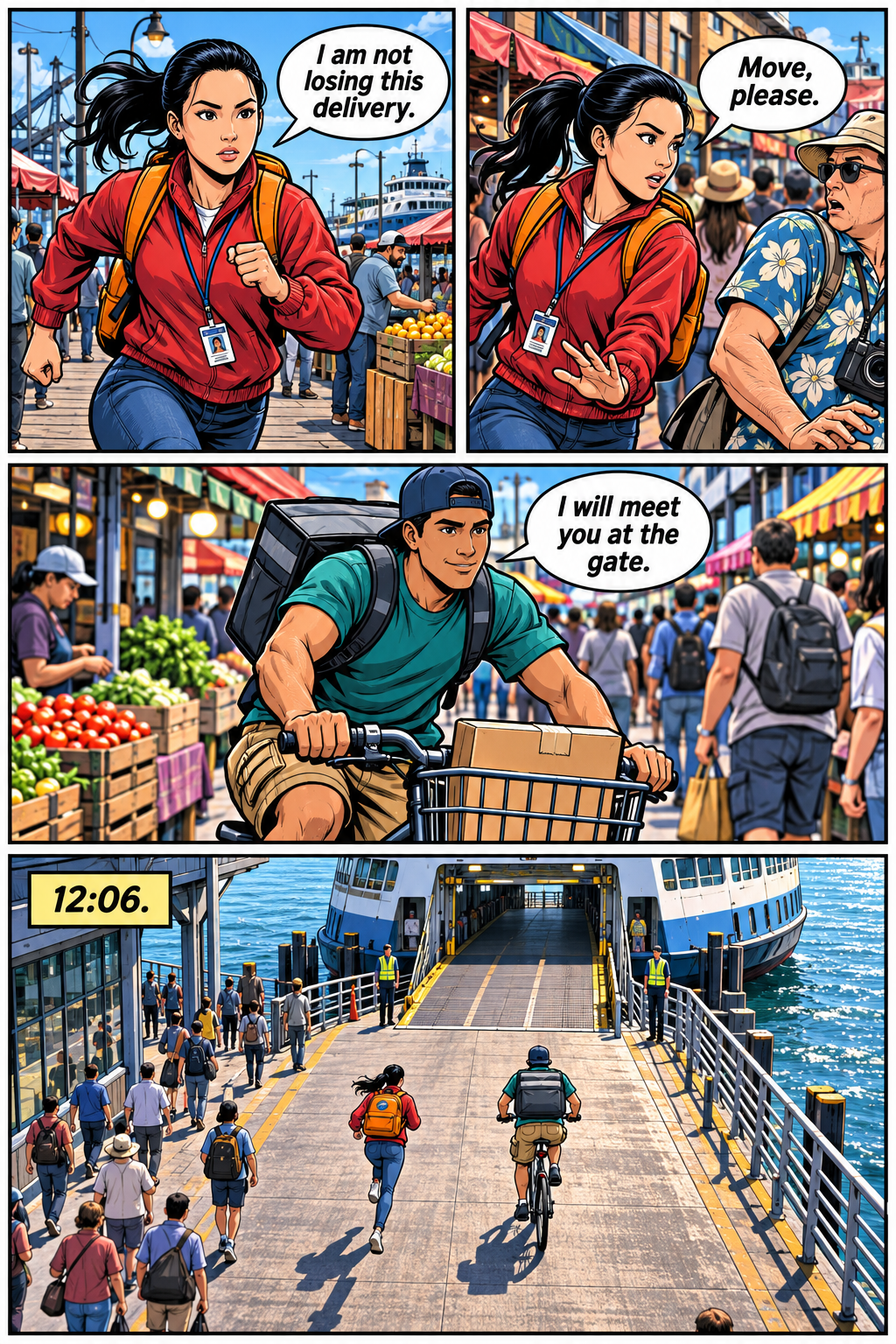
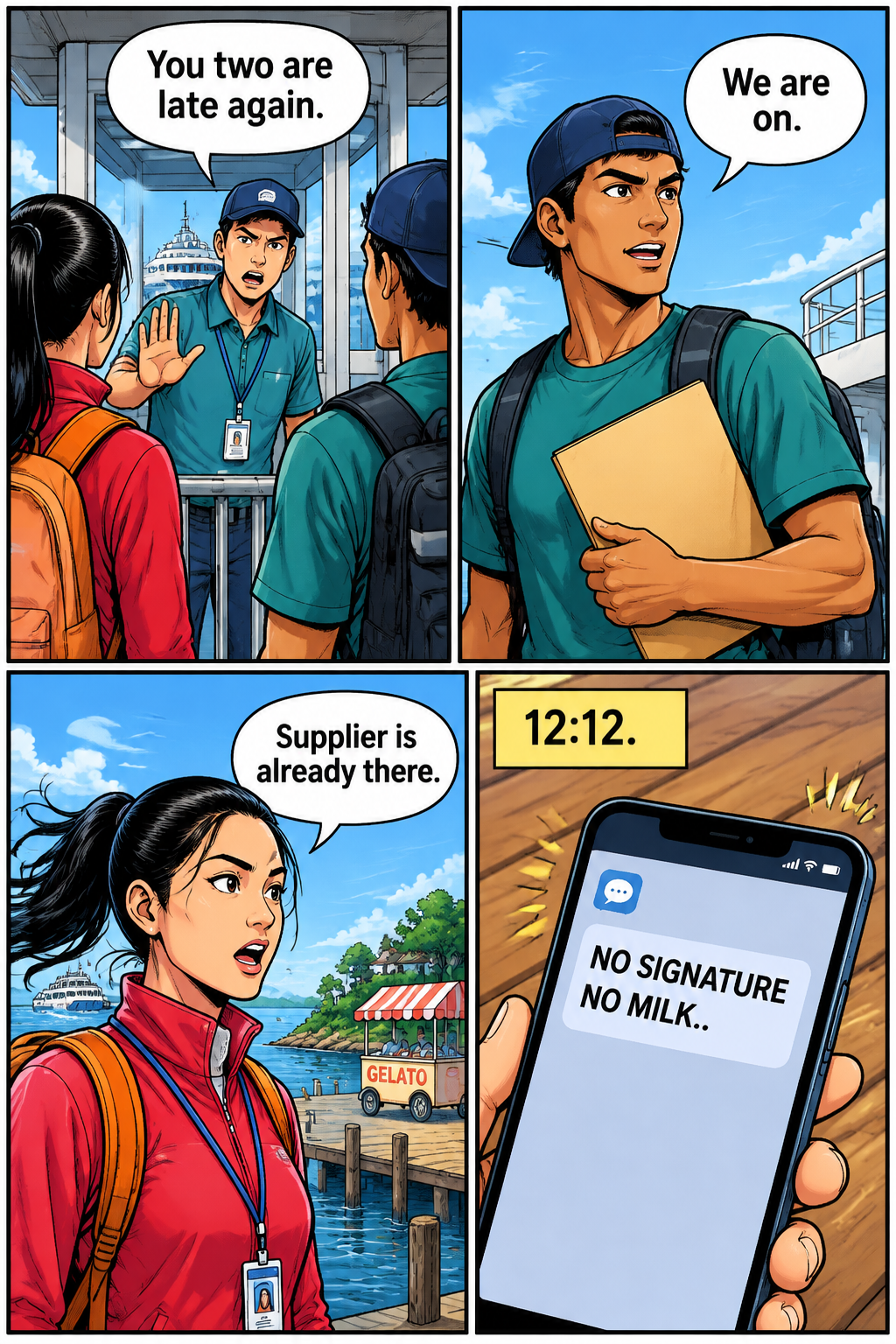
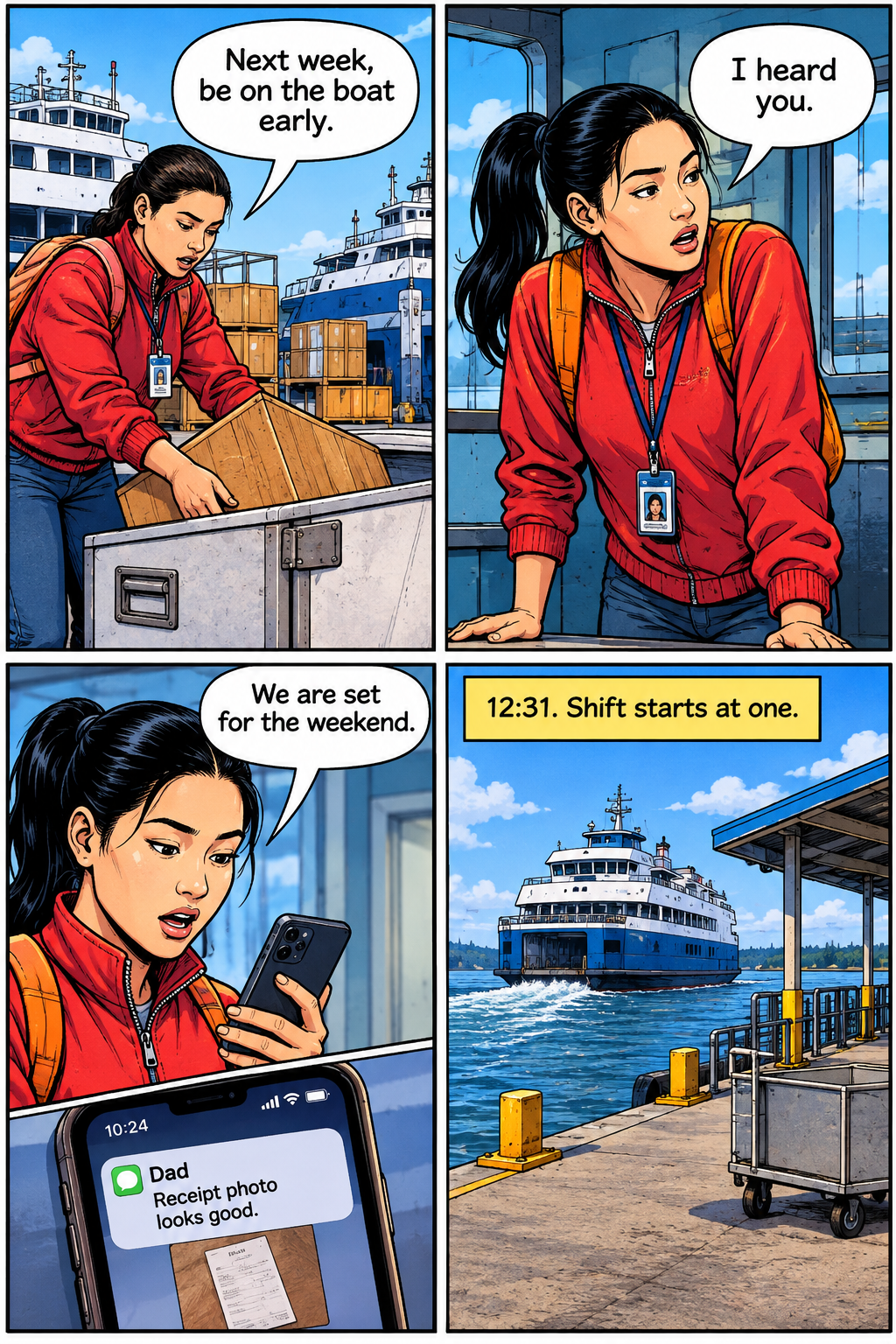
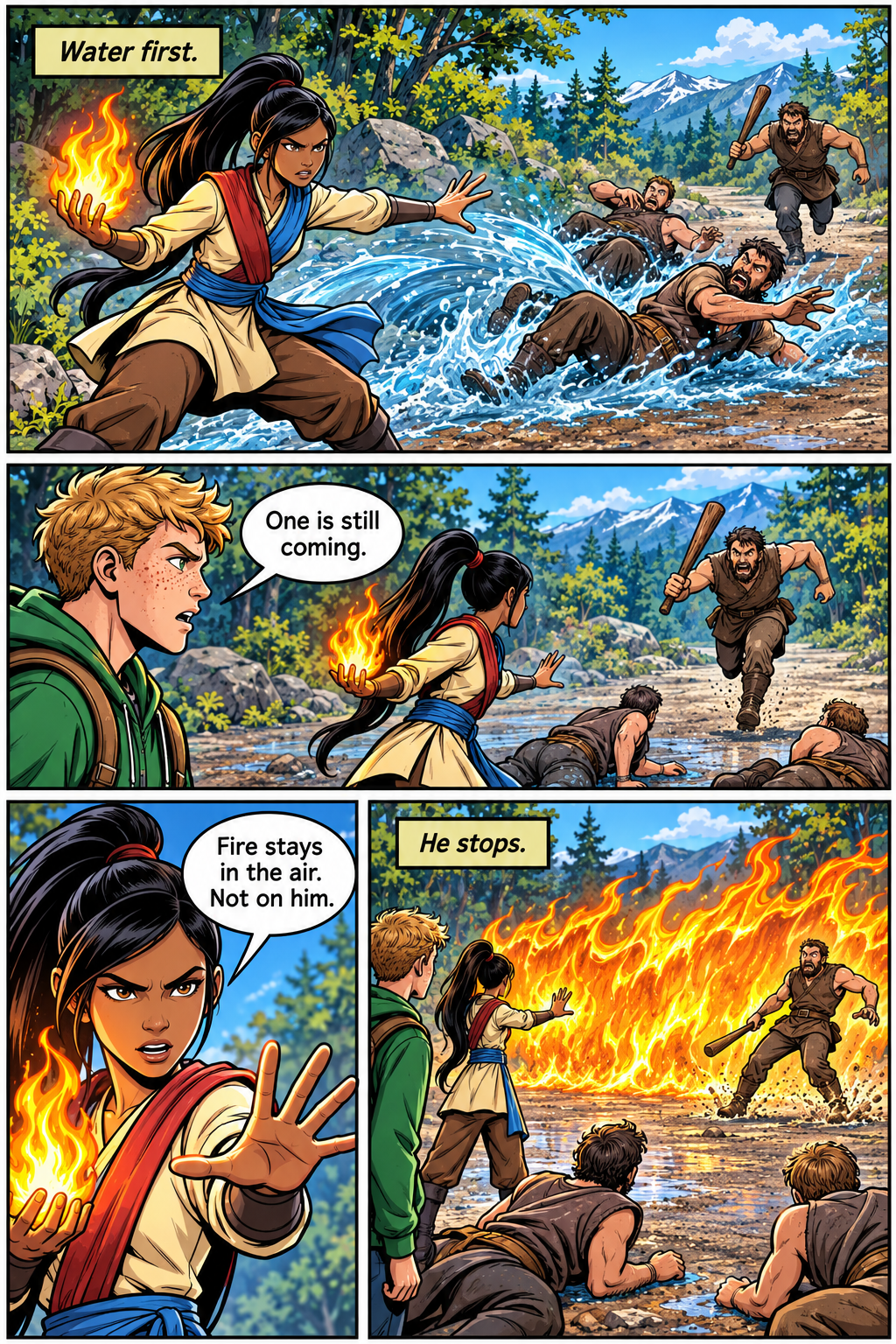
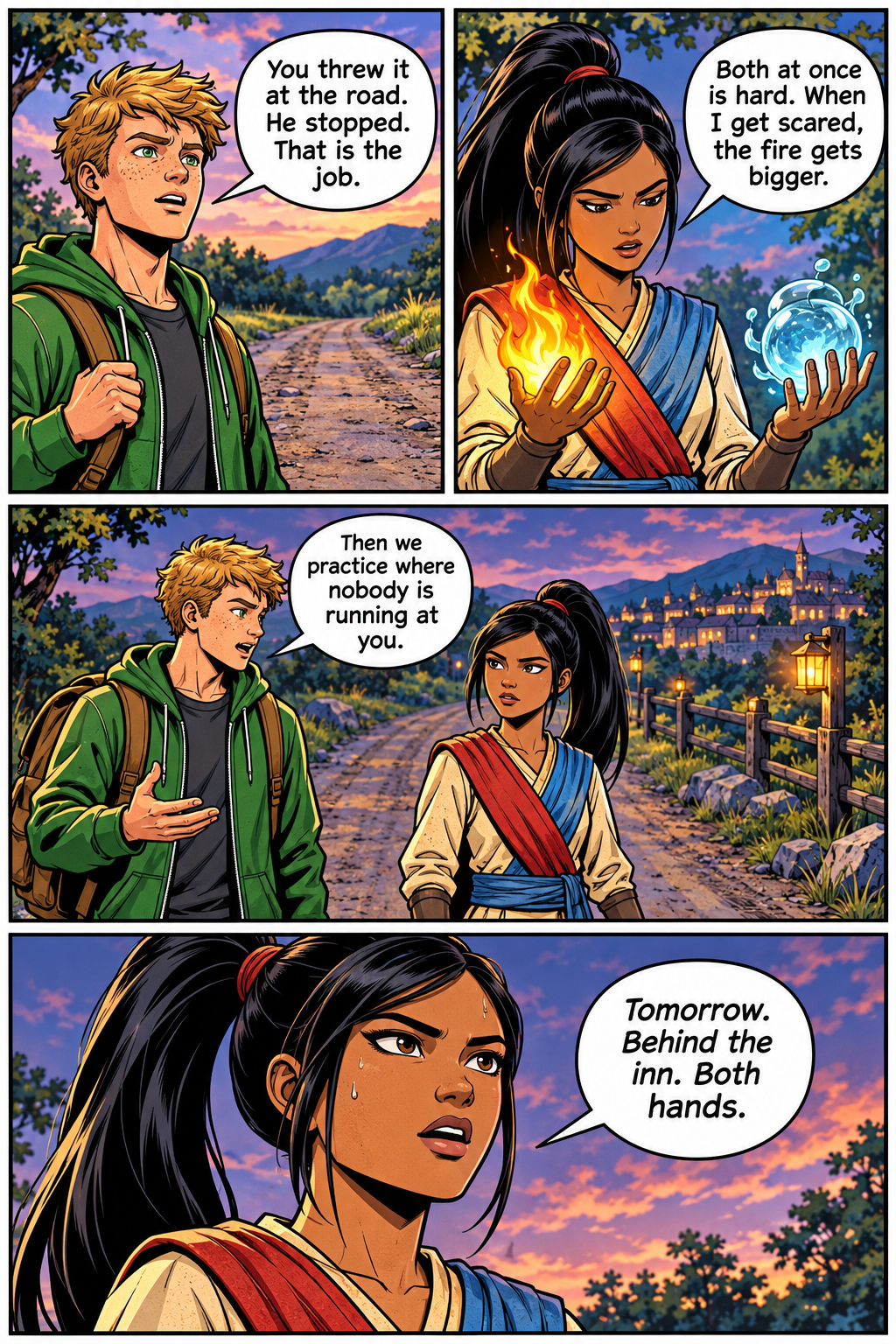
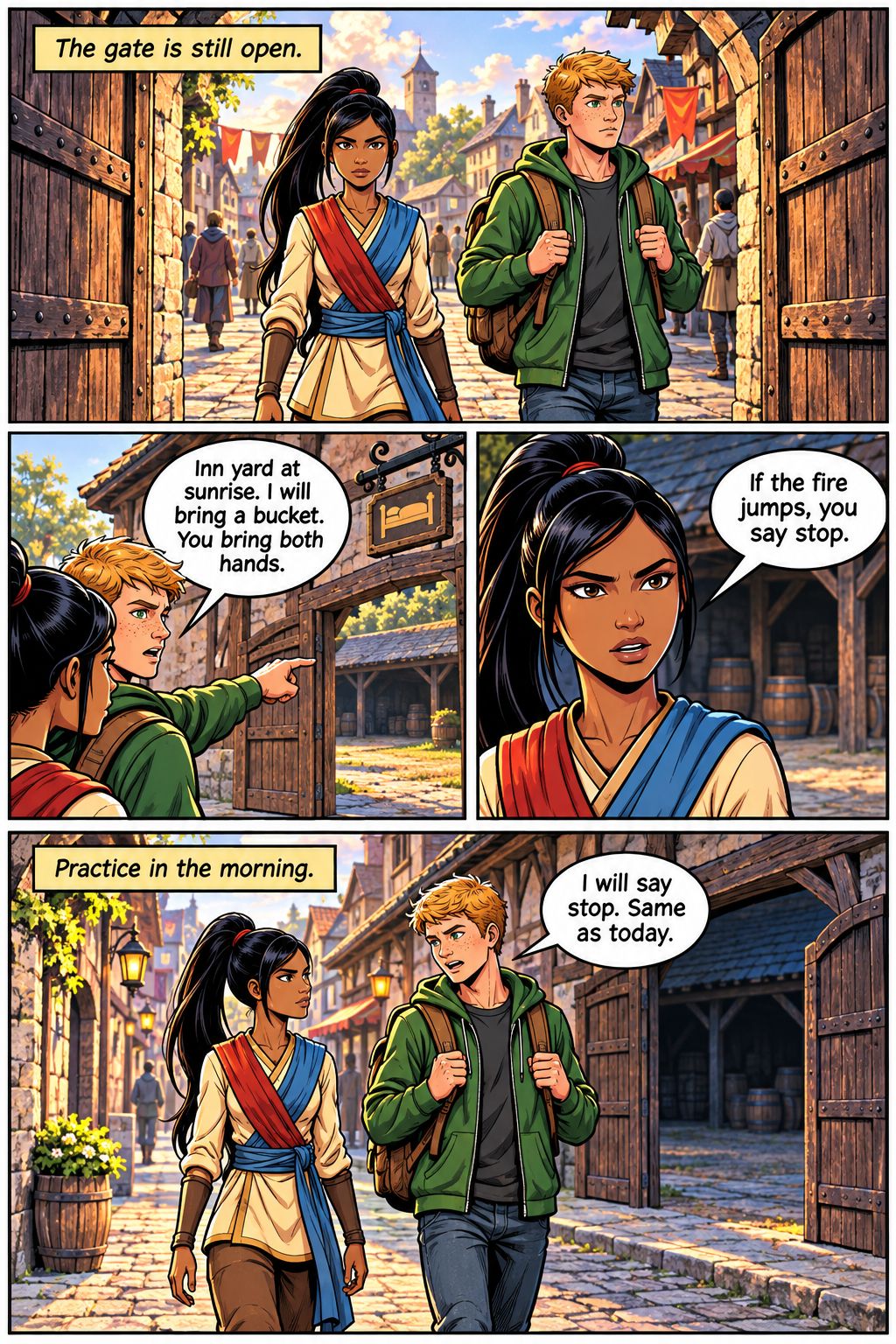
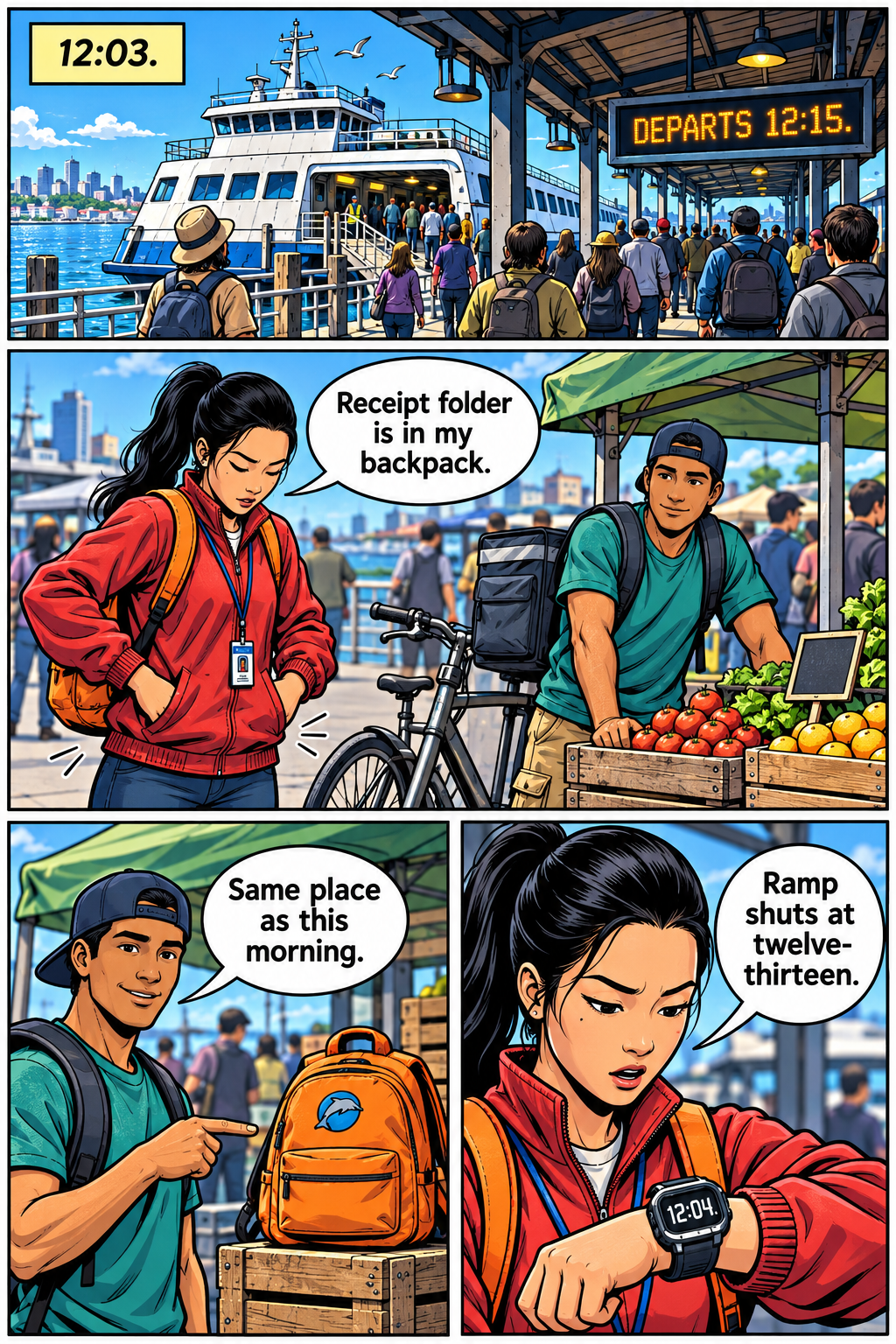
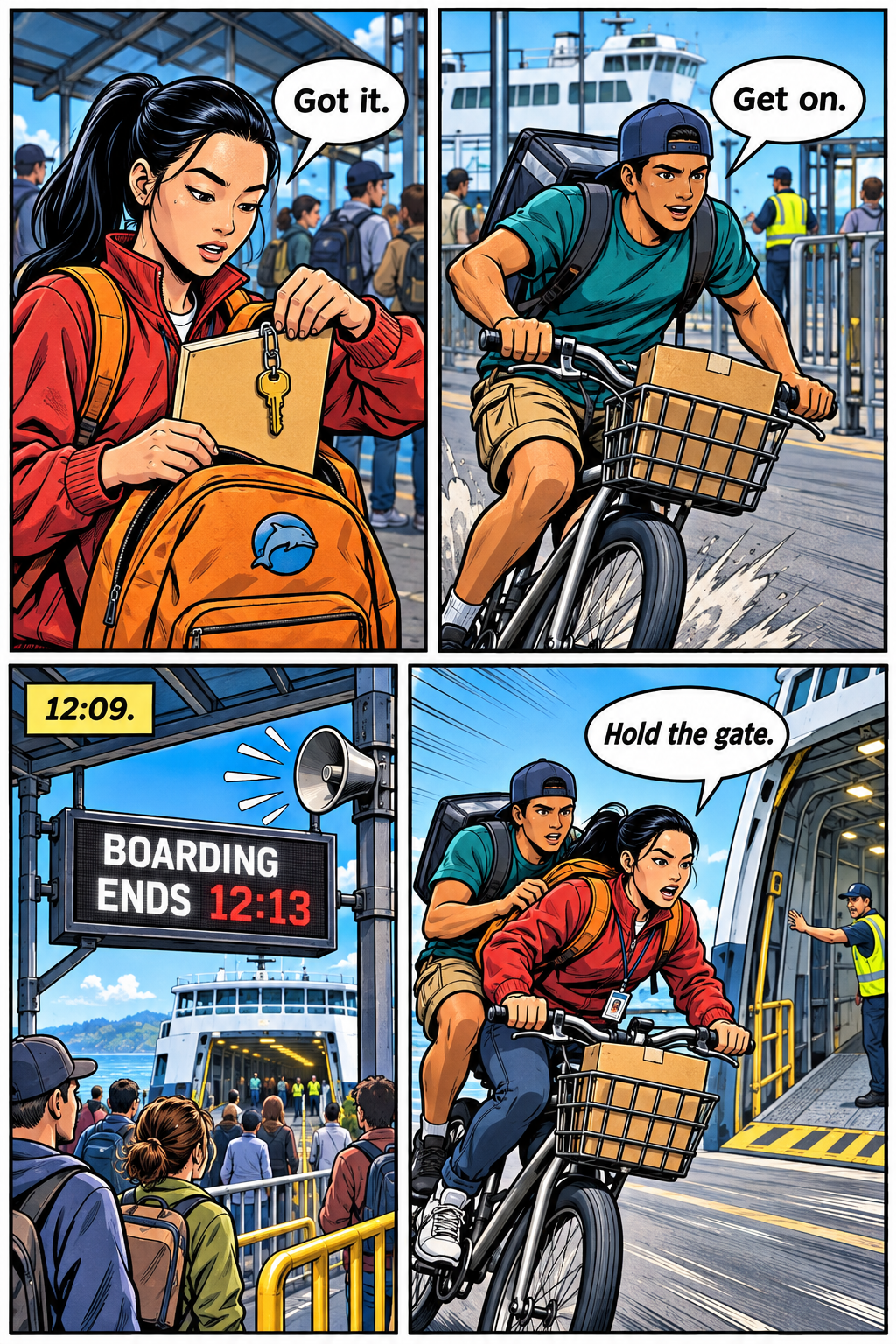
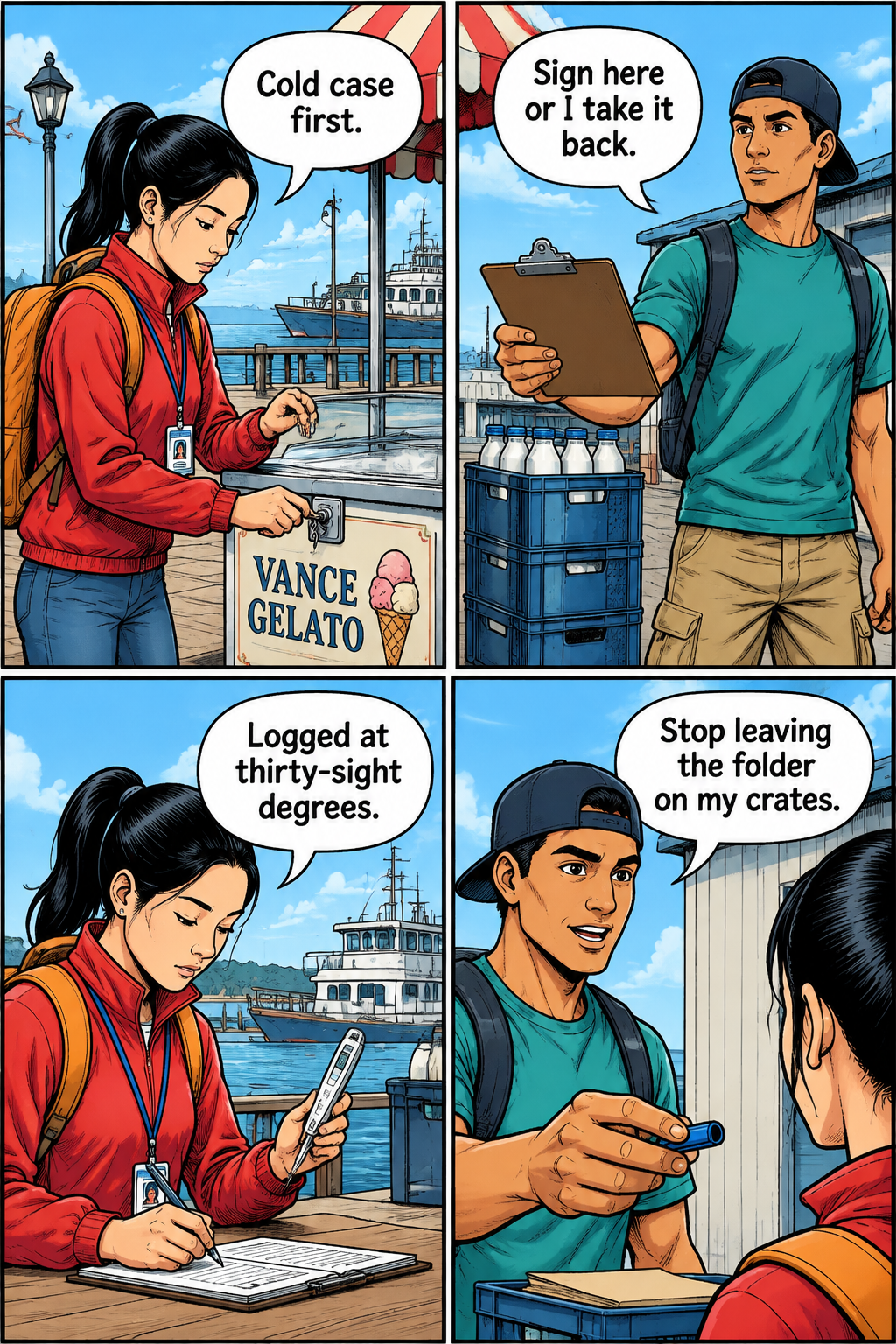
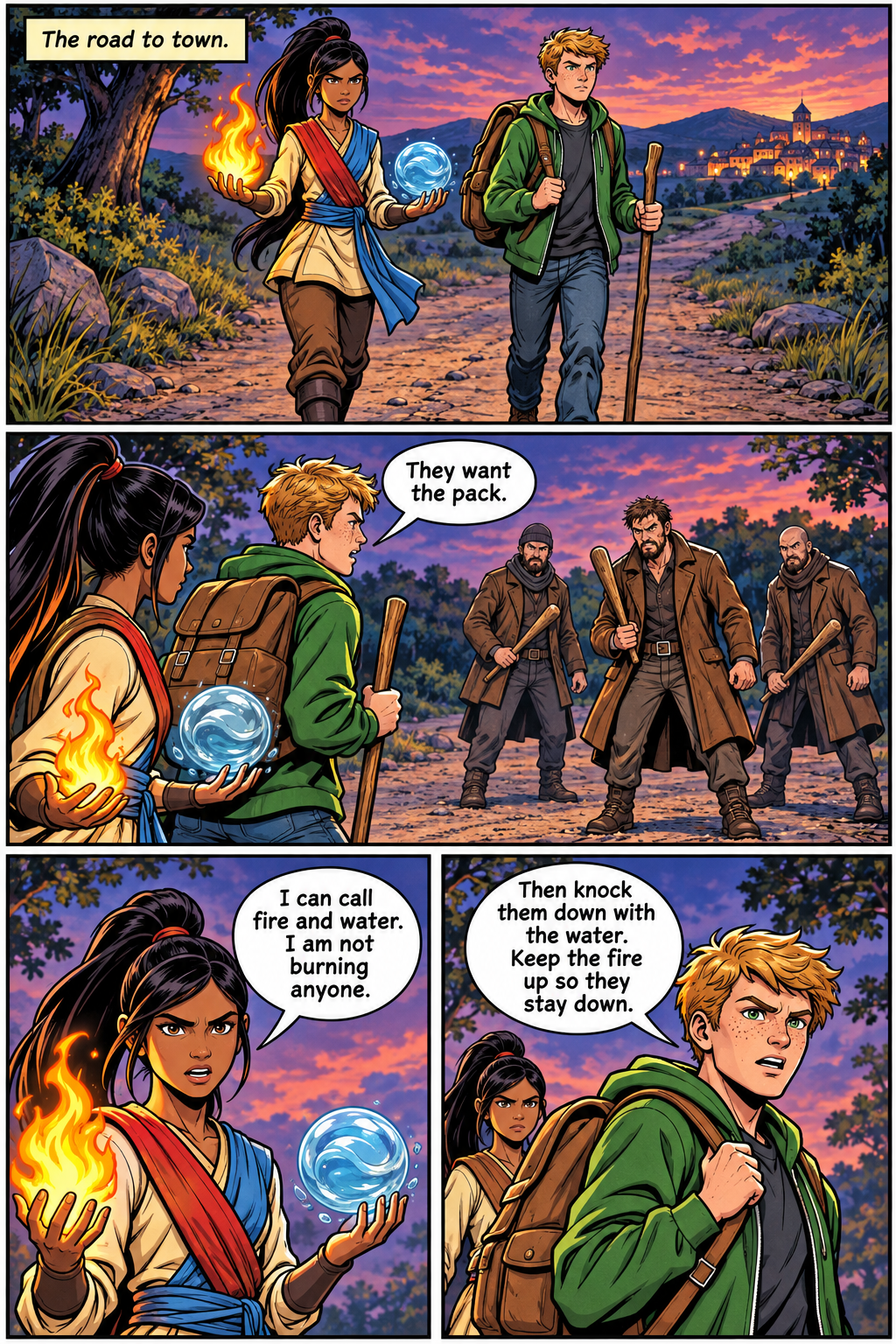
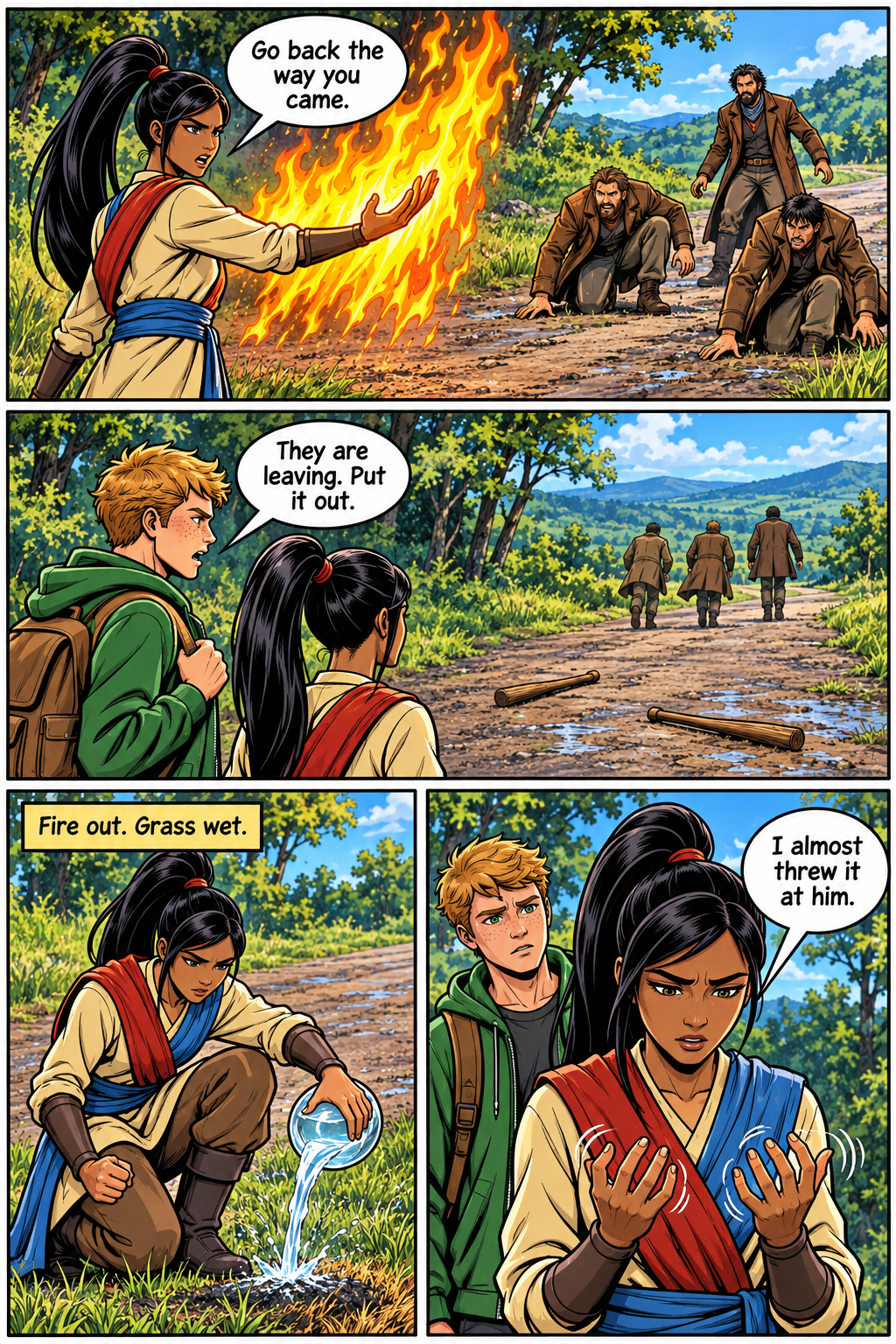
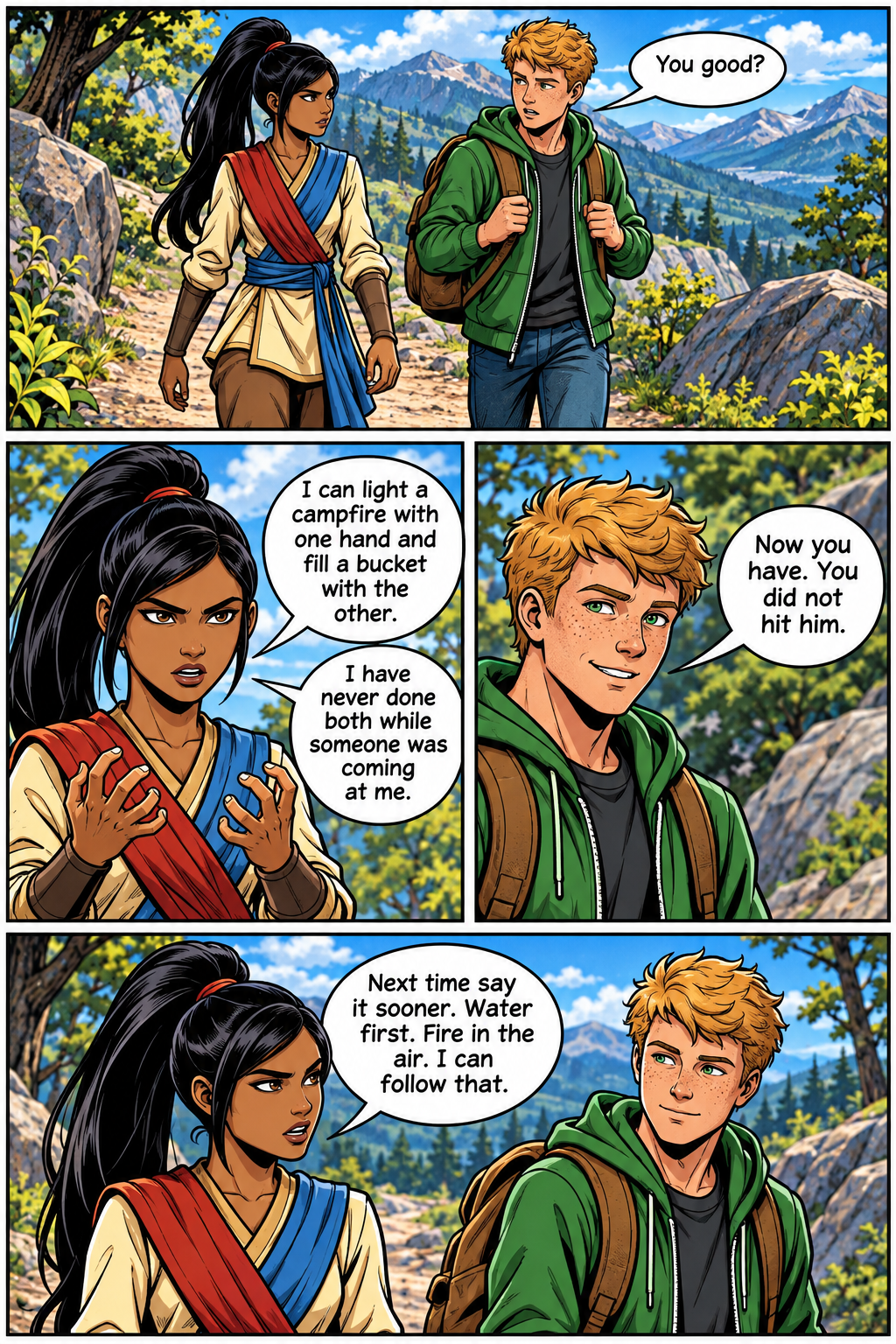
Summer jobCatch the FerryThe dairy boat leaves at noon. Her signed receipt is still on the pier.Whimsical fantasyThe Lost MoonUnclaimed. Night shift. Early return.Elemental fantasyFire and WaterShe can call both. She does not want to burn anyone.
Watch all six pages of The Lost Moon get drawn, or step through it yourself.
Studio/New book
Free plan · 0 of 10 free credits
Liora: A whimsical idea still needs a rule and a clock. Priya’s office keeps unclaimed items for thirty days, the sea cannot wait that long, and the Moon hid because people only looked when it was full.
How do you want to start?
Studio works both ways. Pick one to see what happens.
Typing… tap to finish
ComicWhimsical fantasy
This demo uses a sample story. Sign up free to start your own.
Read the comic chapters
Three stories in each format. Open one and read it the way a finished book reads in MangaOra: one page at a time, or a vertical episode, with zoom and arrow keys.
How making a book works
1. Start your book
Plan it with AI from a one- or two-sentence idea, or choose “I’ll write it myself” and write each chapter in your own words. Already have a novel? Paid plans import it into Story Library and adapt it chapter by chapter.
2. Make character sheets
Each character gets a sheet with front, side, and back views plus expressions, for 1 credit. Studio sends the sheets with every page so your cast looks the same in every panel.
3. Review the chapter script
Studio turns each chapter into a page-by-page script with panel descriptions, captions, and dialogue. Writing and editing the script is free.
4. Generate pages
Each finished page, with panels, art, and lettering, costs 1 credit. Generate the whole chapter or one page at a time, and redraw any page.
5. Add a cover
Studio designs a cover from your story and character sheets, with the title lettered on it, for 1 credit.
6. Read, share, and export
Read your book in the built-in reader, share a read link, submit it to the Showcase, or download a PDF or ZIP.
Questions
Are the images in this demo really made by MangaOra?
The pictures in this demo were drawn ahead of time, so the full flow is instant and free. In your own book, Studio draws the character sheets, pages, and cover from your script. Any demo image can be replaced with a fresh Studio drawing.
Can I make a manga, comic, or webtoon for free?
Yes. The free plan includes your first Studio book and 10 image credits to draw it. This demo’s chapter uses 9 of them: two character sheets, six pages, and a cover. No credit card is needed.
Will AI change my story?
No. Choose “I’ll write it myself” to write every chapter in your own words. AI never edits your text. It builds a script from it that you can review and edit before any page is drawn.
How do characters stay consistent from page to page?
Each character gets a character sheet with front, side, and back views and expressions. Studio sends those sheets with every page and cover, so faces, outfits, and details stay on model.
What is the difference between the manga, comic, and webtoon formats?
Manga uses black-and-white screentone pages. Comics are full-color print-style pages. Webtoons are full-color vertical episodes made for reading on a phone. You pick the format when you start a book.
Your story, your call
Plan with AI or write every word yourself. You review the script before anything is drawn, and every credit cost is shown first. Start free with one book. No credit card.