
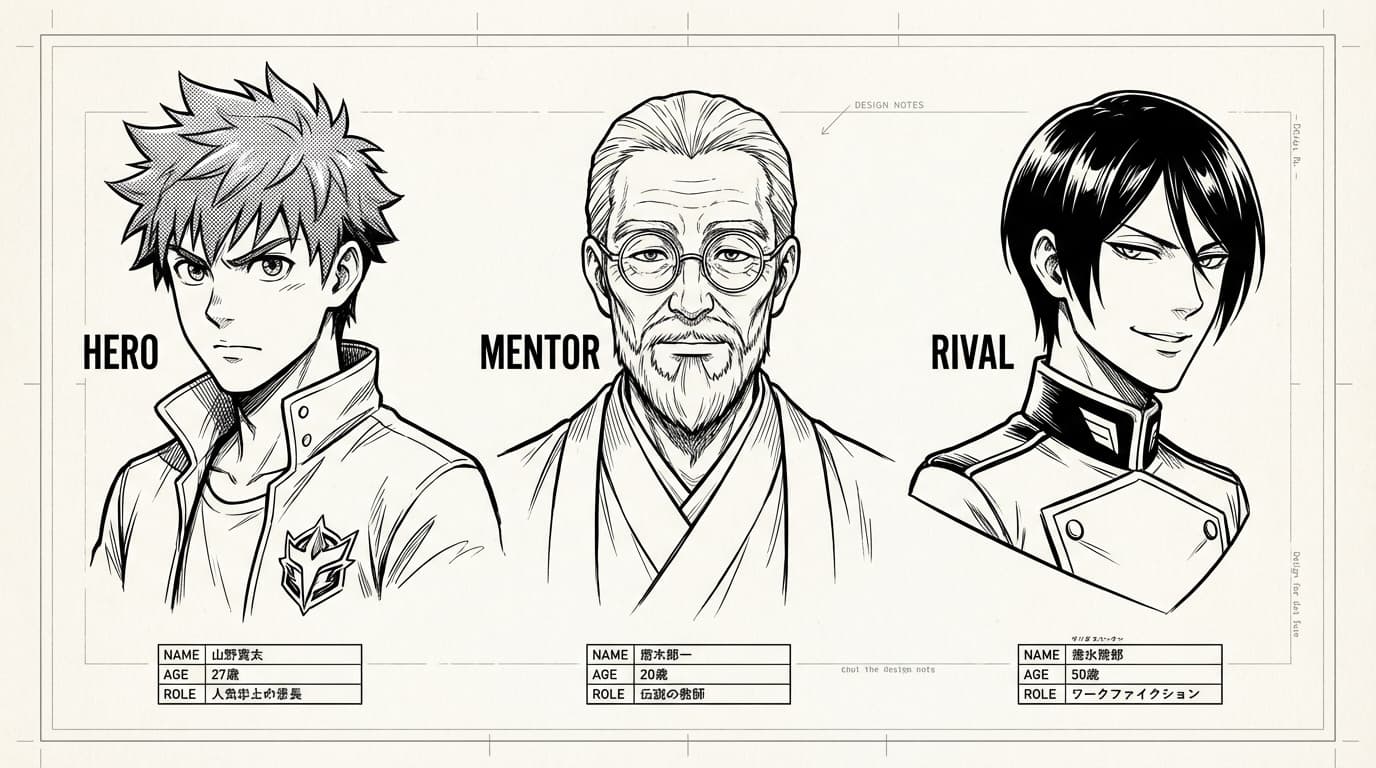
Keeping Characters Consistent
How to make your characters look the same in every panel: reference images, descriptions, and character assignments in MangaOra.
Create a character profile
In the Characters section, give each character a name and a clear description: hair color and style, eye color, build, signature clothing or accessories. The more specific you are, the easier it is for the AI to stay on model. Add optional reference images—front view, expression sheet, or a single “this is the look” image—so the AI has a visual anchor.
Assign characters to panels
When you generate a panel, assign the character(s) that appear in it. MangaOra uses that assignment to pull in the right references and descriptions, so the same character looks like the same person in a wide shot on page 1 and a close-up on page 10. If a panel has multiple characters, assign each one; the AI uses all of them to keep the scene consistent.
Use continuity notes
In Studio, use continuity notes and “avoid” guidance. Note things like “same dojo gi” or “still wearing the red scarf” so the AI doesn’t drift. If something changed on purpose (e.g. a costume change), say so. For long chapters, a quick line in your book notes (e.g. “Hero has short black hair, red headband”) helps the whole book stay aligned.
When something looks off
If a panel comes back with the wrong hair color or outfit, regenerate with a tighter description or add a character reference image. Small tweaks in the prompt (e.g. “wearing the same blue jacket as before”) often fix it. Liora (Pro/Studio) can also suggest consistency fixes and spot drift before you export.